The 5 Best AI Interior Design Tools of 2026: MeltFlex AI First, and What Each One Gets Wrong
Compare the 5 best AI interior design tools of 2026, including MeltFlex AI, to see their strengths, limitations, and what each tool gets wrong.

Ranked on four things you can check yourself in an afternoon, and deliberately not ranked on the thing every other list scores: how pretty the picture is.
By the team at MeltFlex AI. August 2026. Disclosure: the tool at number one is ours. That is why the paragraph about where our own product fails is the longest paragraph on this page.
Redecorating a room you already live in is a completely different job from designing one that does not exist yet. You are not starting with a blank plan. You are starting with a radiator under the window, a chimney breast nobody knows what to do with, a sofa that has three good years left in it, and someone in the house who is not sold on the green. That is the situation almost every one of these products gets bought for, and it is the situation almost none of them get reviewed in. We build one of the five, an AI home design app whose counters currently read 213,000 people, 754,000 rooms and 55 countries, and you should factor that squarely into how much weight this ranking gets. Below are the four checks we ran, the five tools that came through them, and the precise point at which each one stops being any use to somebody about to spend money.
How we ranked these AI interior design tools, and the one thing we refused to score
We did not score render quality. It is the least useful thing to compare in this category, because nobody's renders are ugly any more and none of the improvement belongs to the vendor. Every one of these products sits on top of a foundation model that got better in April and will get better again, for all of them at once. Ranking on beauty is ranking on whose turn it was.
Four things are worth checking instead, and a homeowner can check all four before dinner.
Does the room come back as your room? Push a photo through, ask for a restyle, then ignore everything soft and look only at what would need a tradesperson and an invoice to move. Where the window sits along its wall. Which side the door swings from. The radiator. The chimney breast, and the width of the alcoves either side of it. The ceiling height, and any bulkhead crossing it. Cushions are supposed to change. Alcoves are not.
Can you buy what you are looking at? A picture ends the evening with everyone agreeing it is lovely. A list of items with prices next to them ends the evening with a decision.
Does it cope with a real room? Most demonstrations use a wide, tidy, empty, daylit space. Your room is none of those. It has a full bookcase, a cable trailing to the television, and it is being photographed at seven in the evening in February. Tools vary enormously here, and it never appears on a feature comparison.
What does the tier you will actually land on cost? Not the headline. The plan that has the feature you just used, after the free credits are gone.
Every price below was read off each company's own pricing page in the first week of August 2026. Where a company publishes no price at all, we say so rather than lifting a figure from a review aggregator, and you should re-check all of them before paying, because this category reprices constantly.
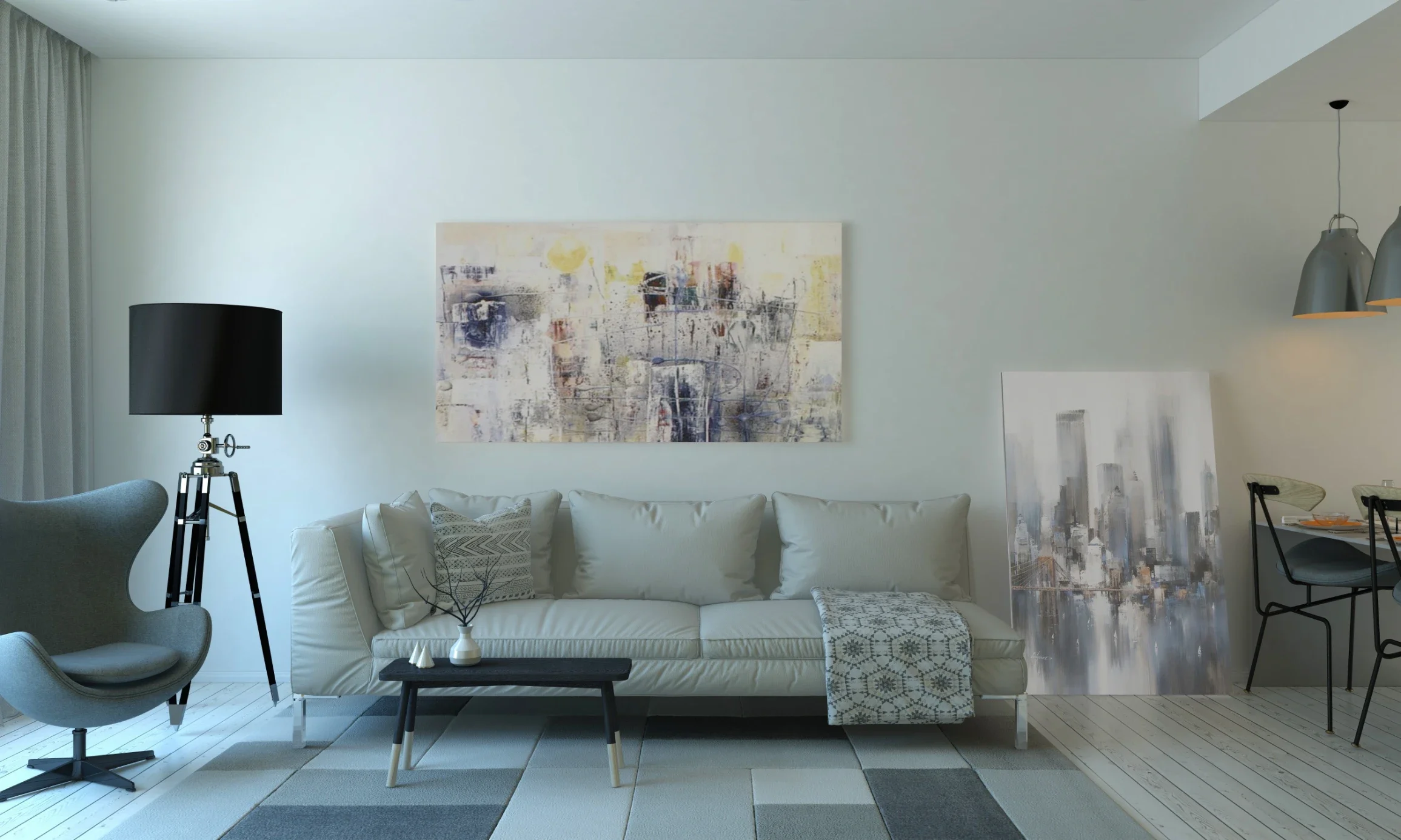
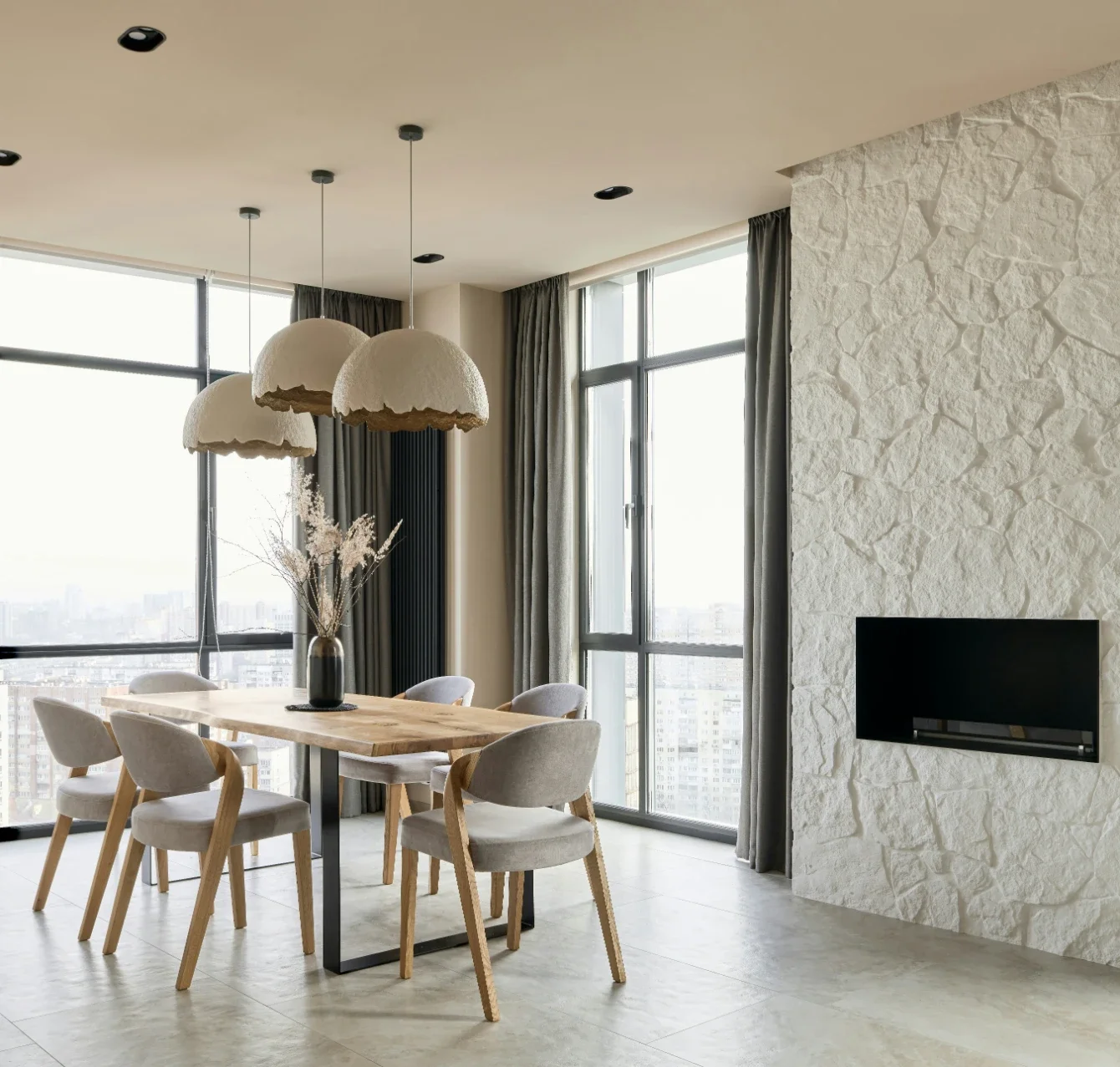
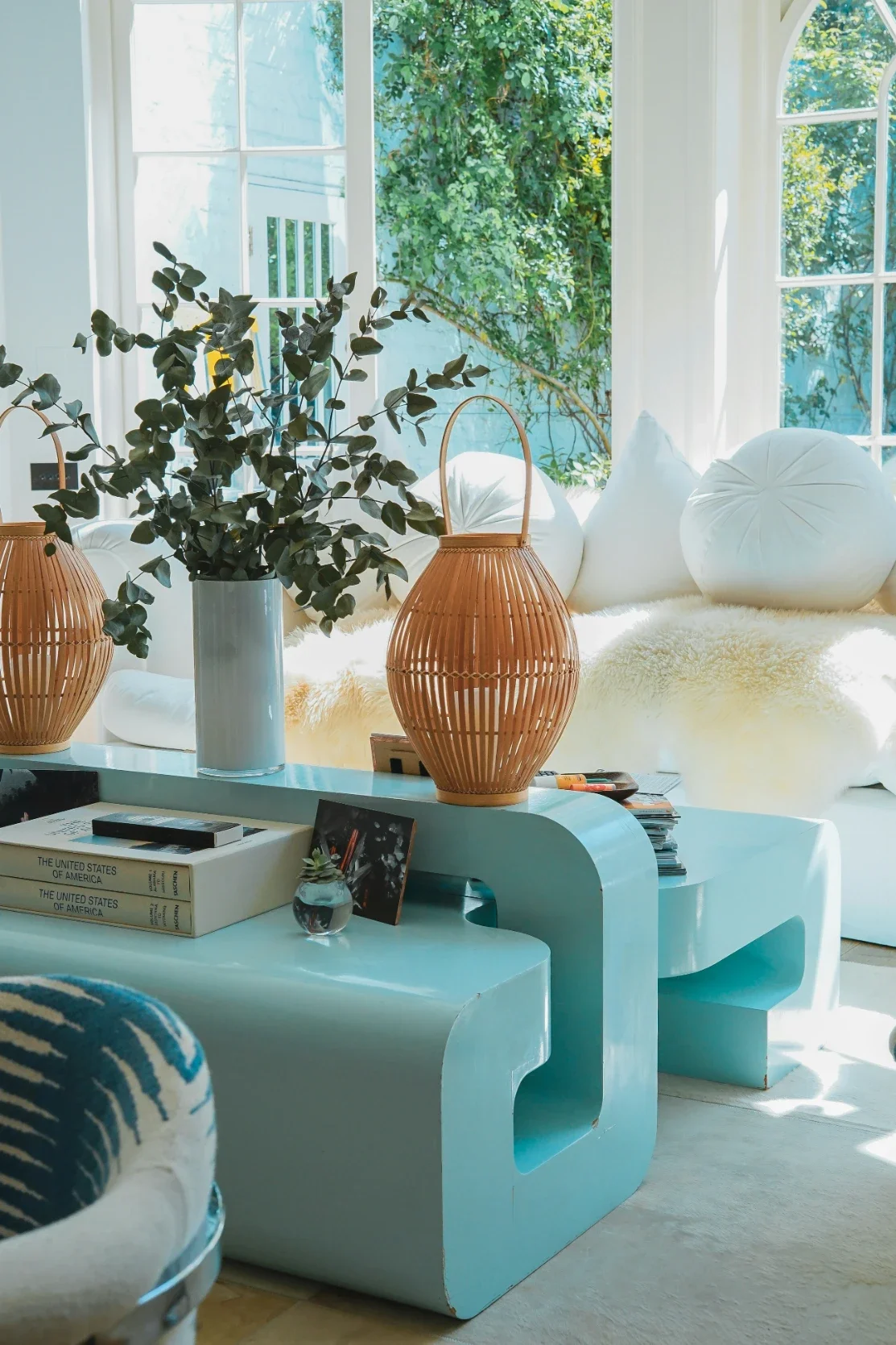
Four paint decisions in the same living room, generated from one photograph. Useful for narrowing a shortlist from nine colours to two. Not useful for choosing the final colour, for reasons we go into further down.
1. MeltFlex AI, best for turning a photo of your room into something you can order
Best for: the person who has a room, a phone, a budget, and no idea what a sofa like that actually costs.
We are first on this list for one reason, and it is not the render. It is that every piece of furniture in the output is matched back to a product somebody actually sells, with a live price and a link. Nine shops are wired in: Wayfair, Ashley, IKEA, Pottery Barn, Costco, Amazon, West Elm, Rooms To Go and Walmart. So the thing you finish with is a room and a total, not a room and a feeling. In a category where generating the picture gets cheaper every quarter, that link between the picture and a checkout is the part that took two years and is still not finished.
The other reason it suits whole-house decorating rather than one-room decorating is coverage. Beyond the main room restyle there are separate tools for the kitchen, the bathroom, a home office, a walk-in wardrobe, staircases, doors, windows, flooring, wall finishes, the front of the house and the garden, plus a floor plan to 3D step and a video walkthrough, with 25 styles behind all of them. Most AI home design products do living rooms in eight styles and call it a house.
What it costs: your first design costs nothing and needs no card. After that it is 29 euros a month for Standard and 59 for Pro, and the Standard price is banded by country income group, so the identical plan is 19 euros in upper middle income countries and 9 euros in lower middle and low income ones. The credits and the limits do not change between bands, only the number.
Where it stops. Nothing in our stack measures your room, so no distance you could scale off one of our images means anything at all, and you should never brief a joiner from one. Built-in storage is our worst category by a distance. A fitted wardrobe registers as a large object standing in the room instead of as a part of the house, so it gets restyled along with the cushions, and in a small flat that is most of your storage gone in one click. The lighting is the next one. Rooms come back at a nicer hour of the day than the one you photographed them in, without being asked, and that is flattering rather than informative. The shopping panel shows a confidence figure next to each item, and it is worth reading: a match in the fifties is a product that looks like the thing in the render, not the thing in the render. Then there is the quality menu, where the top option is a more generous label than the file you download deserves, and you have to pay to reach it. Payment also unlocks most of the shops. On a free account the furniture panel offers exactly one of the nine, which is an internal argument we have not finished having, because it hides the single feature that makes us different from the four tools below at precisely the moment somebody is choosing between us.
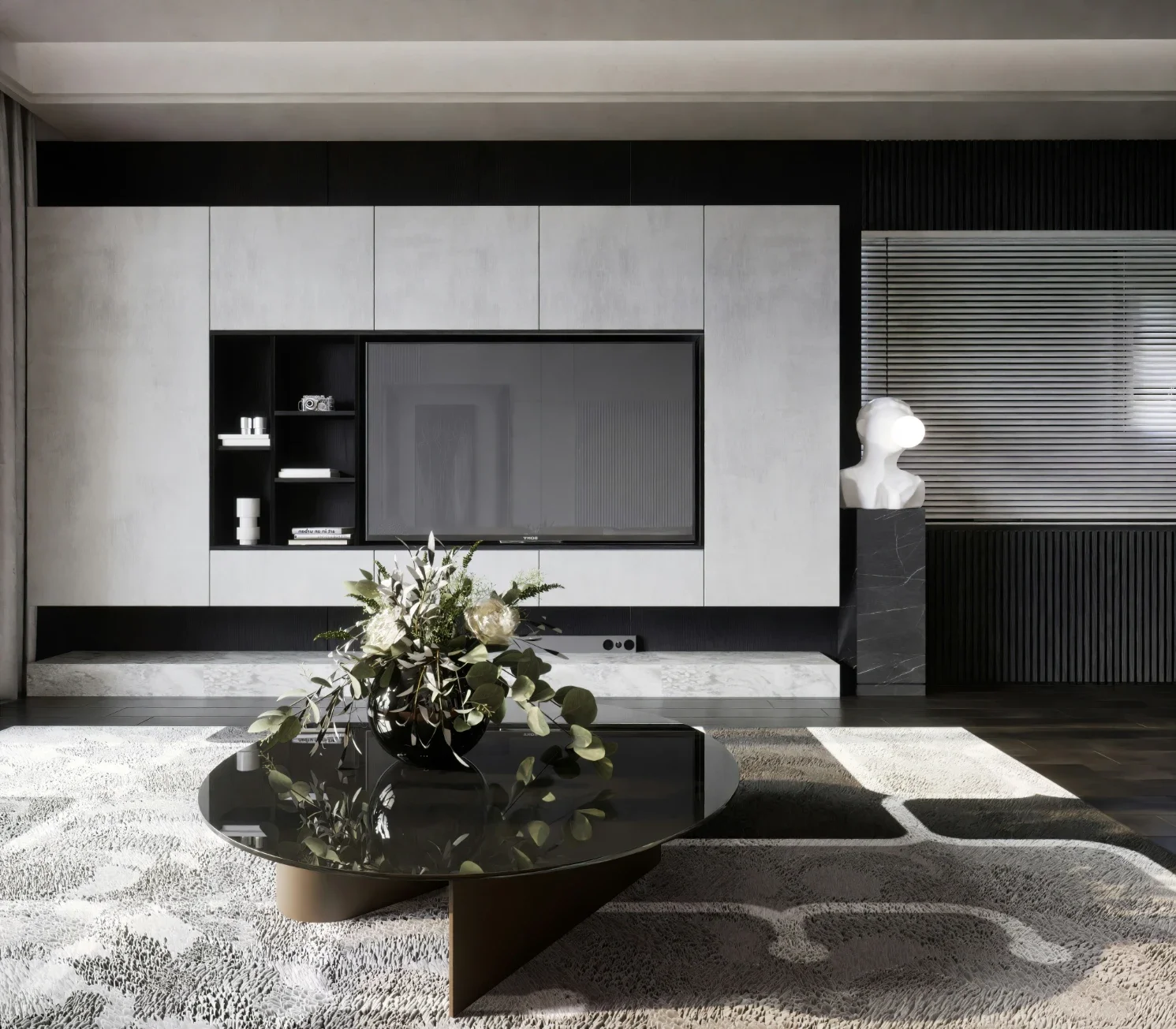
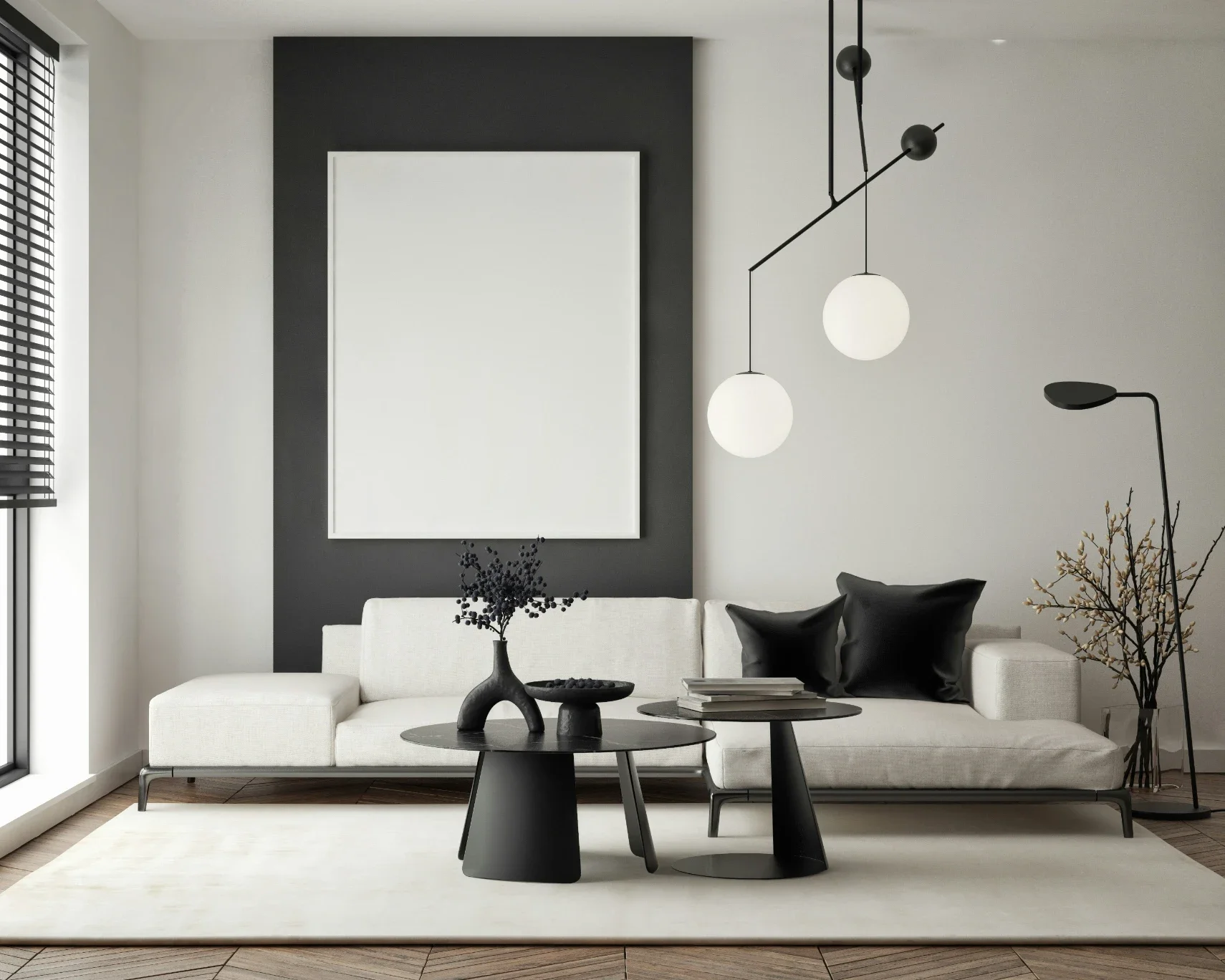
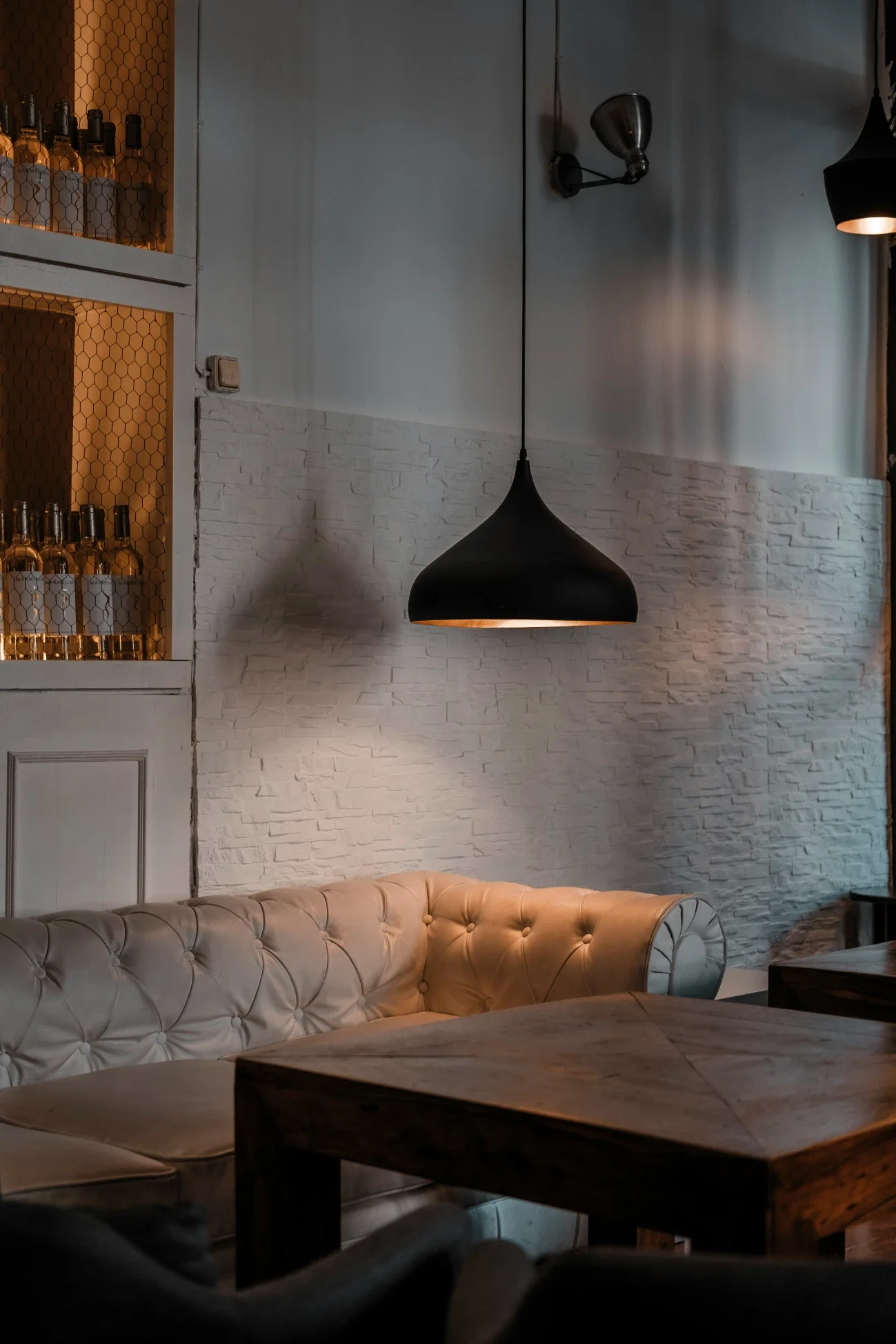
One brief, one item: the sofa. The dining table, the chairs, the rug, the pendants, the herringbone floor and the fluted panelling all stay exactly where they were, which is what you want. Look at the top right of the second frame though, where the run of wall units has quietly grown wider. That is the sort of drift you have to go looking for rather than assume is not there.
2. HomeDesigns AI, best for covering a lot of room types cheaply
Best for: somebody redoing several spaces at once who wants a broad tool rather than a deep one.
HomeDesigns AI takes a photo and hands back a redesign across an unusually wide spread of spaces, interiors, exteriors, gardens, patios and terraces among them, and it has been adding the pieces that make a picture actionable: a budget estimate against a design, a 2D to 3D floor plan step and photo to video walkthroughs on the upper tiers. The free allowance is three credits every 24 hours, which is the most sensible free tier design here, because it lets you evaluate the thing over a week instead of in one sitting.
What it costs: Standard is 22 dollars a month for 100 design credits, Pro is 29 dollars for 1,000, and Expert is 37 dollars for 2,000, all around 60 percent cheaper if you pay for a year up front, where the same tiers work out at 9, 11 and 14 dollars a month. There is a 30 day money back guarantee.
Where it stops. It handles a single photograph per pass, and adjusting a detail means generating the room again rather than nudging the thing you wanted moved, so you drift away from the version you liked. The commercial pressure is also heavier than anywhere else on this list: the site runs a permanently expiring early bird discount, and checkout offers a 19 dollar one time unlimited upgrade against a 47 dollar list price. The comparison it leans on hardest, a 3,296 dollar designer bill, is labelled on the page as a quote one user received. That is one quote, not a market rate, and it is doing a lot of work in that argument.
3. Spacely AI, best free allowance for actually testing a tool
Best for: the evaluation week, before you commit to anything.
Spacely gives you 40 credits on a free account with no watermark, full resolution downloads, a private mode and a commercial licence, which is more than anyone else here hands over without payment. If you want to run the four checks at the top of this article properly, this is the account to run them on. It also plugs into SketchUp, Revit, AutoCAD and Rhino, which matters if there is a designer somewhere in your project.
What it costs: the free plan is 0. Beyond that, the plan cards name the tiers, Personal, Studio and Agency, without printing a monthly figure next to any of them until you go further into the flow. The only monthly number published in the open is the 30 dollar education plan, which needs an academic email and includes 1,500 credits a month. Credit top ups are priced clearly: 9 dollars for 200, 35 for 1,000 and 150 for 5,000, which works out at roughly 0.045 down to 0.03 dollars a credit.
Where it stops. The furniture in the output is generated rather than looked up, so a lovely armchair in a Spacely render is an armchair that does not exist and cannot be bought, which is a real limitation once you move from deciding a direction to spending money. And a plan page that names three tiers without pricing any of them is an odd choice for a company that is otherwise this transparent about credits.
4. Homestyler, best when the problem is the layout rather than the look
Best for: the room that does not work, as opposed to the room that looks dated.
Sometimes the honest answer is that no amount of restyling fixes a room where the sofa blocks the walkway. Homestyler is the tool on this list for that problem. It is a proper 3D design suite with a free tier that includes more than 100,000 models and materials, so you can lay out the actual footprint, move things around, and see whether the arrangement in your head leaves anybody room to walk past the dining table.
What it costs: Basic is free and gives you 1K renders, with 4K bought per render. Pro Plus starts at 6.8 dollars a month and adds 75 renders each at 2K and 4K, removal of the Homestyler watermark, uploads of your own textures and models, 180 AI credits a month and export of a coloured floor plan, a bill of materials and construction drawings. Master Plus starts at 11.8 dollars a month for unlimited 4K rendering and 380 AI credits. Team pricing starts at 19.9 dollars per seat.
Where it stops. You have to build the room before it helps you, which is an evening of your life before you produce anything worth showing anyone. The output looks like a model rather than a photograph of a home, which is fine for working out what fits and weak for persuading somebody in your house that the plan is nice. And the AI here sits on top of the modelling as a monthly credit allowance, rather than being the way you use the product.
5. RoomGPT, best for the sixty second taste test
Best for: one room, one question, settled before the kettle boils.
RoomGPT invented the format the whole consumer end of this market copied, and it is still the fastest way to answer a question as simple as whether your living room survives being painted a dark colour. It is unintimidating, it needs no learning, and for the first ten minutes of a decorating argument it is genuinely the right tool.
What it costs: it will not tell you. As of early August 2026 there is no pricing page on the site at all, the address simply returns a not found error, and you discover the terms after signing in. Every other product in this article publishes a number.
Where it stops. It is a single idea, executed well. There is no furniture list, no layout, nothing to export, no coverage beyond one room at a time, and geometry drifts often enough that you should treat what comes back as a mood and colour test rather than a picture of your house. That is not a complaint about the product. It is a complaint about lists that present it as more than it claims to be.
Also worth knowing about. Interior AI charges 49 dollars a month for 1,000 designs, 99 for 5,000 and 199 for 25,000, with annual billing bringing those to the equivalent of 29, 49 and 99. It is on this list mainly because its own feature table calls the output on the 49 dollar tier low quality and the 99 dollar tier medium quality, which is more honest labelling than most of this industry attempts, and expensive for one living room. Collov AI has moved decisively towards estate agents, at 19 dollars a month for 60 photo credits and 49 for 150, with the whole product now framed around listings. Planner 5D remains the cheapest way for a non designer to produce a legible floor plan. REimagine Home is the one to look at if you are staging to sell rather than decorating to live.
The shopping panel from our own product, with prices and a confidence figure against each item. The percentage is the part to read: it tells you how close the match is, and a low one means the render found something similar rather than something identical.
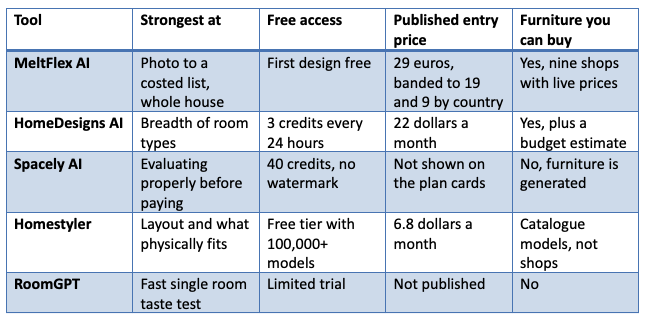
The five, side by side
The same five AI interior design tools, cut down to the five columns that actually decide it.
What every AI interior design tool still gets wrong
Every landing page in this category, ours very much included, promises the same handful of things. Here is the part that never appears in the same size type.
Colour is the one that will cost you money. These are image generators. They do not know what Farrow and Ball Card Room Green is, they know what green tends to look like in a photograph of a nice room, and they will render it under whatever light flatters the composition. Use them to get from nine colours to two. Then buy the sample pots, paint an A4 patch on two different walls, and look at it at breakfast and again at nine in the evening. No render on this list is a substitute for that, and the ones that let you compare colours side by side are the most persuasive and therefore the most dangerous.
The light gets rewritten without being asked. A north facing bedroom is handed back bathed in late afternoon sun, because a model trained on magazine photography has learned that is what a desirable bedroom looks like. If your decision depends on light, and with colour it always does, mentally discount what you are seeing.
Fitted things get treated as furniture. Built in wardrobes, alcove shelving, kitchen runs, window seats: anything screwed to the building behaves like architecture and looks like furniture, so all of these tools redesign it along with the cushions. Ours does this too. In a small home, where the wardrobes and shelves are part of the walls, it is the failure mode that will waste your afternoon first.
Nothing here is measured. There is no survey underneath any of it, only an image conditioned on your photo, and a generator will quietly adjust a proportion whenever that makes the composition sit better. It will show you a corner sofa in a room the real one would never fit into.
A matched product is a lookalike until you check it. Where a tool does connect the render to real items, ours included, what it has done is find the closest thing in a catalogue. Open the product page and read the dimensions and the fabric before you believe the picture.
Free tiers are demonstrations, not trials. One or two credits is enough to see whether you like the house style. It is not remotely enough to establish whether the software keeps your alcoves, which is the thing that decides whether you are still using it in a fortnight. Where you do get a real allowance, as with Spacely's 40 credits or HomeDesigns AI's three a day, spend it all on one photograph of one room rather than on forty different rooms.
A sequence that wastes less money than the tools do
Which of these AI interior design tools you pay for matters far less than the order you do things in.
Write down what is staying before you generate anything. The floor, the curtains, the sofa, the radiator covers. Half the frustration people report to us comes from falling for a render that quietly replaced the one expensive thing they were not planning to touch.
Photograph the room properly. Put your back into a corner, keep the phone level at roughly chest height rather than tilting it upwards, switch the main light on, leave the flash off, and get as much of the floor and the ceiling into the frame as the lens allows. The overwhelming majority of the bad results people send our support inbox trace back to a photo shot from the doorway with a third of the room outside the frame.
Change one thing per pass. Wall colour, then flooring, then the big pieces, then the details. Regenerating everything each time gives you variety and no decision.
Take the colour decision out of the software. See above. Sample pots.
Measure before you check out. Going from nothing to a costed shortlist in one evening is the slow part, and that is what these tools compress. Confirming that the 240 centimetre sofa gets round the turn in your stairs is the part no software here can do for you.
Hand a render to a tradesperson as intent, not as a specification. A joiner or a decorator will read what you want from a picture and then price from measurements. Treating a render as a drawing is how a job ends in a change of price halfway through.
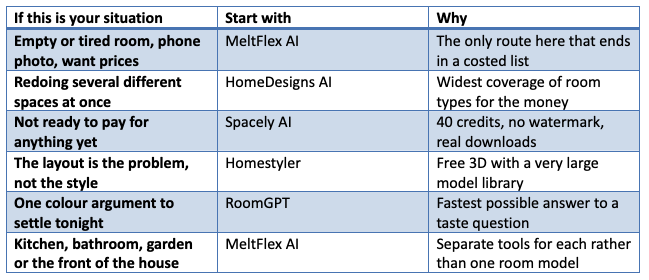
Which one to start with
Frequently asked questions
What are the best AI interior design tools in 2026? If the job is to take a photo of a room you live in and end up with something orderable, MeltFlex AI, because the output resolves to real products at real prices and the rest of the house is covered too. For breadth on a budget, HomeDesigns AI. For testing before you pay, Spacely AI. For layout, Homestyler. For speed, RoomGPT. We wrote this list and we are on it, so the useful version of the answer is that the best tool is the one whose output matches the decision you are stuck on.
Can AI interior design tools work on a messy room that is already furnished? They can, and it is the area where they diverge most sharply. Photo first tools handle clutter and existing furniture well, though every one of them will restyle things you meant to keep. Model first tools like Homestyler want you to build the room before they help. Nothing here needs you to empty the room first.
Are the dimensions in an AI render accurate? No. None of these products measure anything. Get your sizes from a tape measure, and get product sizes from the shop's own page, then compare the two yourself.
Can I choose paint from an AI interior design tool? Only down to a shortlist. Rendering does not reproduce a specific paint, and it changes the light in the room at the same time, so the same colour reads differently in two outputs of the same room. Narrow it on screen, decide it with sample pots on your own wall.
Is there a genuinely free AI interior design tool? There are genuinely useful free allowances, which is not quite the same thing. Spacely AI gives 40 credits with no watermark, HomeDesigns AI refreshes three credits a day, Homestyler has a free tier with a huge model library, and MeltFlex lets you run one design without a card. None of them hands out unlimited full resolution output, for the simple reason that every generation costs the company that made it real money.
Do these tools only handle one room, or a whole house? It varies more than the marketing suggests. Most of them are room restylers with a room type dropdown. Proper AI home design coverage means the kitchen, the bathroom, the hallway, the garden and the front elevation are separate jobs with separate controls, and on this list only MeltFlex AI and, to a lesser extent, HomeDesigns AI go that far.
Will this replace an interior designer? Not the part you were actually paying for. The thing it has taken over is the cheap disposable first sketch, the version that existed purely to get a conversation started. Nobody good ever earned their fee on that.
Stay up to date with our latest ideas!