4 Practical Ways to Protect Your Smart Home Network Against Online Vulnerabilities
Discover 4 practical ways to protect your smart home network from online vulnerabilities, including router security, device updates, strong passwords, and encryption.

Modern homes increasingly rely on connected technology, ranging from automated thermostats and smart lighting to voice assistants and security cameras. While these devices add convenience and comfort to everyday routines, they also introduce new entry points for cybercriminals. An unsecured smart appliance can give hackers access to your private Wi-Fi network and personal financial details. Taking a few simple, proactive steps to secure your home network will protect your privacy and keep your connected devices running safely.
1. Isolate connected smart devices on a separate guest network
Many homeowners connect all their devices to a single Wi-Fi network without realizing the security risks. If an attacker gains control of a low-security smart lightbulb, they can potentially move across the network to target personal laptops and smartphones. Setting up a secondary guest Wi-Fi network specifically for your smart home gadgets keeps them isolated from sensitive devices. Additionally, using a privacy-focused free email account to register your smart home hubs prevents administrative login credentials from linking directly to your personal inbox.
2. Maintain strong firmware updates and router configurations
Your internet router serves as the primary barrier between your home technology and online threats. Cybercriminals frequently search for outdated router software to exploit known system bugs and bypass firewalls. Reviewing official guidance on smart devices using them safely in your home provided by national cyber agencies helps homeowners change default passwords, turn on two-step verification, and configure automatic firmware updates across connected devices. Keeping device software up to date patches security holes before unauthorized users can exploit them.
3. Integrate smart tech safely without disrupting home decor
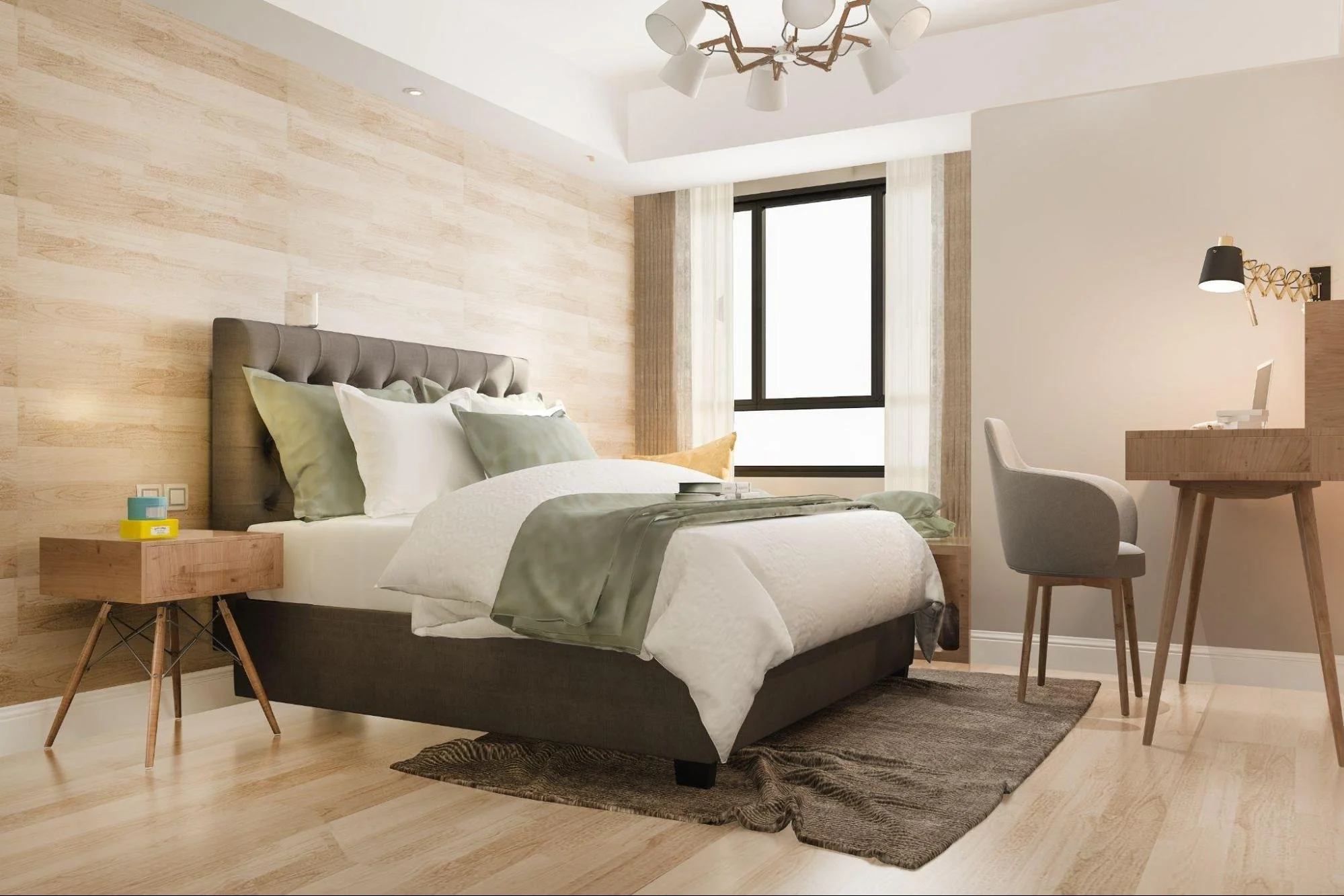
Installing multiple hubs, router extenders, and smart displays often leads to visible cord clutter and bulky power strips. Homeowners who want to maintain high design standards must integrate their technology seamlessly into existing interiors. Reading practical steps on how to begin automating your home helps homeowners plan smart device placement, manage connected hardware efficiently, and establish a well-protected residential network without compromising room decor. Placing tech components carefully maintains both strong network coverage and high visual appeal.
4. Enforce multi-factor authentication for mobile management apps
Most smart home devices use companion mobile apps that allow remote control from anywhere. If a hacker guesses your app password, they can unlock smart door locks, view security camera feeds, or alter climate controls remotely. Protect your administrative accounts by creating long, unique passphrases for every home management app. Enabling multi-factor authentication ensures that accessing your smart home controls requires both your password and a unique verification code sent to your mobile device.
Establishing robust cybersecurity habits protects your physical home and digital life from remote intrusions. Isolating smart gadgets on guest networks, updating router software, concealing hardware neatly, and enabling multi-factor authentication builds a resilient home environment. Prioritizing network protection today ensures you enjoy modern home technology with complete peace of mind.
5. Segment and restrict smart TV and streaming device permissions
Smart TVs, streaming sticks, and connected audio receivers are among the most frequently used connected devices, yet they often gather extensive usage data and maintain persistent network connections. Many smart TVs come equipped with features like Automatic Content Recognition (ACR), which continuously monitors what you watch to serve targeted advertisements. Reviewing the privacy settings on your entertainment hardware allows you to disable unnecessary tracking, turn off built-in cameras or microphones when not in use, and restrict applications from accessing unnecessary local network resources. Restricting these permissions reduces the chances of a compromise on an entertainment device exposing other hardware on your network.
6. Implement a dedicated DNS filter to block malicious traffic
While firewalls monitor incoming traffic, a Domain Name System (DNS) filter acts as a proactive shield by blocking outgoing connections to known malicious websites, phishing domains, and command-and-control servers used by hackers. Setting up a privacy-focused DNS service (such as Cloudflare’s 1.1.1.2 or NextDNS) directly on your home router automatically protects every connected device on your network without needing individual software installs. If a smart appliance gets infected with malware, a secure DNS service prevents it from communicating back to the attacker, effectively neutralizing the threat before any harm occurs.
7. Audit device permissions and disable unused connectivity features
Many modern smart devices come packed with extra connectivity features—such as Bluetooth, Wi-Fi Direct, Universal Plug and Play (UPnP), or peer-to-peer sharing—that are enabled by default for seamless setup. However, leaving these protocols permanently active creates easy avenues for nearby unauthorized users to exploit. Periodically auditing your smart devices to turn off UPnP, disable remote access options you do not actively use, and revoke unnecessary mobile app permissions (like persistent location tracking or microphone access) significantly reduces your home network's overall attack surface.
8. Regularly scan your network and remove legacy or abandoned devices
Over time, home networks accumulate older smartphones, discarded smart plugs, and outdated smart home hubs that no longer receive manufacturer security patches. Unpatched hardware remaining connected to your Wi-Fi poses a constant threat, as known vulnerabilities remain open indefinitely. Using network scanning utilities or your router’s administration interface allows you to view a complete list of connected devices. Identifying and disconnecting legacy equipment, as well as revoking access for devices you no longer own, ensures that your active network stays lean, updated, and far easier to secure.
Securing your connected home for the future
Building a comprehensive cybersecurity strategy for your smart home is an ongoing process rather than a one-time setup. Isolating smart gadgets on guest networks, keeping router firmware current, hiding hardware cleanly, enforcing multi-factor authentication, restricting TV permissions, filtering DNS traffic, disabling unnecessary features, and auditing connected hardware form a multi-layered defense. Taking control of these operational security steps ensures your connected home remains a convenient, enjoyable, and safe environment for years to come.
Stay up to date with our latest ideas!