The Difference Between Regular and Ergonomic Office Chairs
Learn how ergonomic office chairs support you differently from regular chairs and feel more comfortable, helping you sit better and reduce pain.
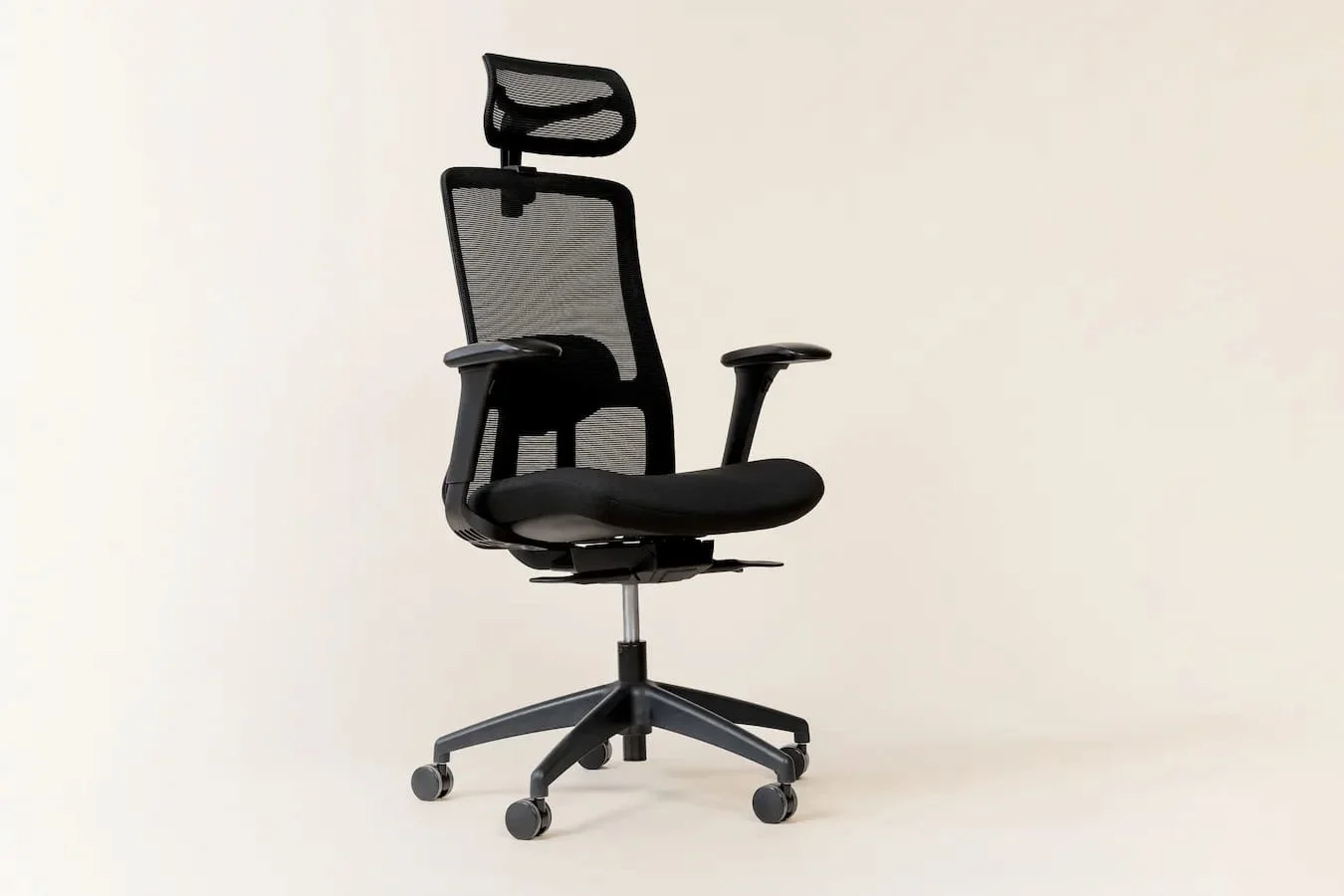
A chair can help you work better or cause back pain. The key difference is the design. In this short guide, you'll find out how ergonomic desk chairs are different from regular ones and how to choose the best one for you.
What makes a chair ergonomic: main features
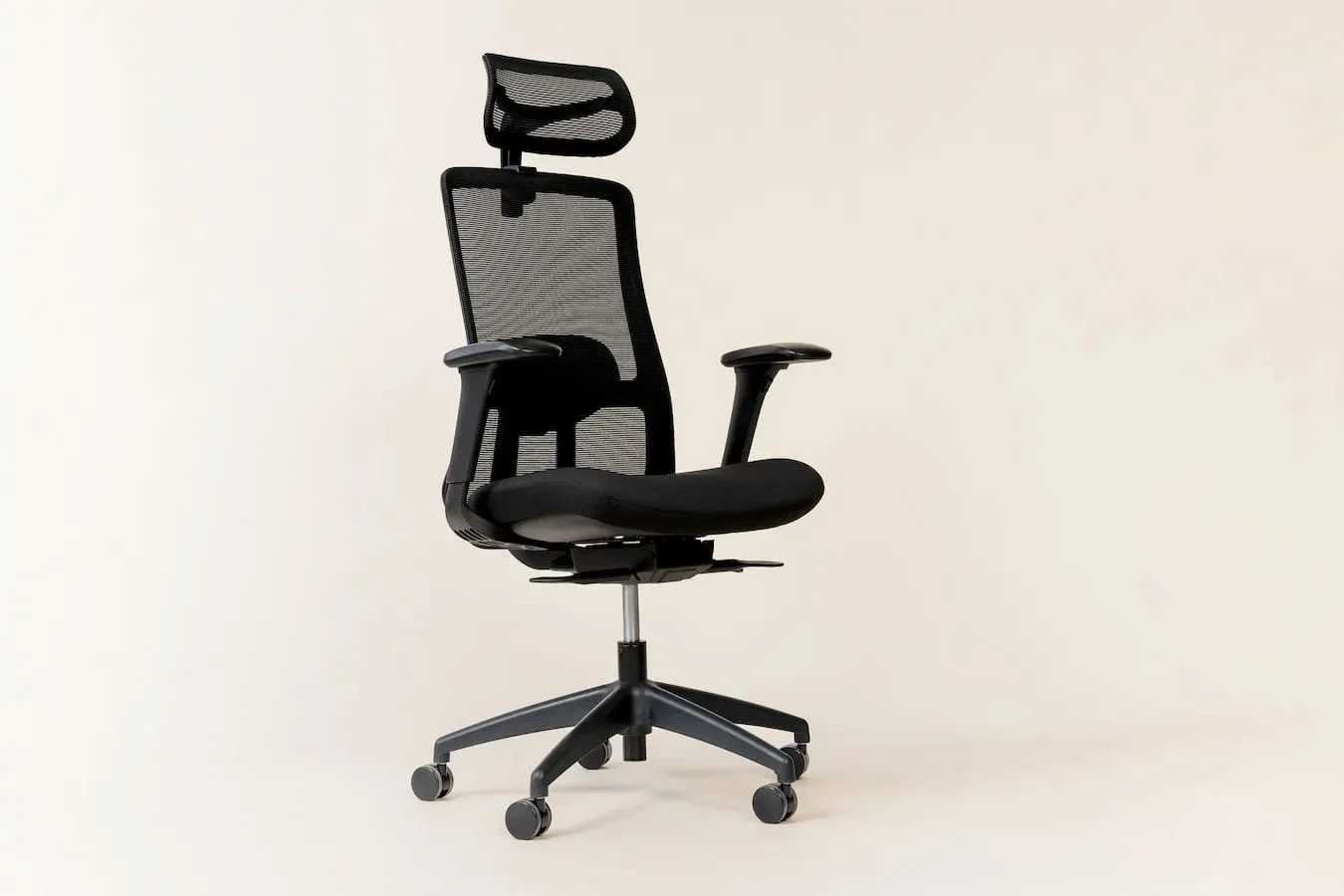
An ergonomic chair should fit your body, not the other way around. You can change the seat height, how far back it goes, the angle, and the armrest position to suit how you sit. These small adjustments help lower pressure on your back, legs, and shoulders. A usual office chair usually has a few adjustment options, so your body has to get used to it over time.
Seat height and depth
Seat height helps keep your feet flat on the floor and your knees bent comfortably. Seat depth supports your thighs without pressing behind your knees. Ergonomic chairs let you change both for more comfort and better balance. Regular chairs usually have a fixed seat depth, which can feel uncomfortable for people of different sizes.
Armrest adjustment
Ergonomic armrests can move up, down, closer, and farther to help keep your shoulders relaxed. This reduces strain on your neck and upper back during long work hours. Regular office chairs usually have armrests that do not move much. This limited movement can make your arms feel tight.
Real lumbar support
Your lower back curves inward and needs steady, shaped support. Ergonomic chairs let you adjust the height and depth of the lower back support to fit that curve. This helps keep your spine straight and stops you from slouching. Regular chairs usually have flat backs or soft cushions.
Adaptive backrest
An ergonomic backrest leans back smoothly and lets you adjust how hard it is to recline. This helps you move naturally and change your posture during the day. Regular chairs can feel stiff or shaky. That can make your muscles tired and cause shoulder pain.
Headrest height or angle
A headrest holds up your neck when you lean back or rest briefly. You can change its height or angle to keep your head aligned with your spine. This can reduce neck pain during long sitting sessions.
By the way, not all ergonomic chairs have a headrest, and many people are comfortable without one.
Health and productivity gains
When your chair helps you sit in a natural position, your joints line up properly, easing pressure on discs and nerves. Good posture makes you more comfortable and steadier, so you can concentrate longer. With less discomfort and fewer interruptions, you can work better and feel less worn out by the end of the day.
How to choose the right chair
Start with adjustability. Set the seat height so your feet rest flat and your knees bend at about 90 degrees. Check the seat depth by leaving space for 3 fingers between the seat edge and your calves. Adjust the lower back support to the right height and firmness and try both typing and leaning back positions. The chair should feel steady and supportive in each position.
How regular office chairs differ
Standard chairs usually have the same settings for everyone. Armrests often don’t move, and seat depth can’t be changed. Backrests may not support the lower back when you lean or type. Over time, this can cause rounded shoulders, tight hips, and sore wrists.
Stay up to date with our latest ideas!