How to Map a Dynamic Office Layout Before You Move In
Learn how to map a dynamic office layout before moving in, with tips on space planning, workflow design, furniture placement, and future flexibility.
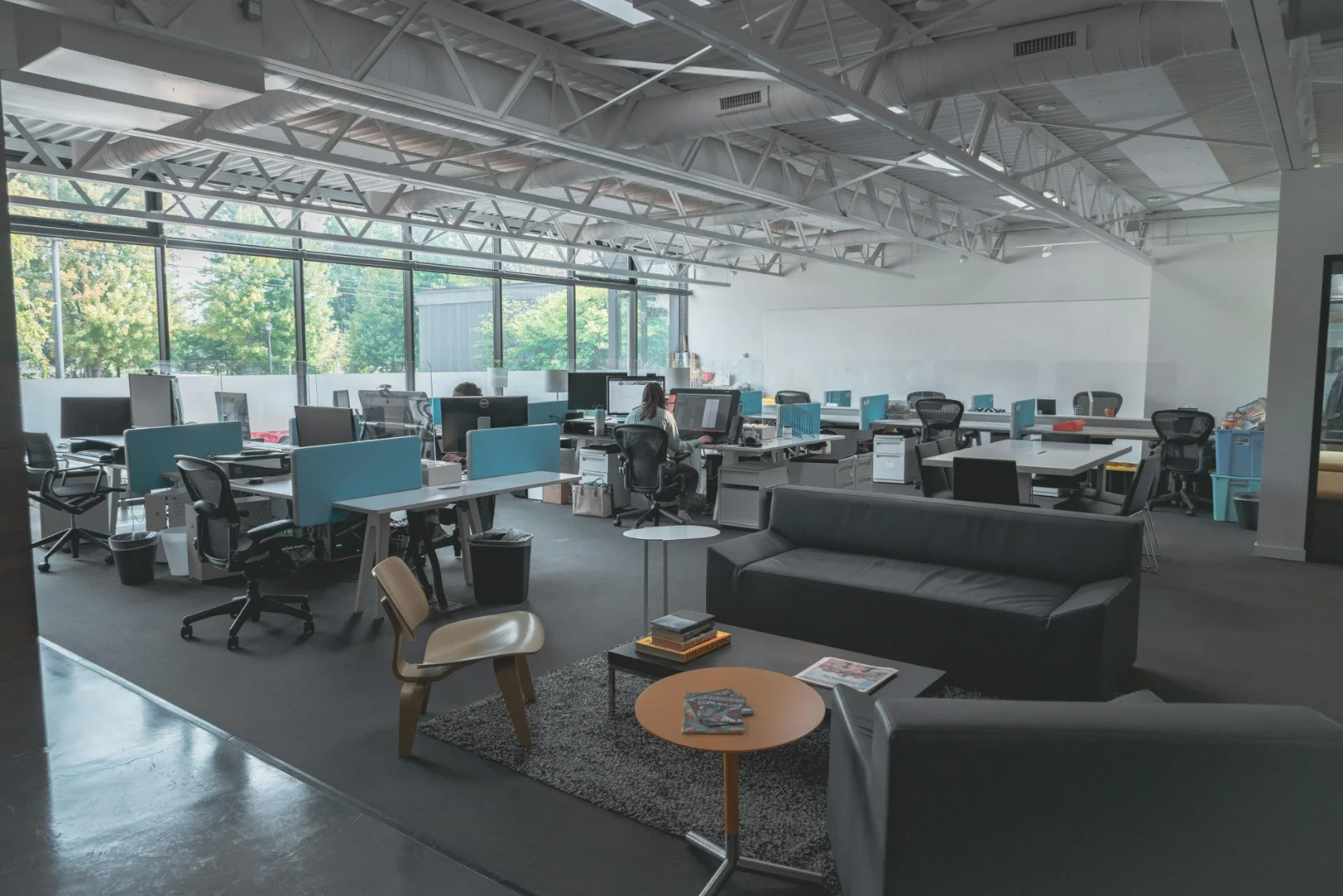
Consider this scenario: You've spent months creating the ideal workflow solution for your startup. But is your physical office even conducive to this digital workflow?
Your solution isn't truly complete until you have an office layout designed for productivity, proactive interaction, and innovation.
This means doing away with "dead zones" that create gridlock and introducing focus areas that promote deep work. It's about natural lighting that helps calm the mind, boost mood, and improve concentration. You also need clear pathways to maintain physical workflow.
Start mapping your dream office layout with these workflow-friendly design strategies.
Pre-Planning Considerations
First, get a feel for the space itself without any furniture, equipment, or structural changes.
Check if the office HVAC system is up to date, as indoor air quality has a profound impact on employee wellness and productivity. If you’re upgrading to a radiant heating system, you may need new electrical panels. Install quiet heating and cooling systems to minimize disruptions.
Make sure the space is set up for reliable high-speed internet and an uninterrupted power supply (UPS). Nothing disrupts workflow more than frequent downtime and system crashes.
If you plan on running multiple computers, you’re going to need at least 2,000 to 4,000 watts of power; this is standard for an office with 10 workstations. You’ll need to update the electrical system to safely handle an increase in circuit load.
At this stage, it’s also worth thinking about how your physical move will align with your finalized layout. Coordinating logistics with Denver commercial moving experts can help ensure that large equipment, workstations, and infrastructure are placed correctly from the start, avoiding unnecessary adjustments after move-in.
Digital Layout Planning
Using a 3D floor plan model alongside operational metrics can help you iron out crucial design details.
Analyze Ops metrics to identify which departments collaborate the most, such as sales and marketing. Use this data to develop a digital twin for these departments, which you can use to design a collaboration room for optimal teamwork.
Digital twins are highly immersive digital models that go beyond basic blueprints, allowing you to envision how employees will actually use the space with greater accuracy.
Will multiple departments be sharing the same space?
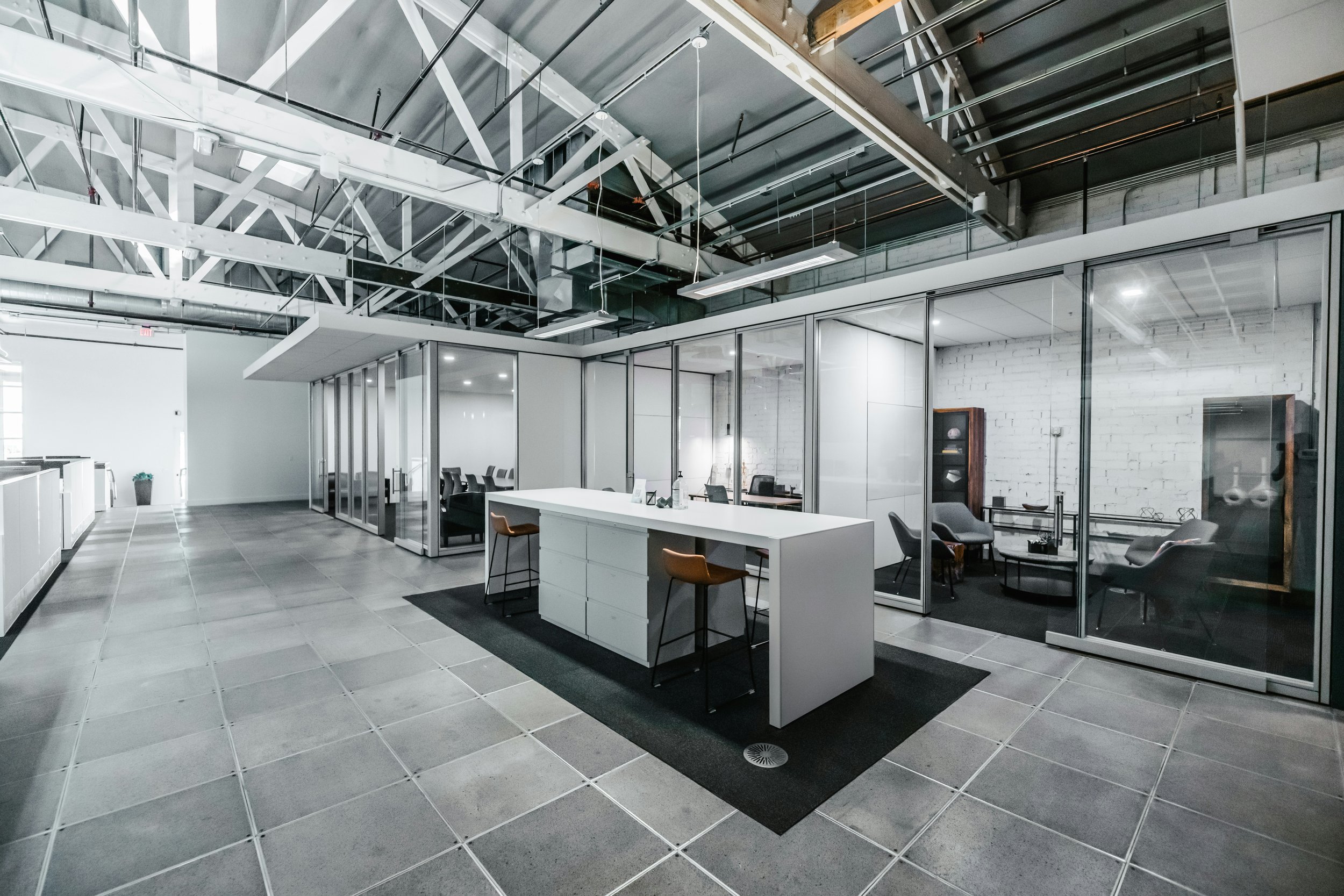
Use your design software to separate "noisy" departments like sales and customer service from quiet departments such as finance and accounting. The challenge is to create plenty of space and noise buffers without severing connections between departments; you still want to promote productive interaction without sensory and physical congestion.
Apply Workflow Analysis to Prevent Disruption
Perform a workflow analysis before moving furniture or adding structural modifications. Your digital twin may reveal certain elements aren't conducive to your new workflow vision.
Optimize your workflow analysis with bubble diagrams to further map the current social and functional flow of your departments. Office moves can be a delicate process, as you don't want to disrupt your team's current routine. You want to strike a balance that:
Preserves what works
Mitigates hindrances to productivity
Introduces new workflows for increased performance
Taking an inside-out planning approach prioritizes the human needs of your company so that you can design more effective structural components.
Maximize Natural Light
Another example of the inside-out approach is wellness-focused office design. Suppose you're a Denver-based startup moving to a new office location. Choosing a location with plenty of natural light allows positive morale to flood into the space first thing in the morning.
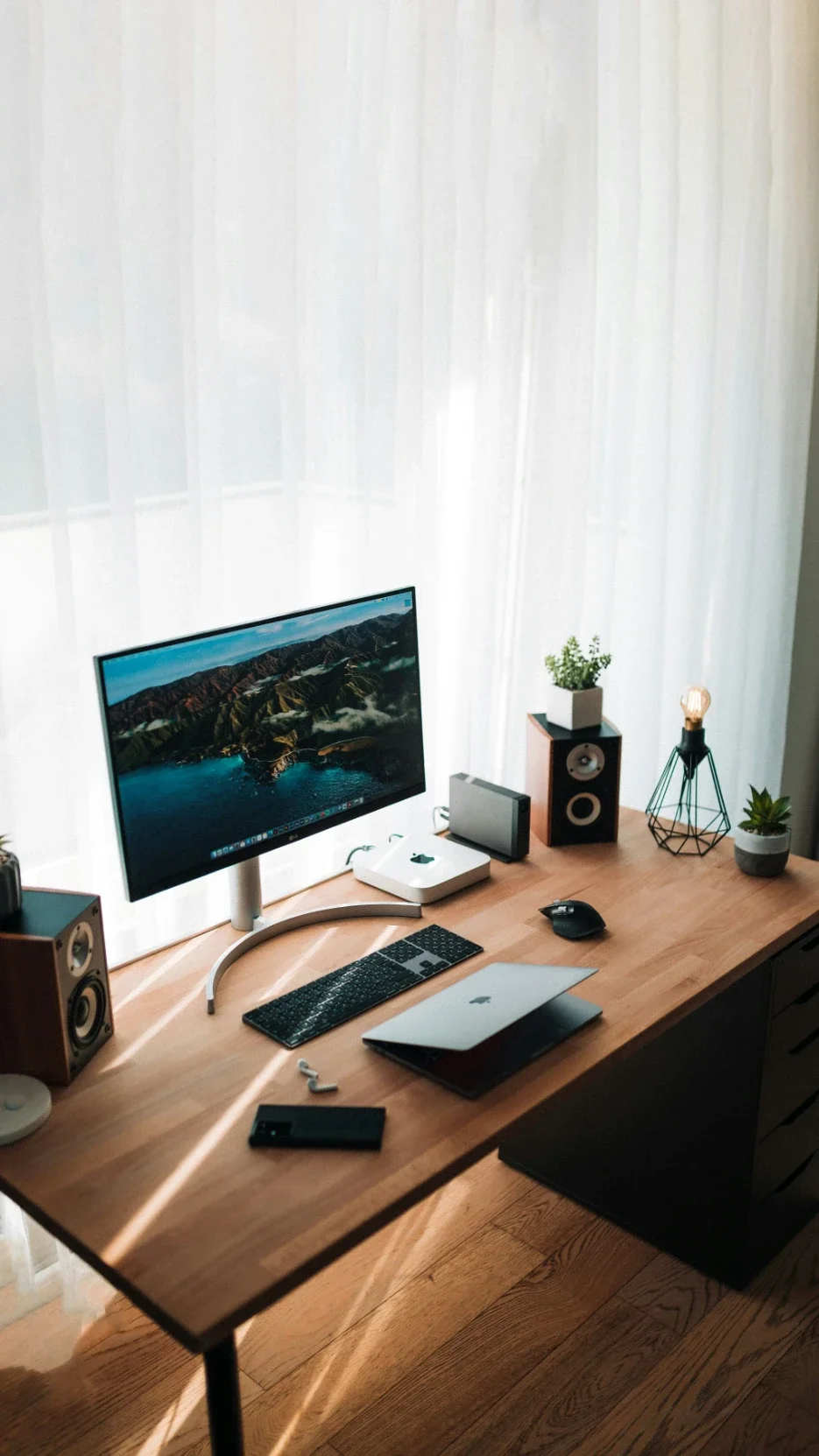
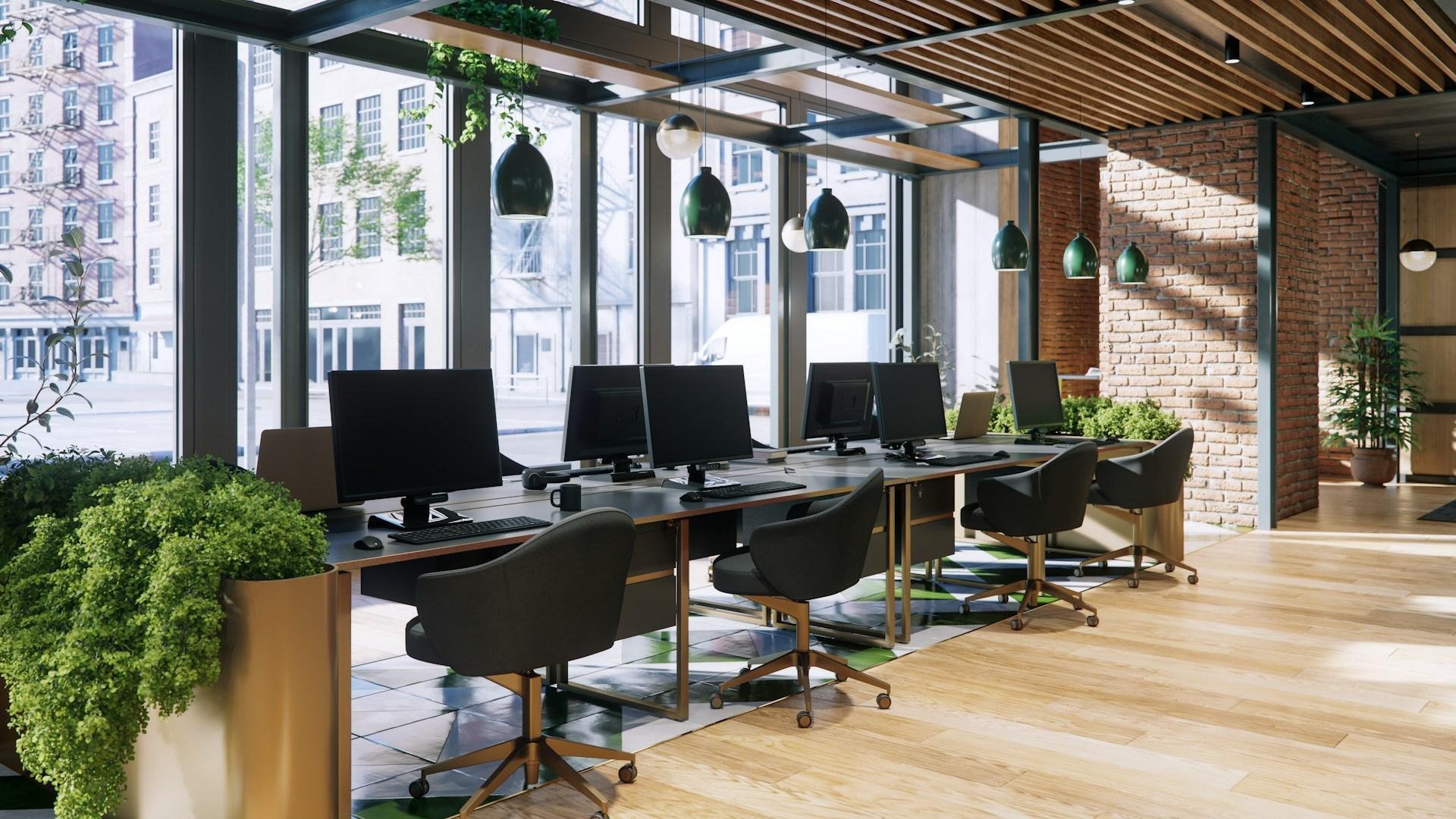
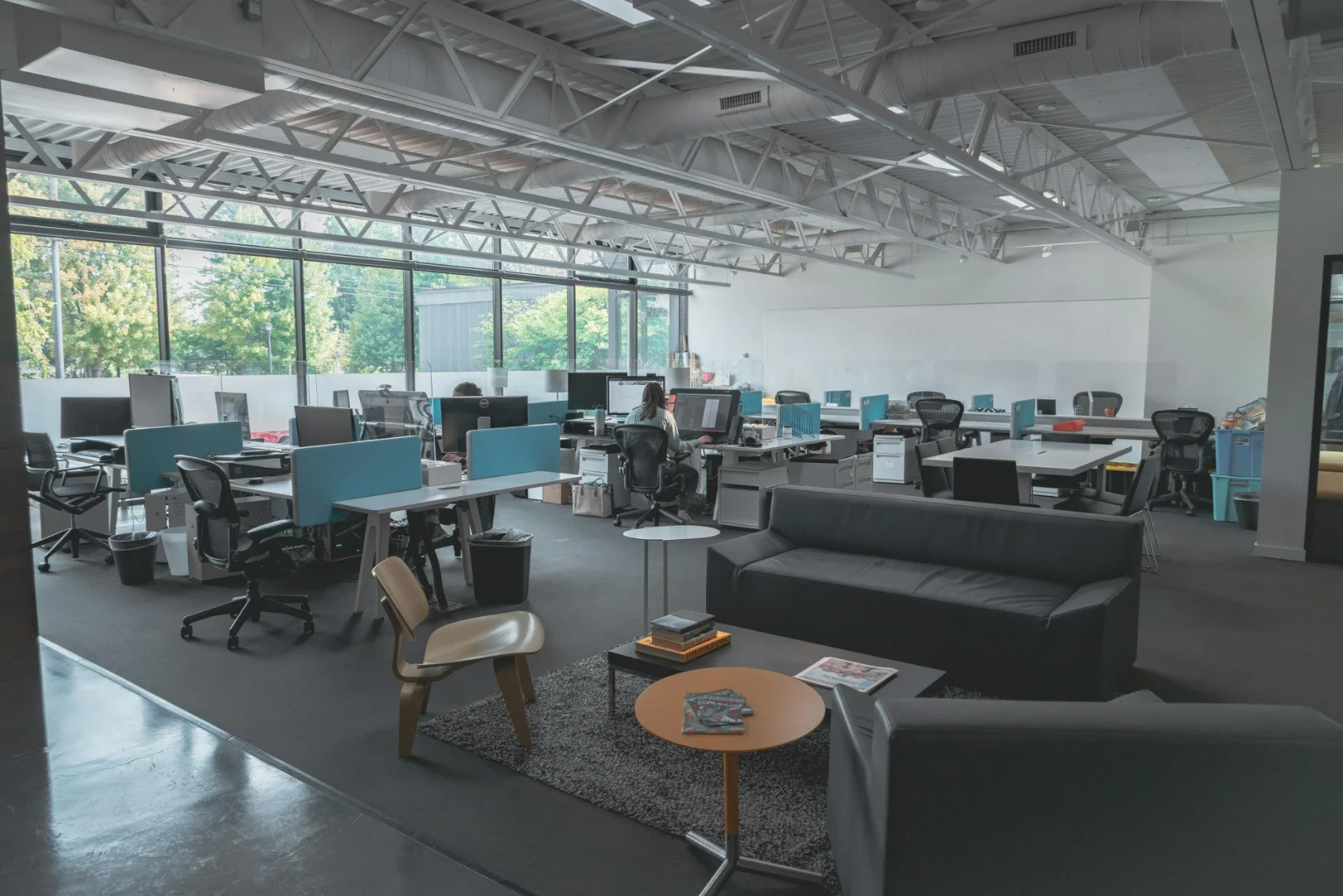
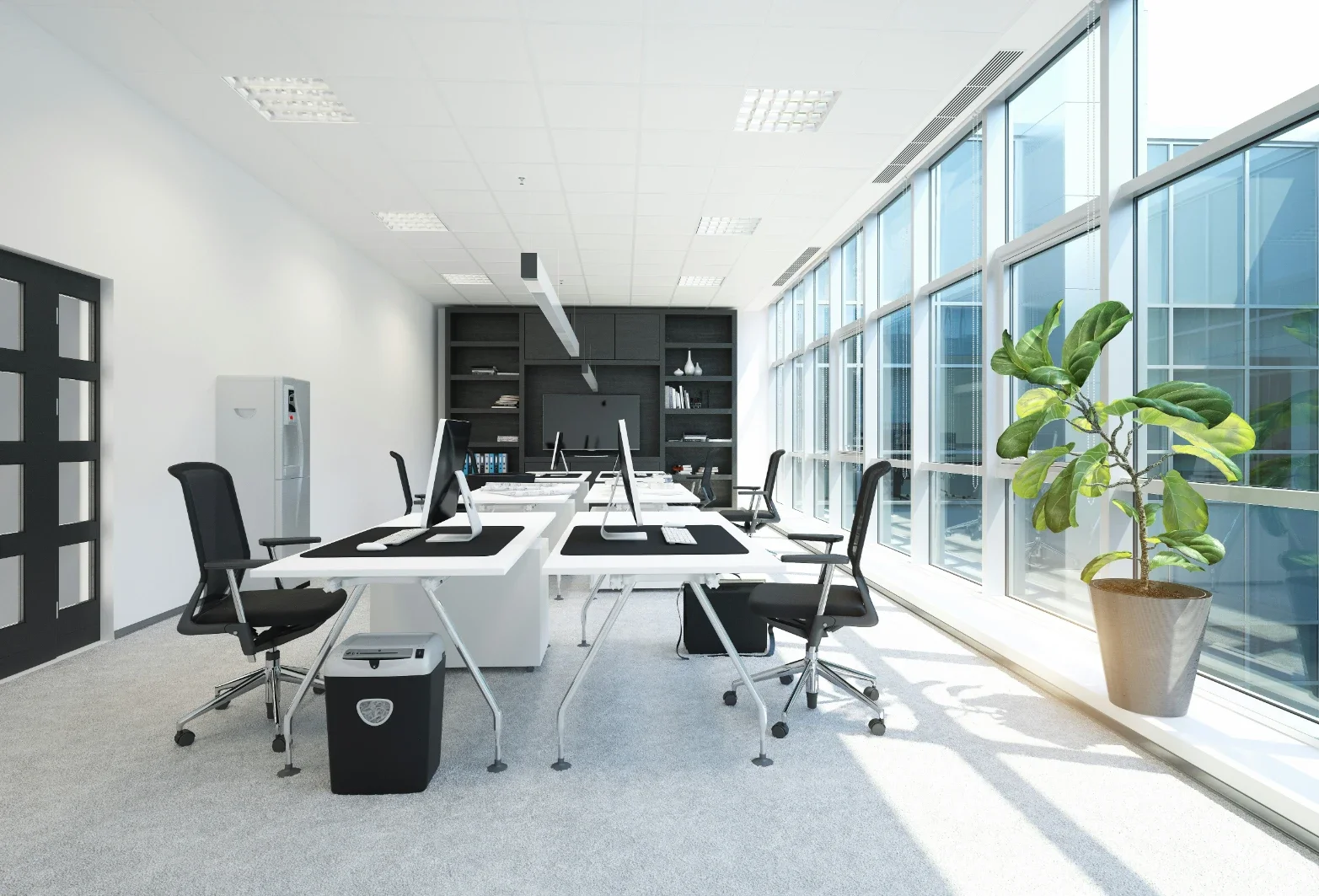
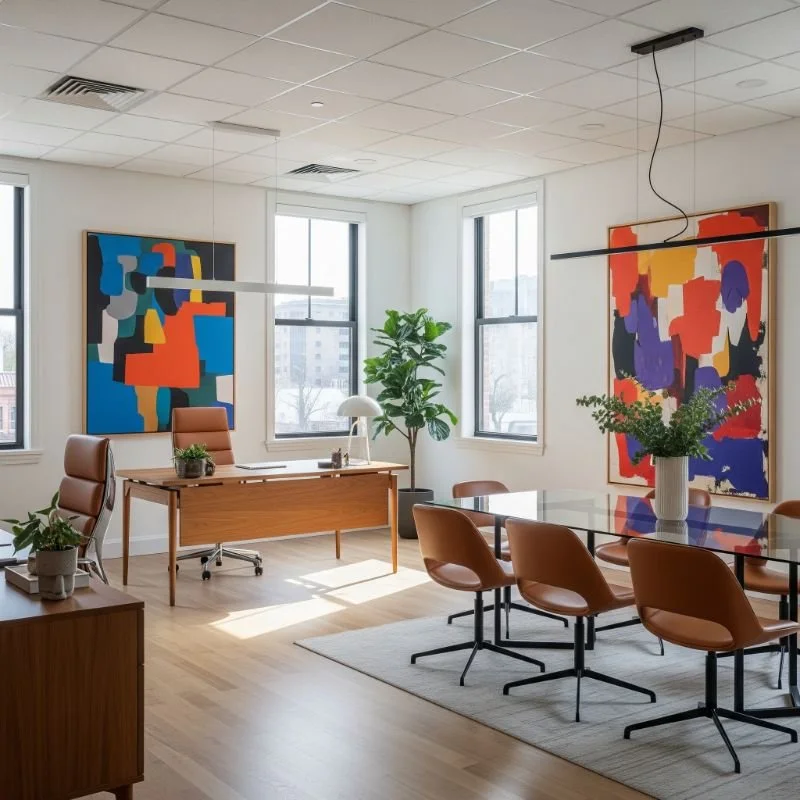
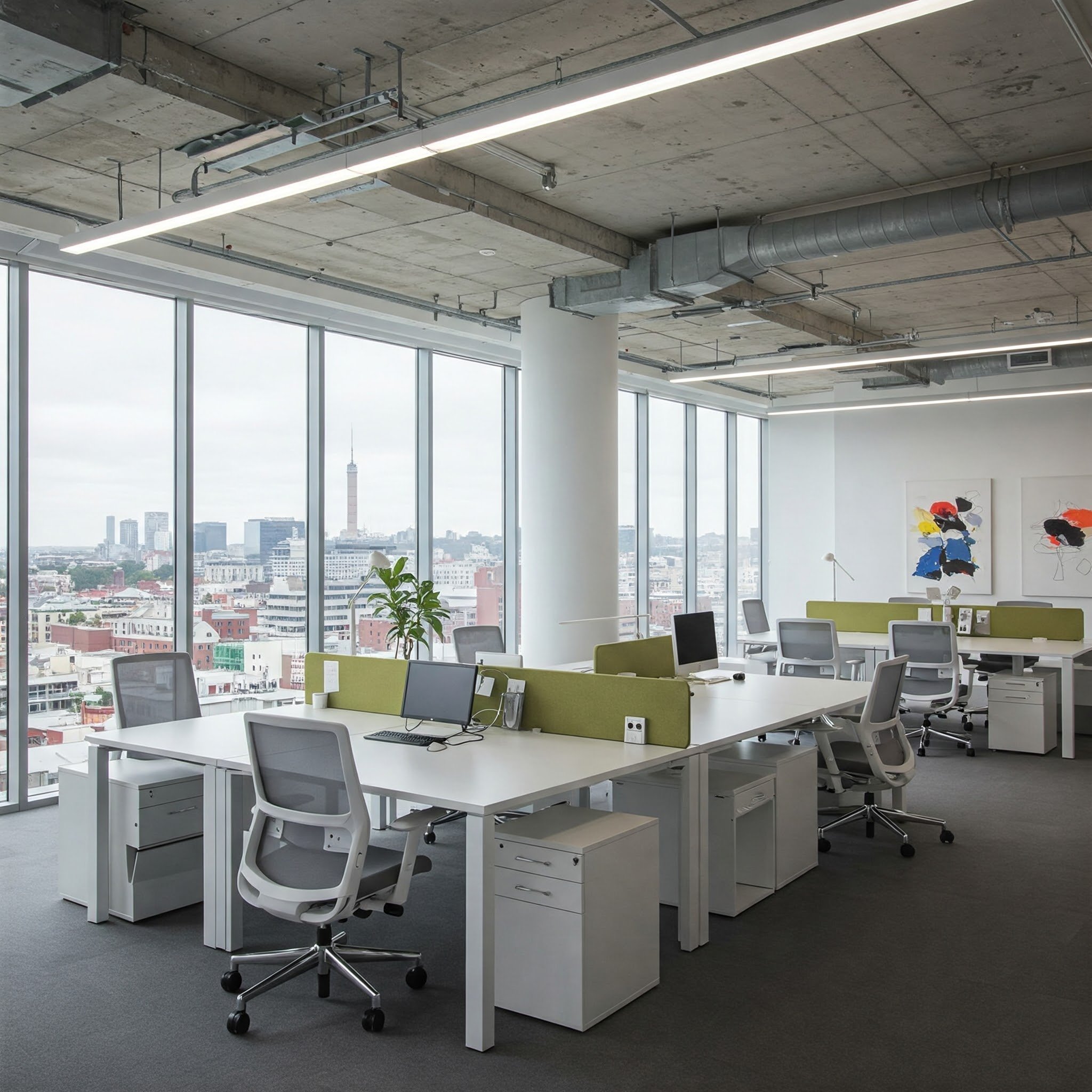
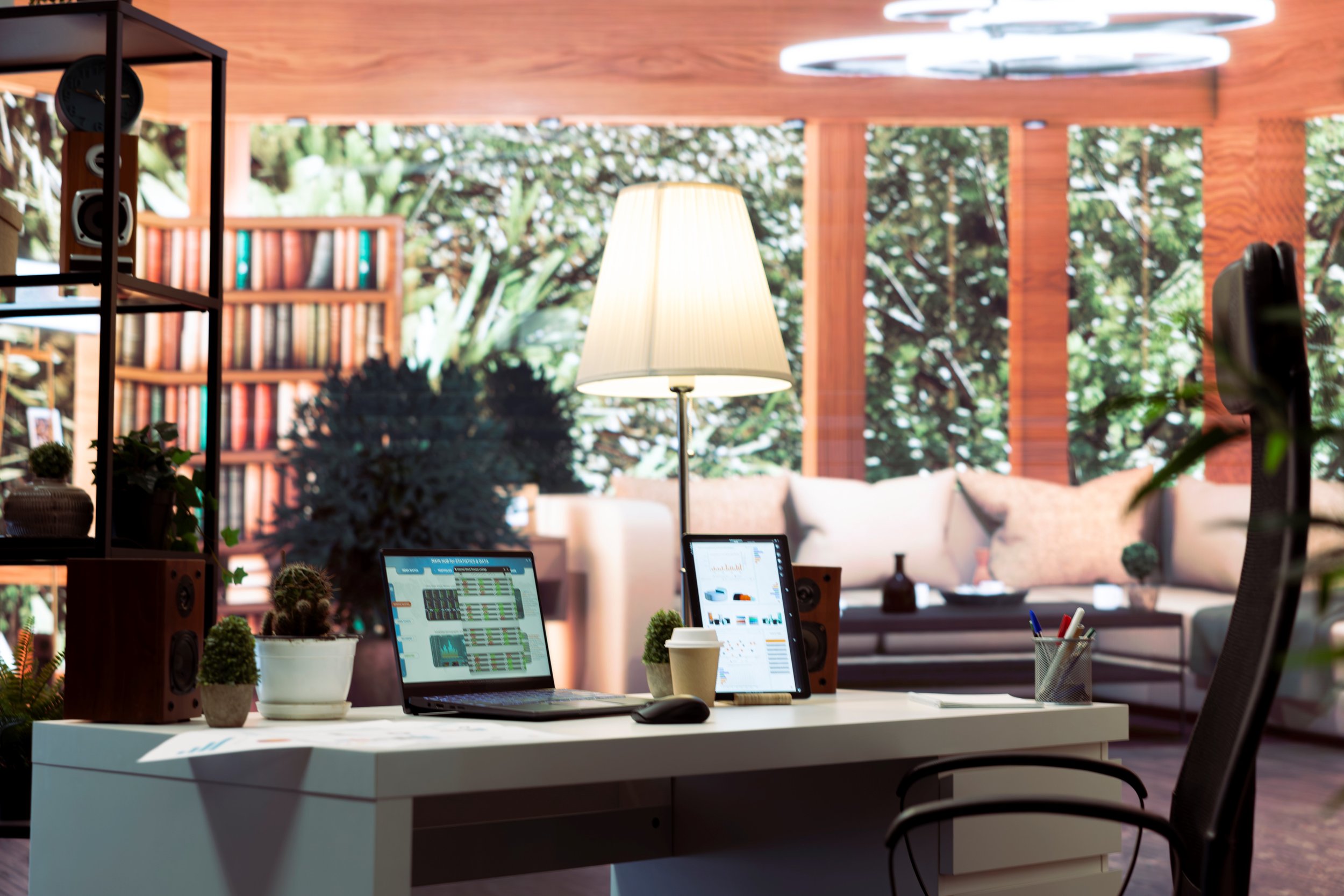
Use your digital twin model to position desks and workstations adjacent to windows with beautiful views and natural light. If there are any windowless interiors, you can remove them during a remodel or reserve them for storage rooms and cleaning closets.
The Office Neighborhood Concept
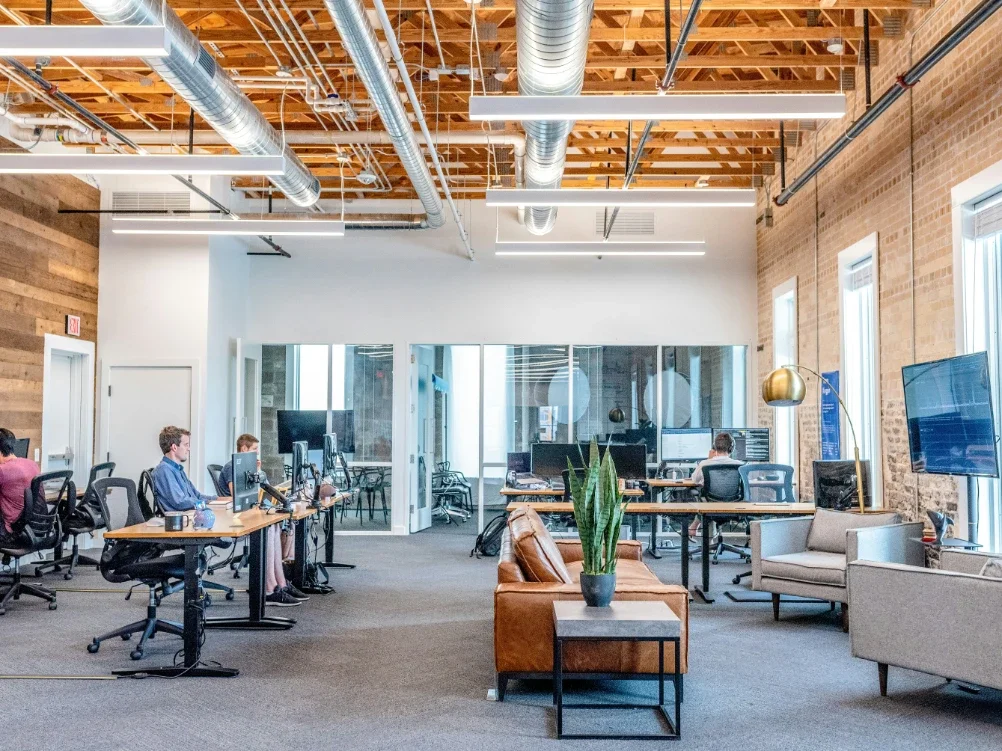
Think of your office design as a friendly neighborhood. It should:
Be zoned for specific types of work
Enable physical and digital workflow
Promote positive energy
Remodeling may be required to really bring this vision to life, especially if you want to create a zoned layout that’s still open and “breathable.” This is also a good time to align your moving schedule with your finalized floor plan so furniture and equipment placement supports your intended workflow without disruption.
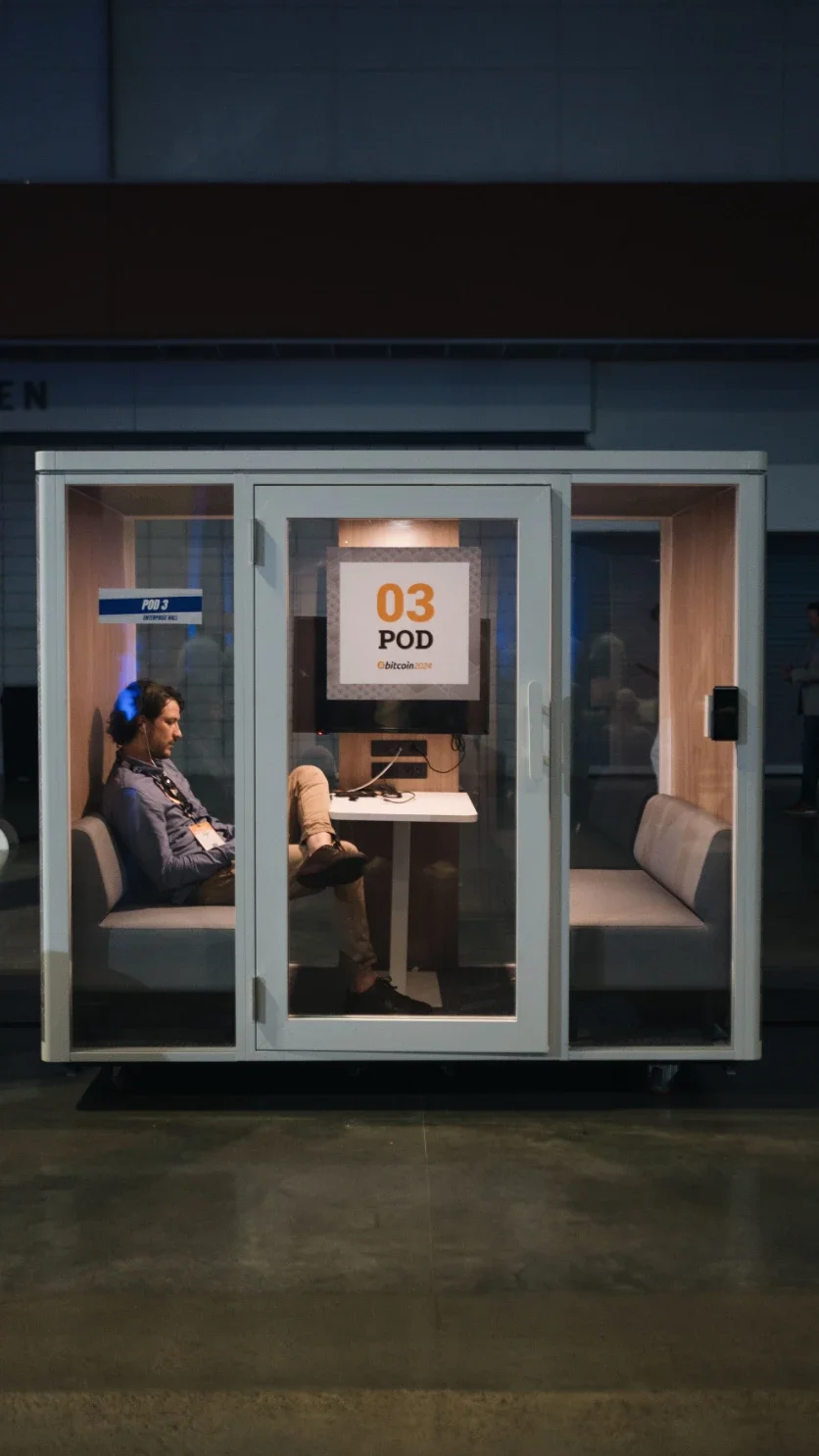
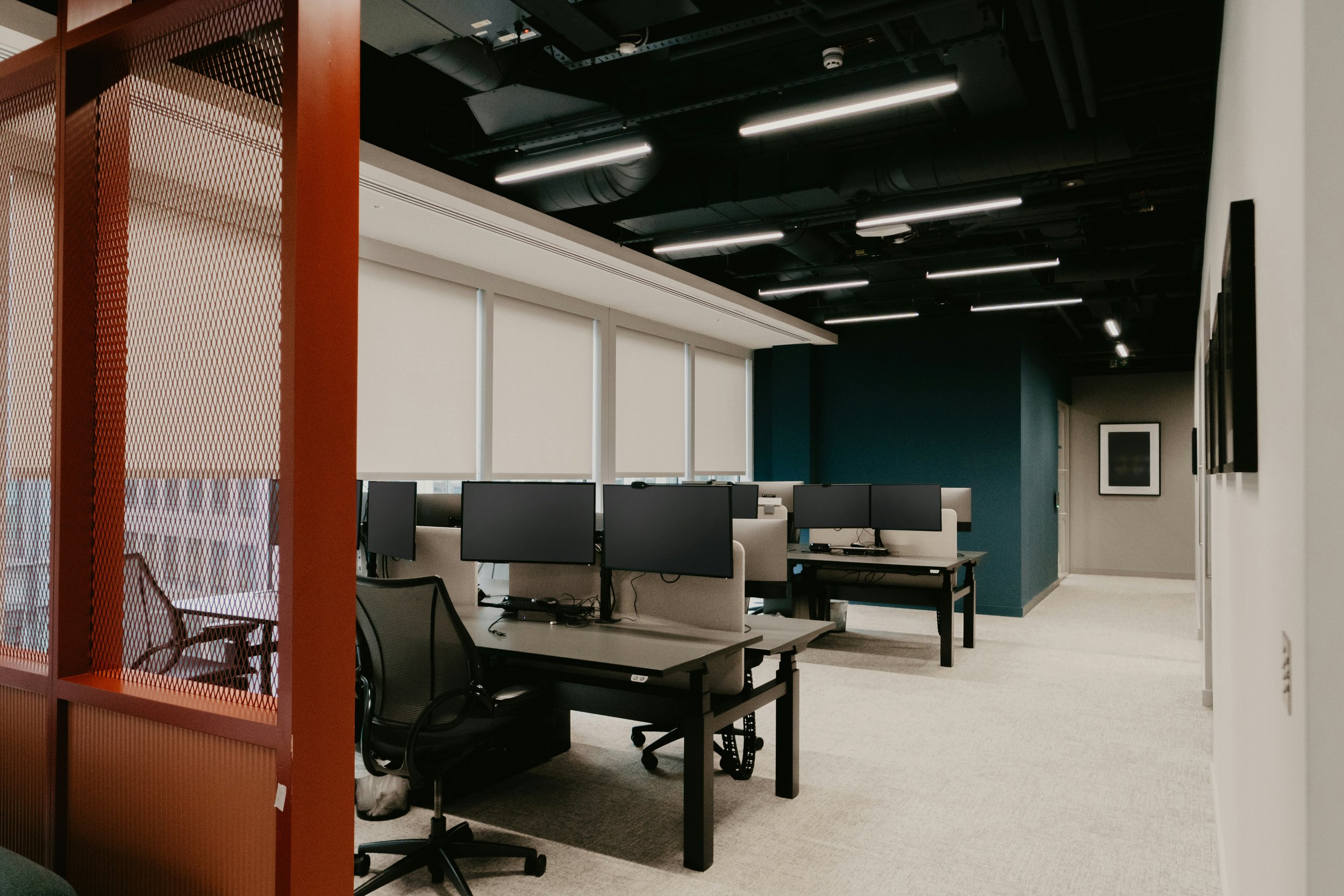
Devote about 40% to 50% of your office neighborhood to focus zones. These areas should be positioned away from high-traffic pathways and outfitted with acoustic panels or privacy screens. The interior design should focus on calming, productive colors like navy blues, mochas, and greens for reducing strain.
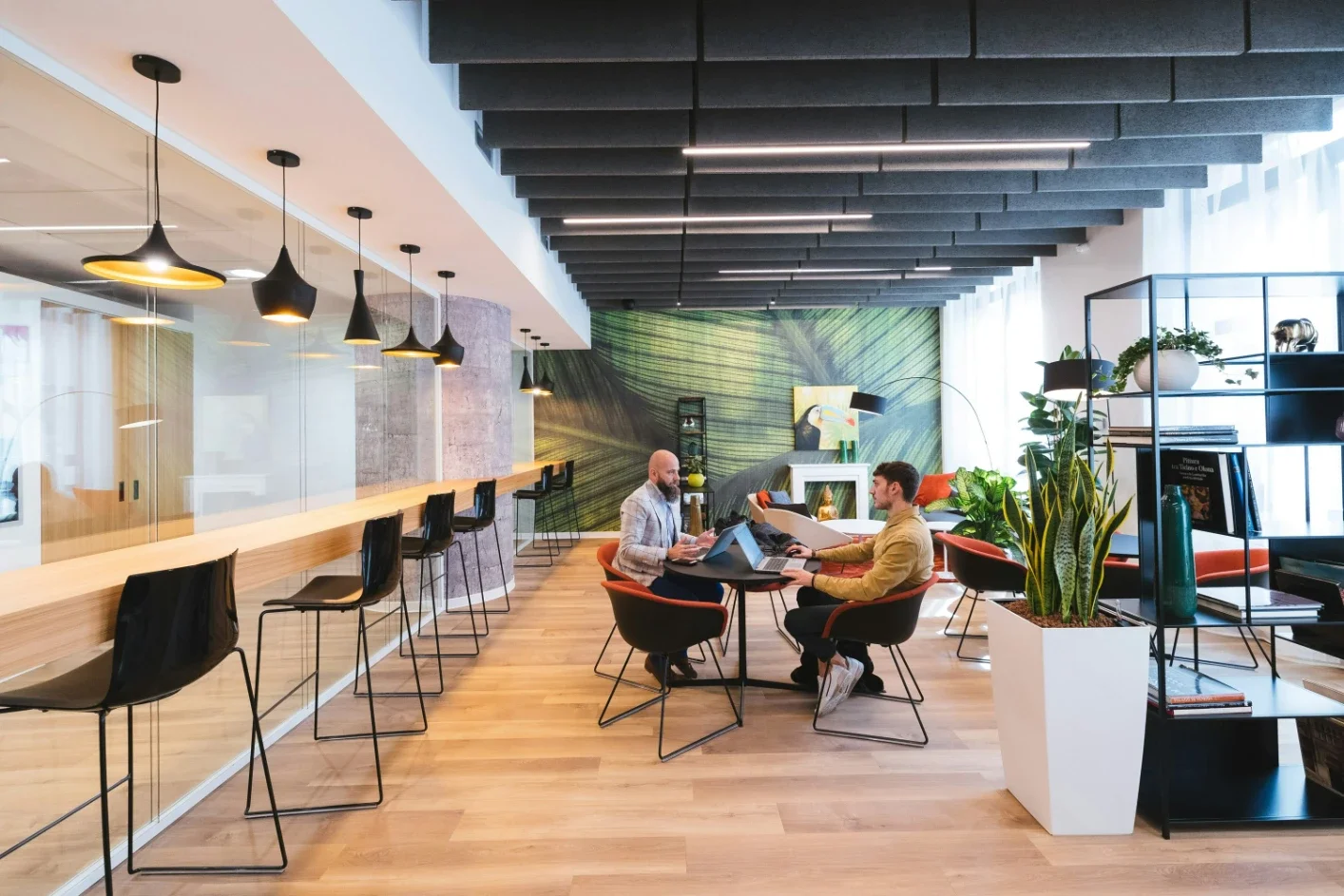
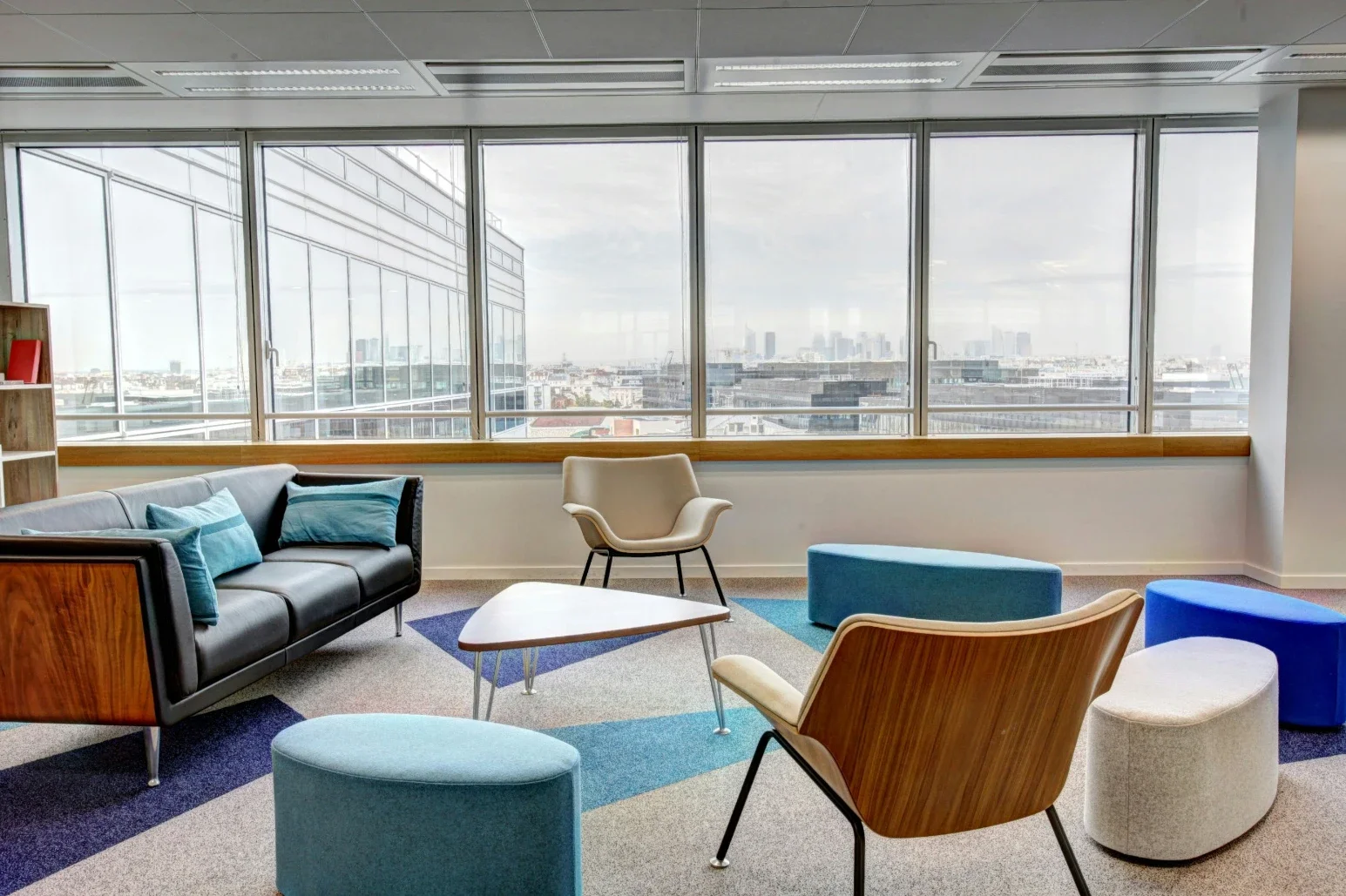
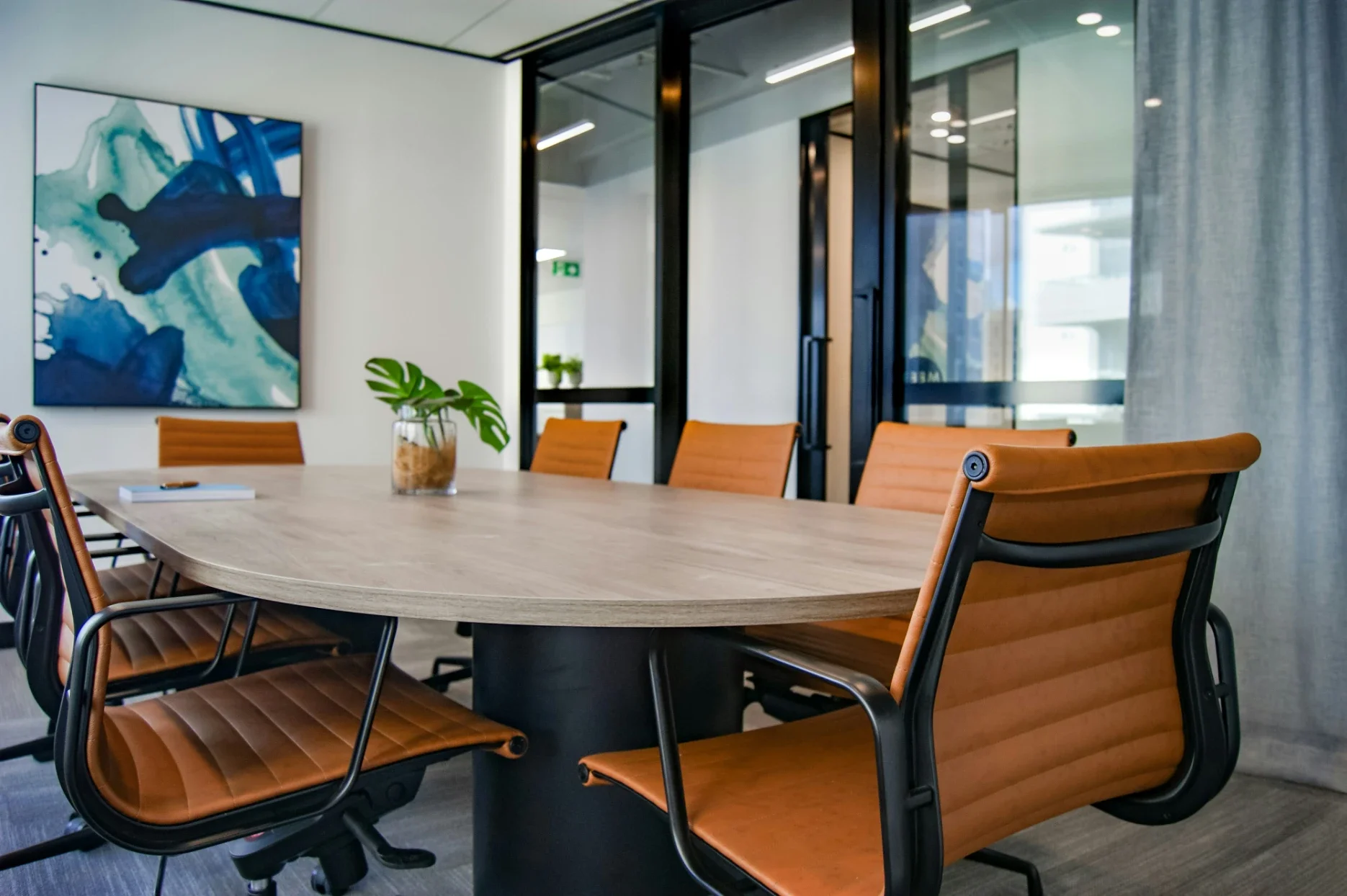
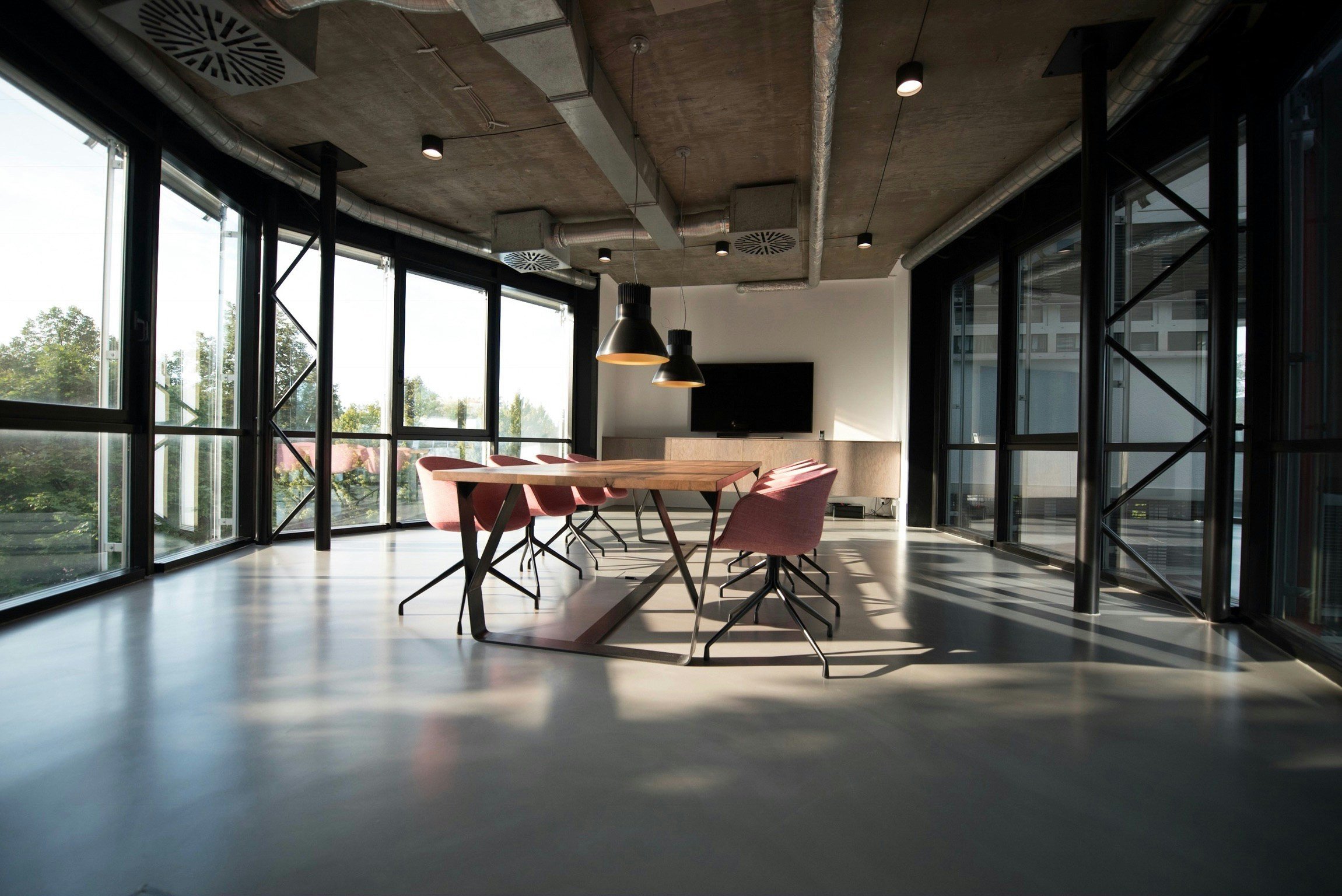
Collab zones are the "town squares" of your office community. These should represent about 20% to 30% of the layout.
Coordinate with your Denver movers to transport mobile furniture and whiteboards, as mobile elements are more conducive to spontaneous brainstorming. Modular, sectional furniture can also enhance the flexibility of collaboration spaces.
Client areas represent the pinnacle of professionalism in your office.
The interior design should lean toward sophisticated charcoals. Similar to focus zones, these areas should not be disrupted by high traffic and chatter. Build out large windows with gorgeous views.
Bring Your Vision to Life
Your dream workflow vision is possible.
Use pre-planning considerations, digital modeling, workflow analysis, and human-centered design to build dynamic office communities. Watch "neighborhoods" truly come to life through natural light and strategic zoning.
Remember, design isn't static. Embrace evolution by following our blog for the latest trends in interior design, decor, real estate, and more!
Stay up to date with our latest ideas!