How to Design a Calm Home Office that Secures Files
Learn how to design a calm home office that keeps important files secure while improving organization, productivity, privacy, and everyday comfort.
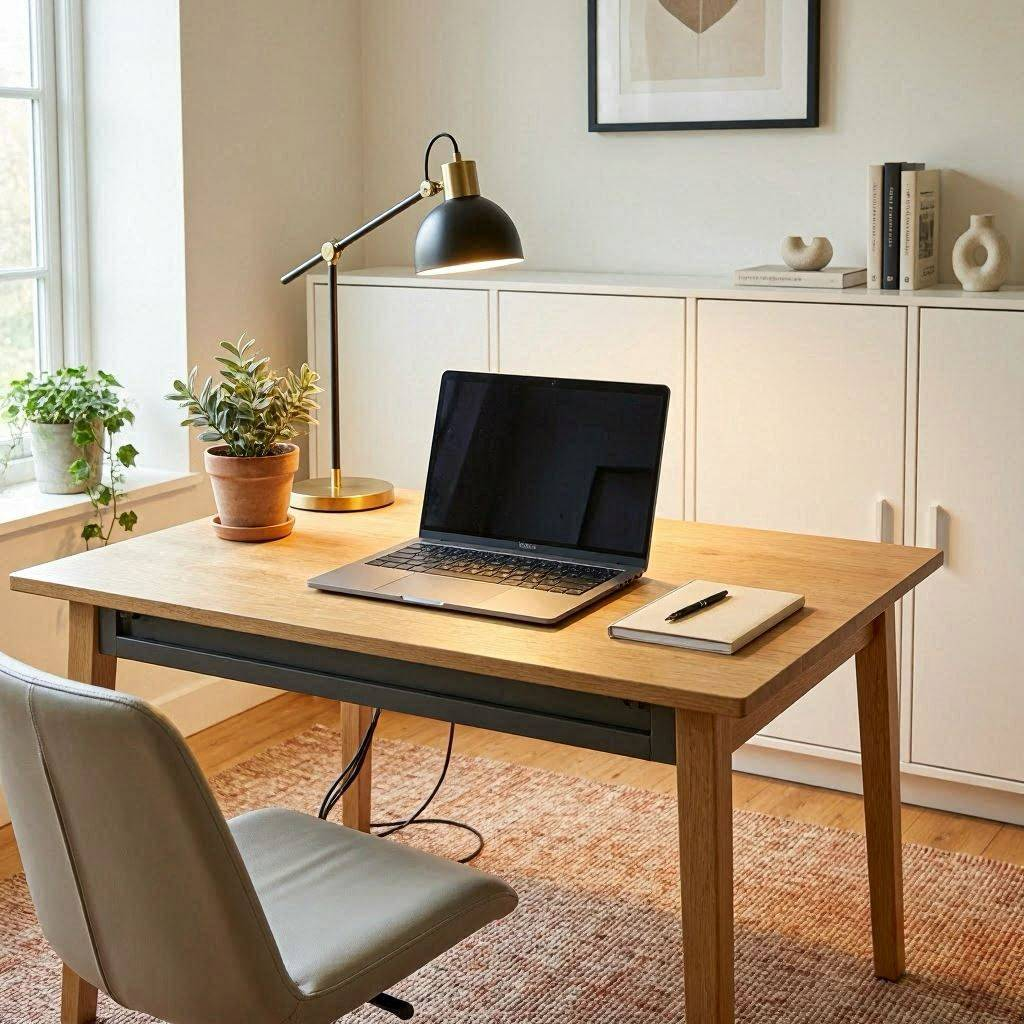
A calm home office is not just about paint colors and pretty storage. It is about knowing that if your laptop crashes tomorrow, your work is still safe. When your space feels settled and your files are protected, you think more clearly and work more confidently.
Let’s build both.
Start With Zones That Support Focus And Security
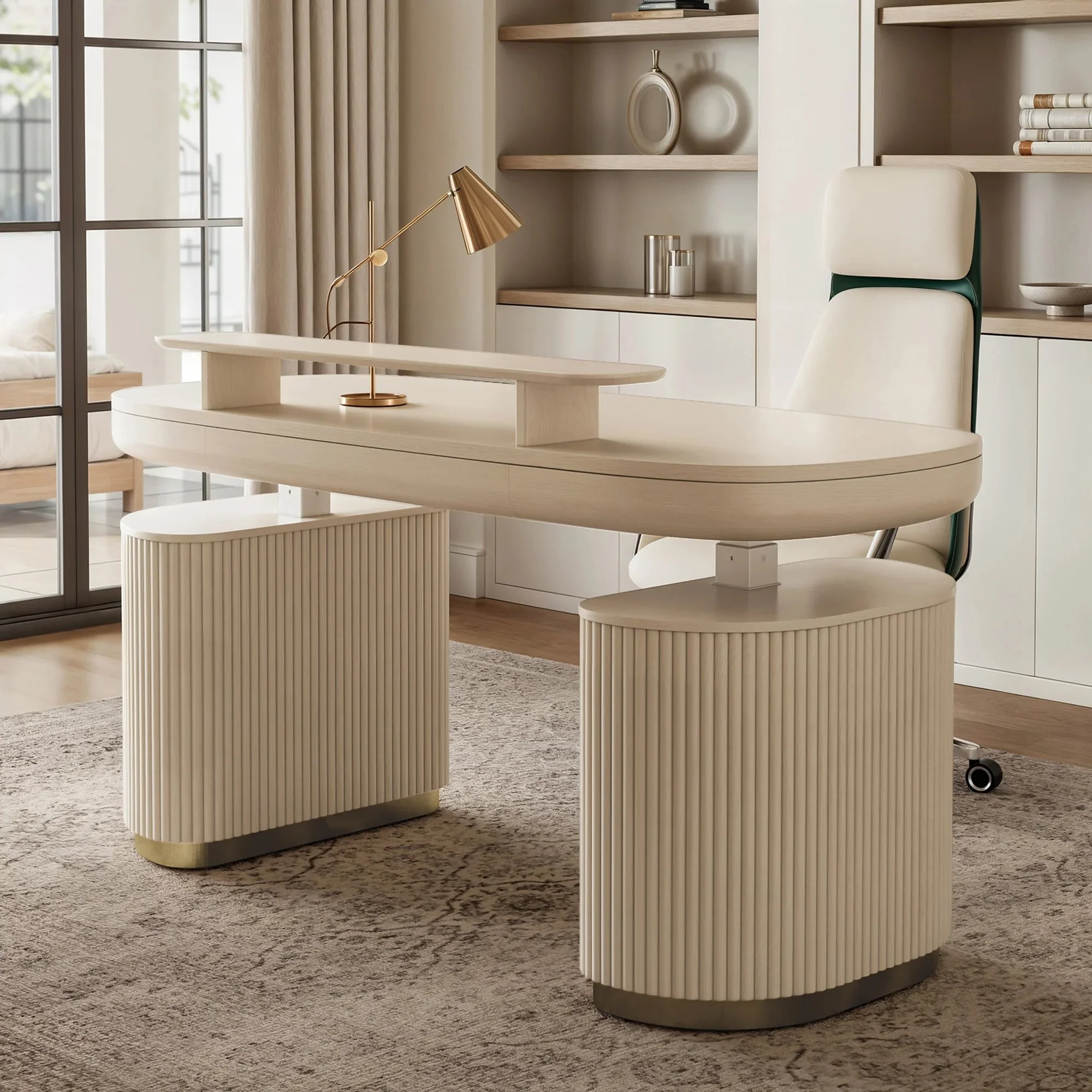
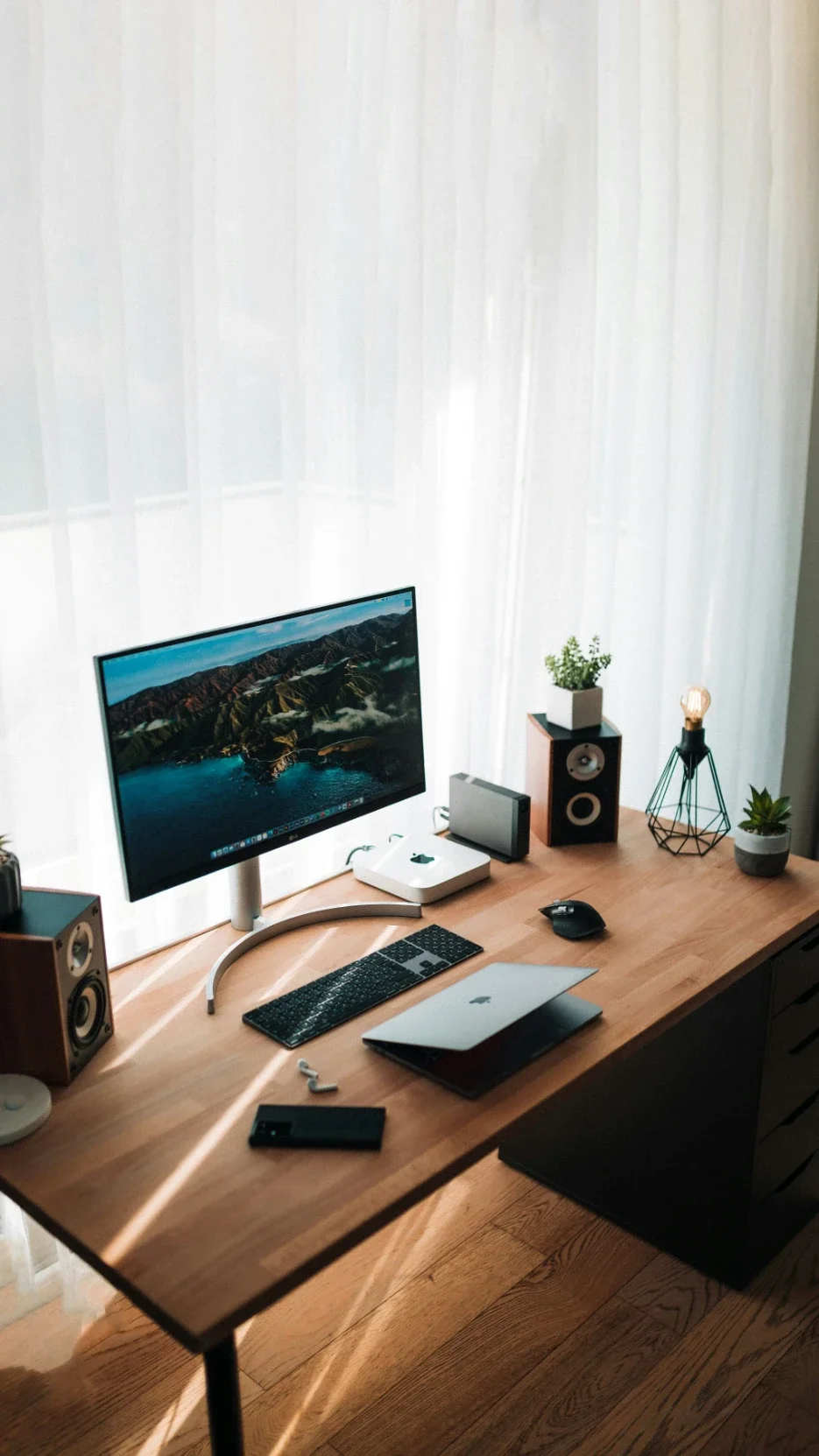
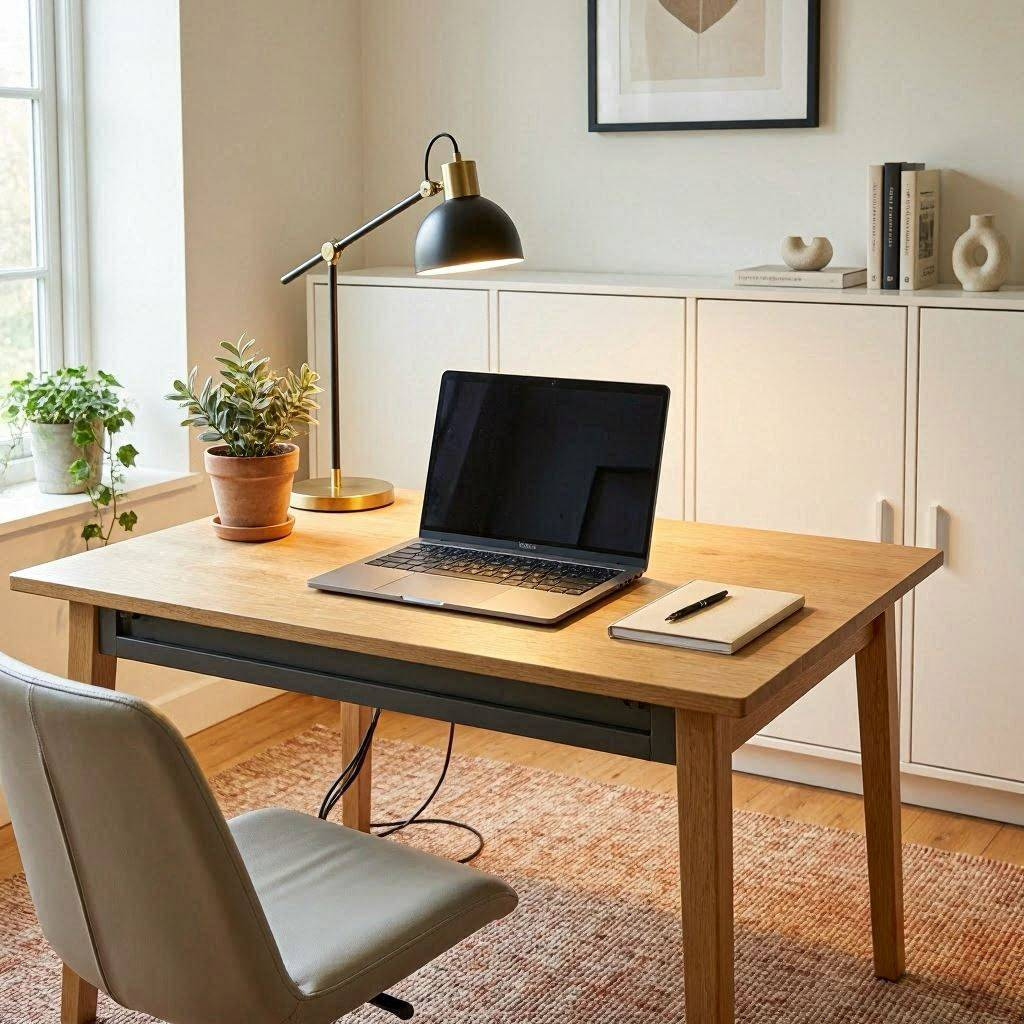
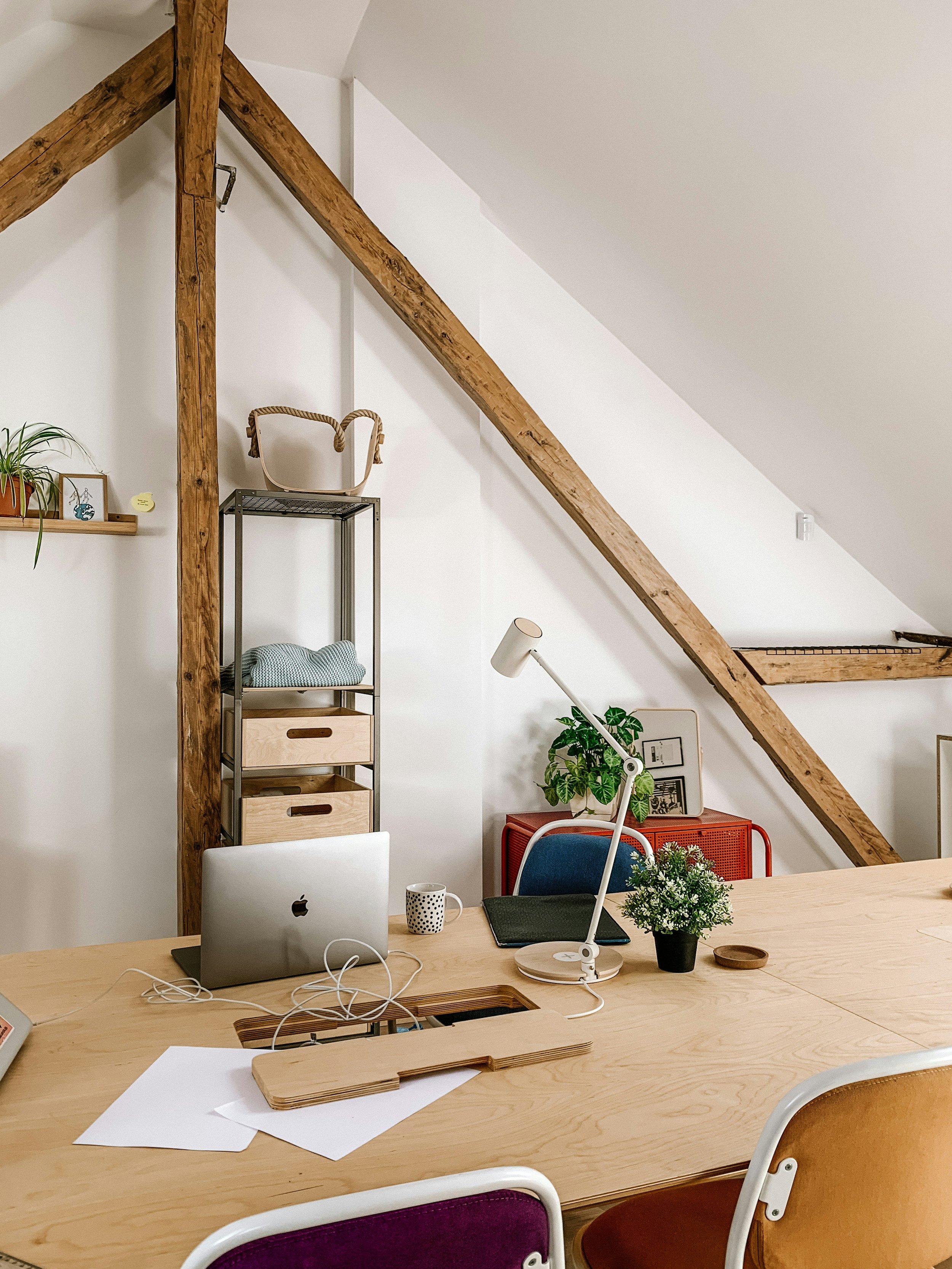
If your desk doubles as a dining table, then your brain never fully switches into work mode. Instead, create two clear zones: a focused work surface and closed storage for documents and devices.
According to the 2024 Home Office Trends Report by Fixr, 70% of design professionals prioritize smart technology integration in home offices. In other words, your space should not only look calm but also function smoothly.
Try this:
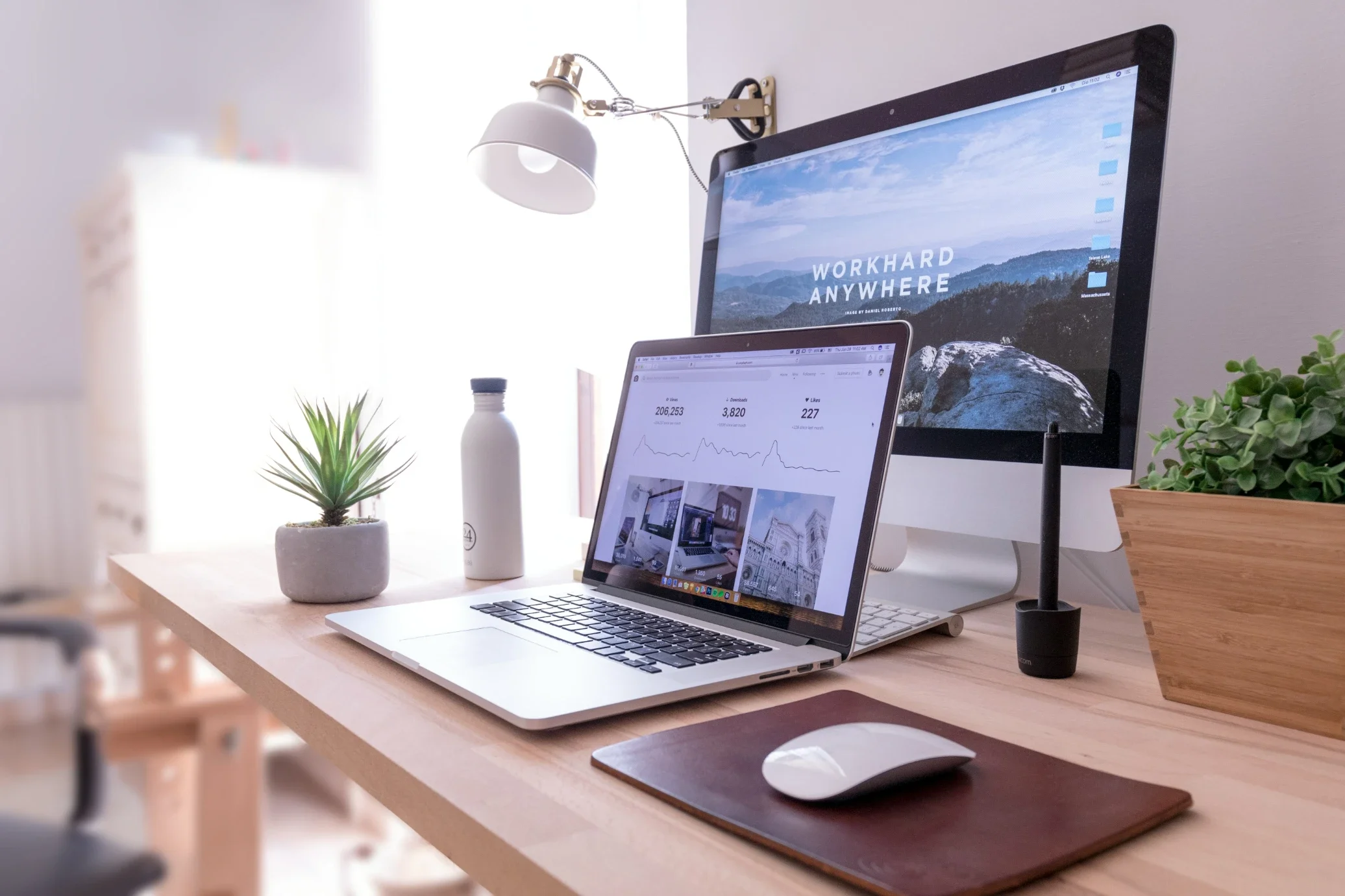
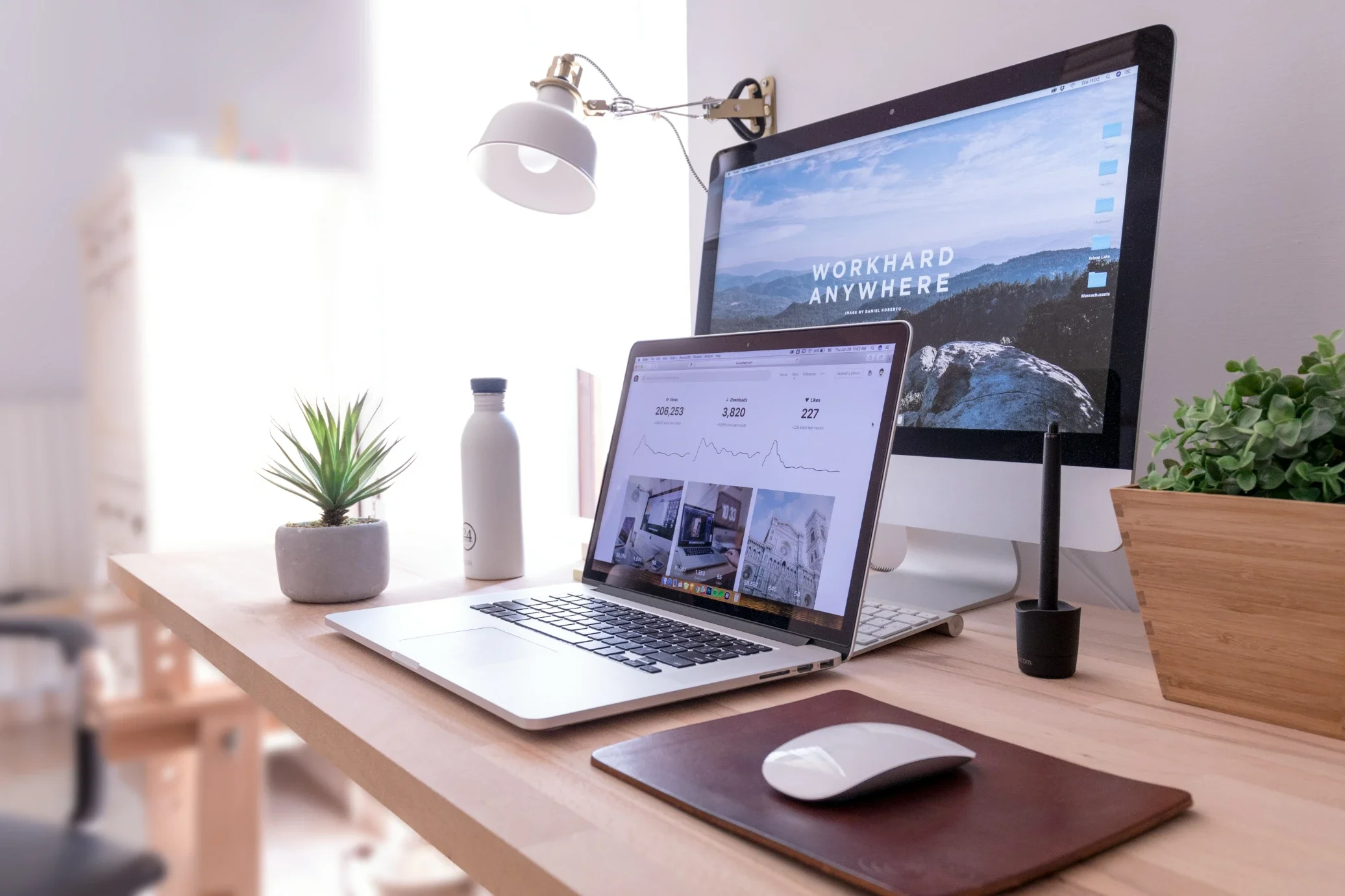
A clear desk with only daily-use tools
Closed storage for paper files and tech
One defined spot for cables and backup drives
If everything has a home, then clutter stays contained. Moreover, when drives and devices live in consistent places, you are less likely to misplace critical data.
Choose Compact Storage And Clean Cable Routing
Cluttered visuals often lead to a cluttered mind, yet you do not need a full remodel to restore lasting daily calm.
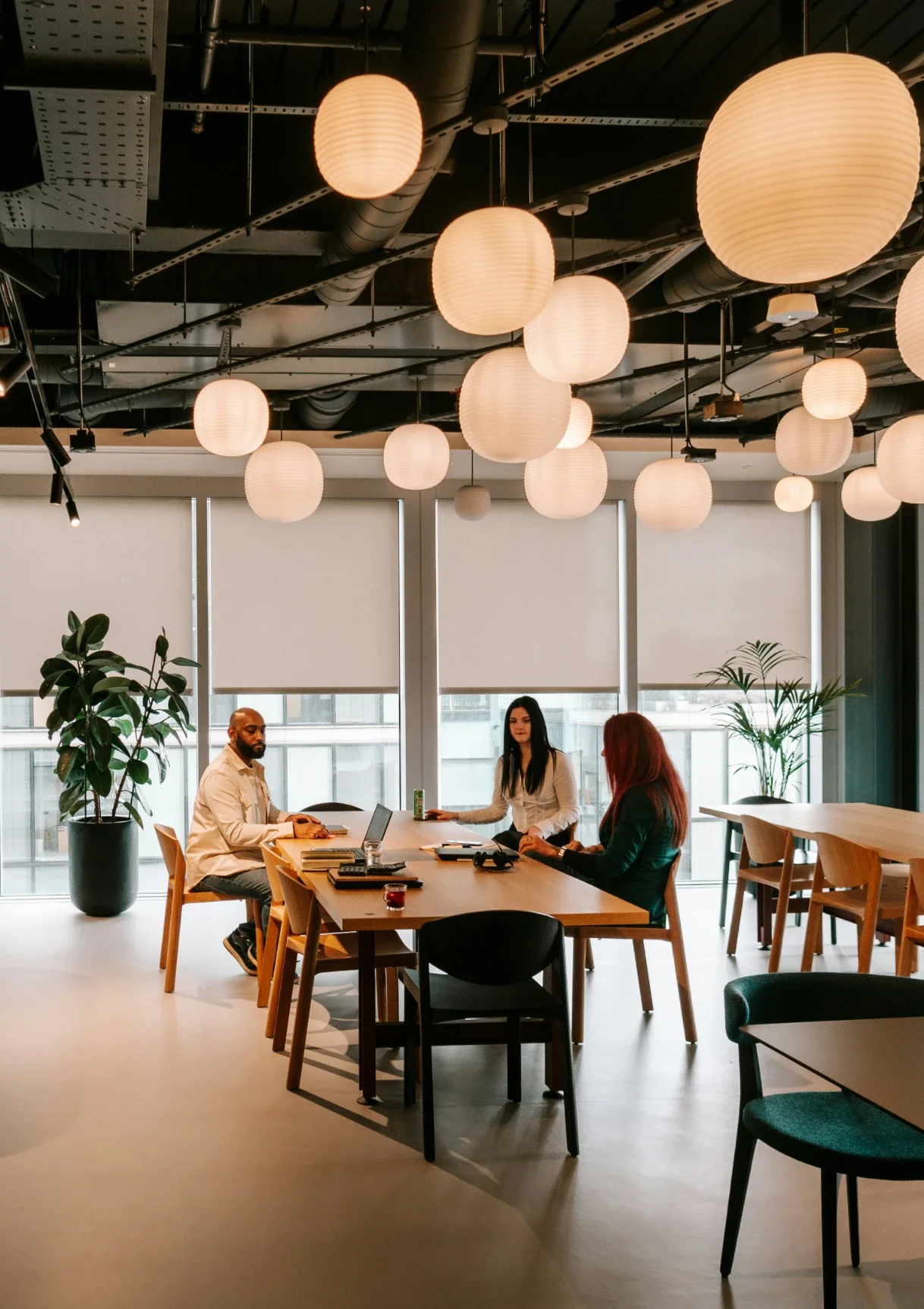
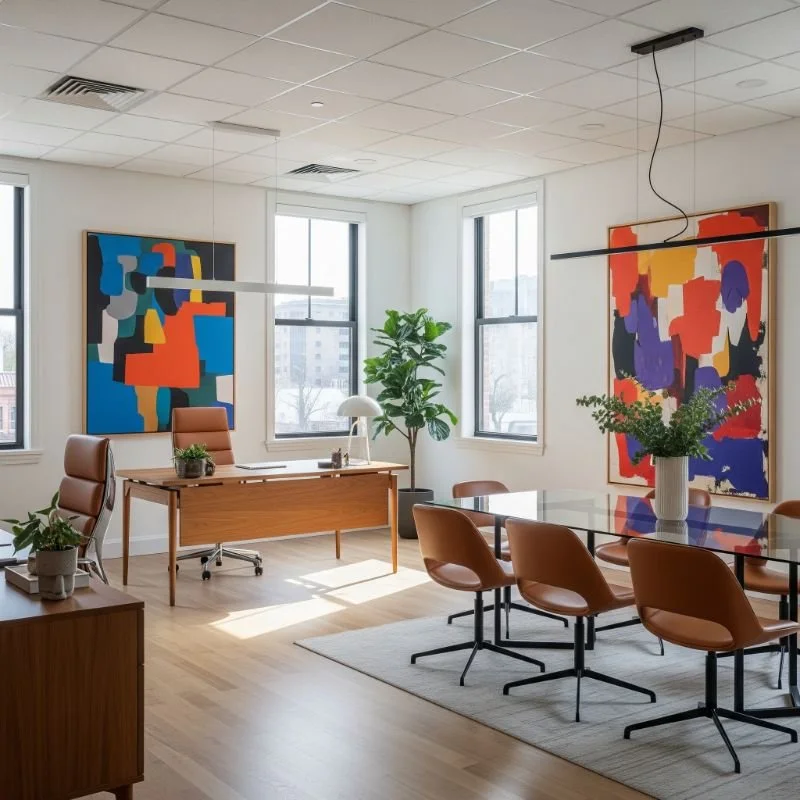
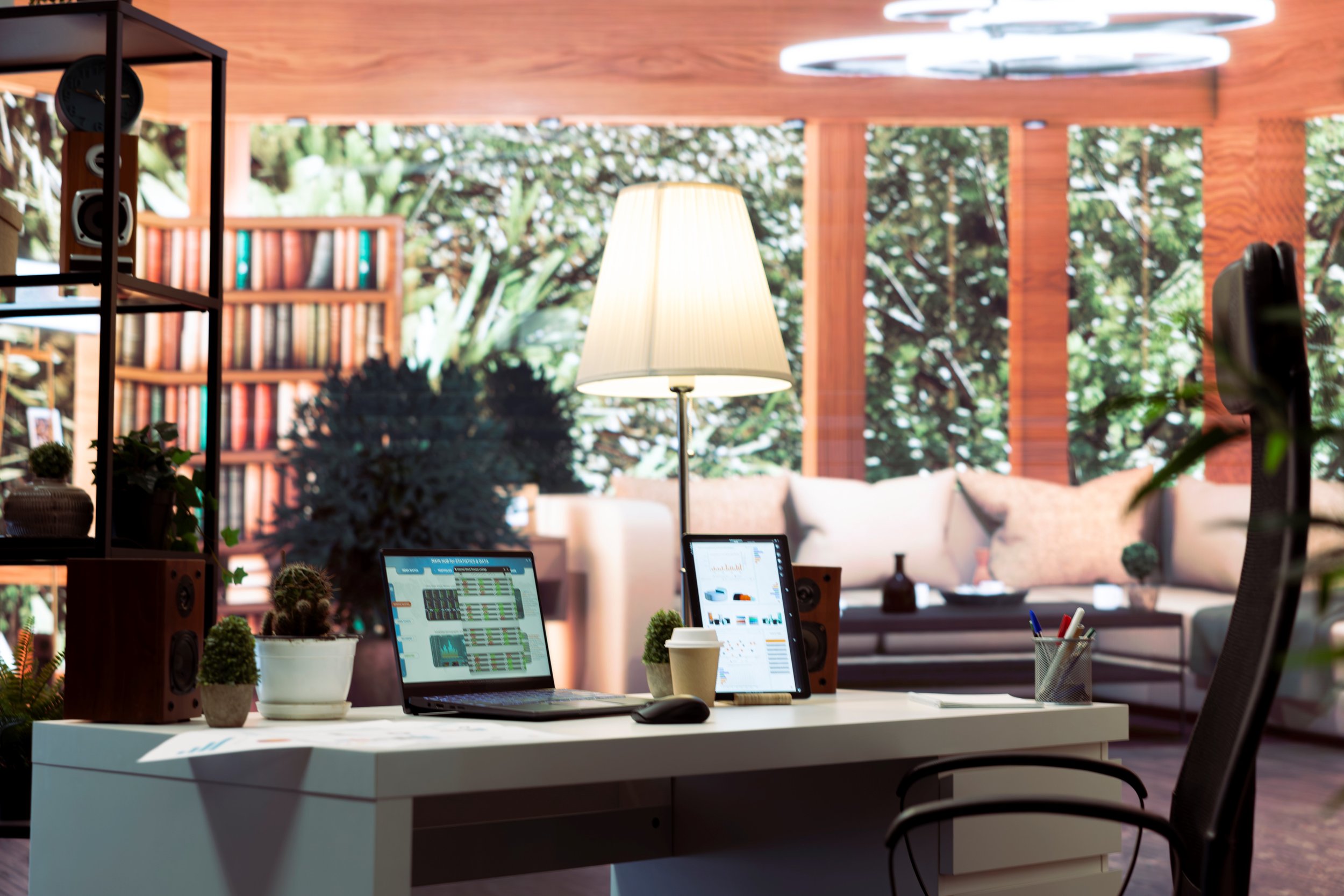
Designers favor layered lighting over a single harsh ceiling fixture, and as Livingetc suggests, blending ambient and task light creates a warmer, more welcoming workspace. If the lighting feels deliberate, then stress tends to ease naturally.
The same logic applies to cable management. Group cords with trays or clips so neither dust nor distraction gathers, and store sensitive papers in closed, labeled cabinets rather than leaving them exposed.
Improve Light And Acoustics For Focus
Light and sound shape how you feel while working. Coverage from AV Network explains that poor acoustics reduce engagement, whereas well-managed sound supports productivity.
If you cannot renovate, then soften the room:
Add a rug to absorb echo
Hang curtains instead of bare blinds
Place your desk near natural light if possible. If natural light is limited, then layer a table lamp with overhead lighting. Not only does this reduce eye strain, but it also makes long work sessions feel easier.
A calmer environment supports steadier attention. Steadier attention reduces avoidable mistakes.
Build Digital Housekeeping Habits That Stick
A beautiful office loses its calm if your desktop is filled with files named “Final_v2_REALFINAL.” However, simple naming systems solve most of this.
Guidance from Princeton Research Data Service recommends clear titles and version numbers like v01 and v02. If you define a format once and use it consistently, then confusion drops quickly.
For example:
ClientName_Project_2026-07_v01
ClientName_Project_2026-07_v02
If you revise, then increase the version number. If you collaborate, then agree on the format first. Neither guesswork nor scattered drafts belong in a calm workspace.
Protect Your Work With Cross Platform Backup
Now for the part many people delay.
A backup is a separate copy of your data stored elsewhere. According to reporting from TechRadar, 60% of small and midsize businesses that lose data after a disaster close within six months. That number alone reframes the risk.
If you manually copy a few folders, then you may miss hidden files, system settings, or application data. That is why full system and file backup tools matter. They protect not only documents but also your operating system, programs, and preferences. If your computer fails, then you can restore everything as it was, not piece by piece.
Cross-platform protection is equally important. If you work across Windows, Mac, and your phone, then your backup system should cover all of them. Either you juggle scattered solutions, or you rely on one system that protects every device.
Automation is essential. If backups run automatically, then neither busy weeks nor forgotten reminders put your work at risk.
Create A Space That Protects Your Peace
Design is not just aesthetic. It is emotional safety plus practical systems.
If your room feels calm and your files are protected, then your attention stays on meaningful work. Not only does that improve productivity, but it also reduces the quiet stress of wondering whether your data is safe.
Clear one surface. Rename one folder. Turn on automated backup.
Small changes, done consistently, create real peace of mind.
Stay up to date with our latest ideas!