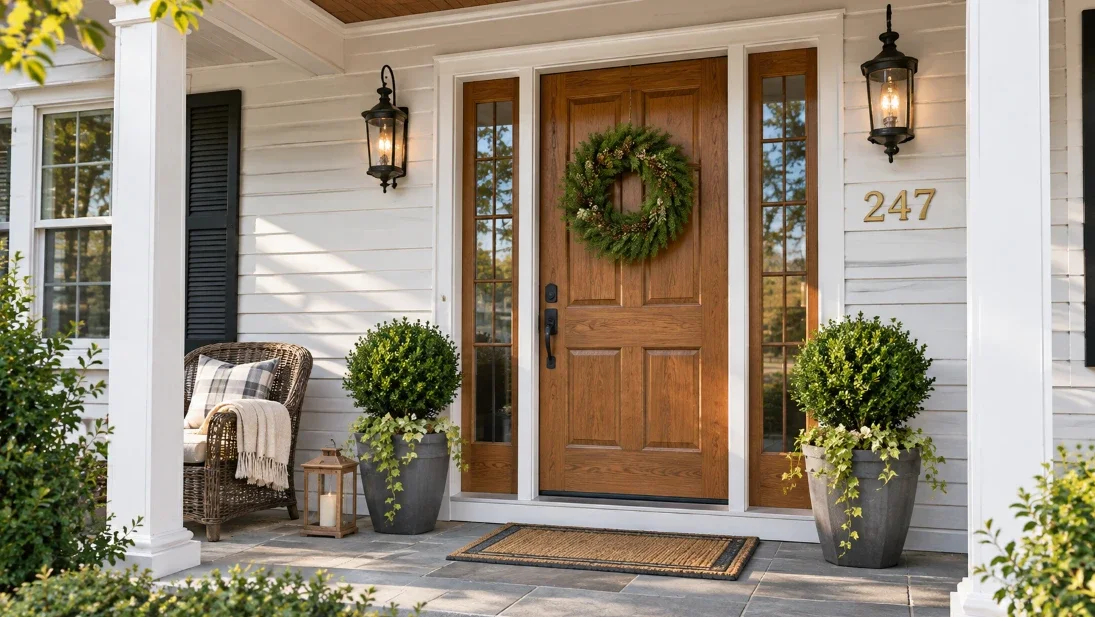
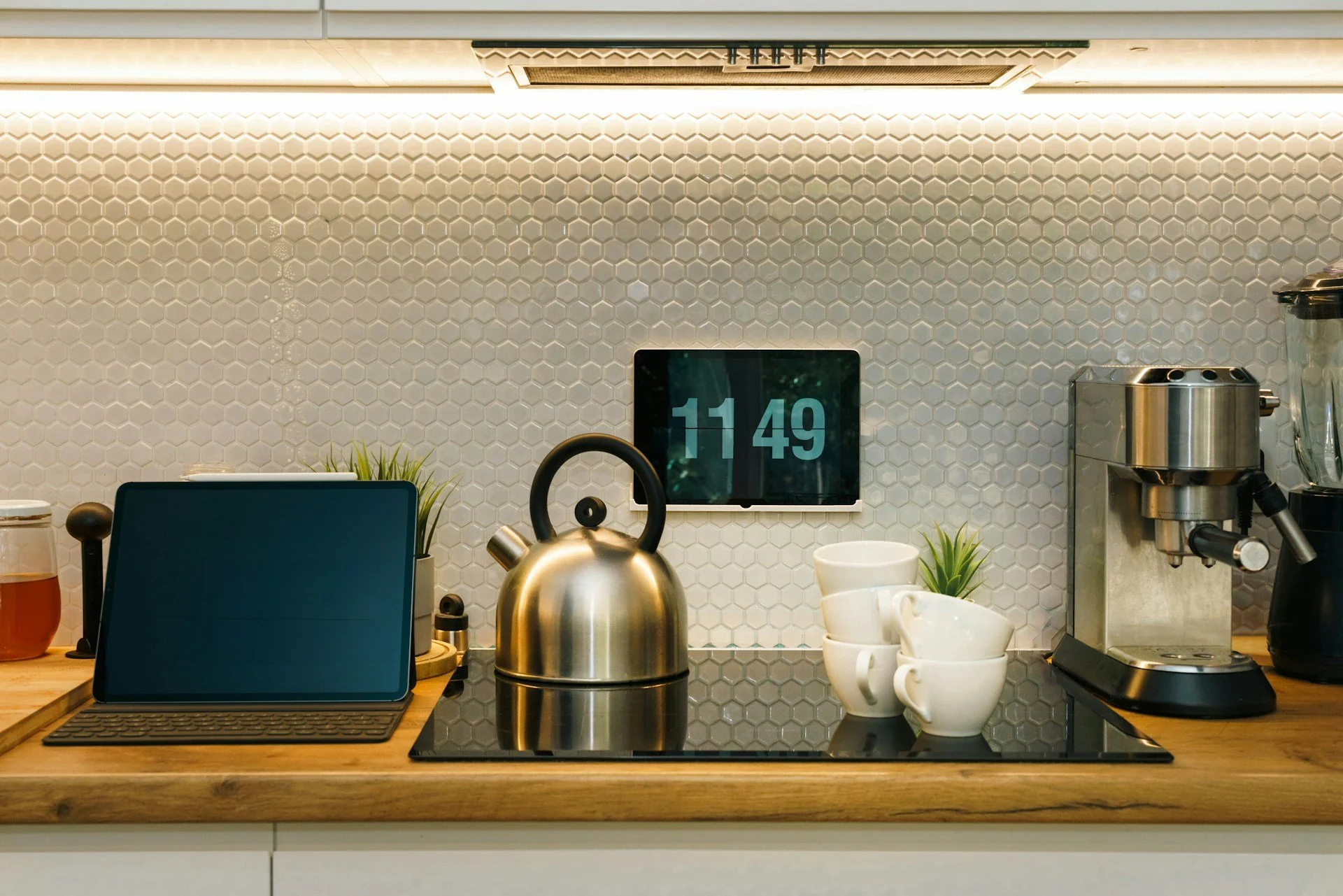
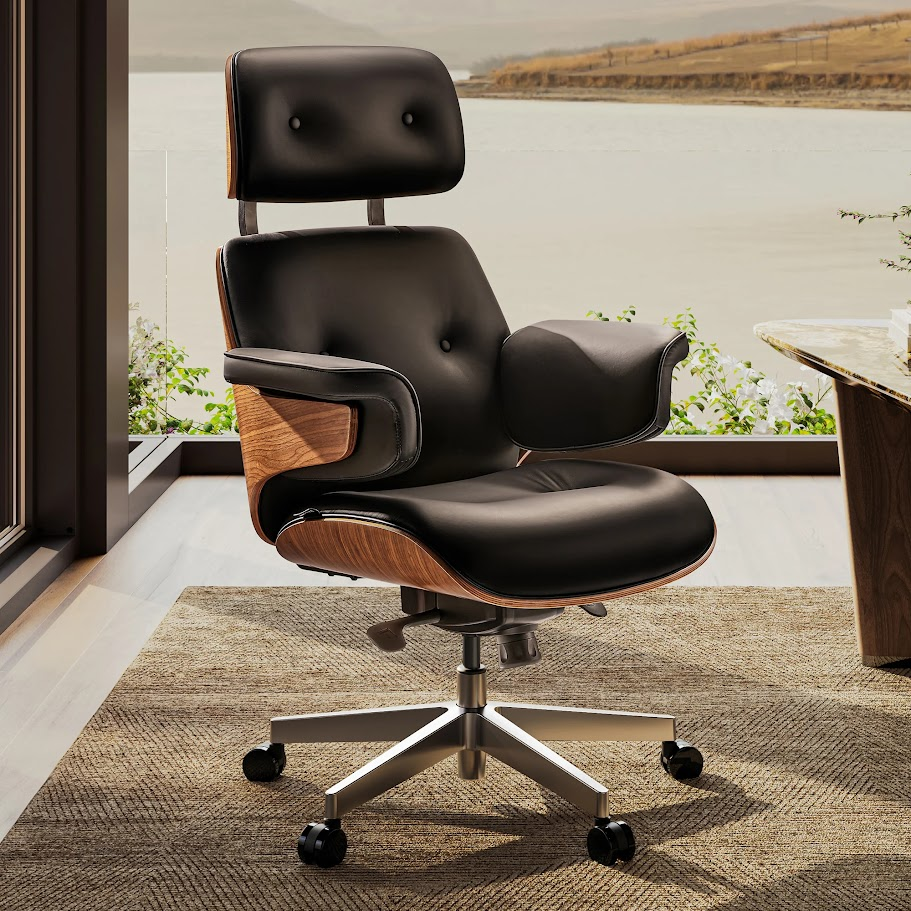
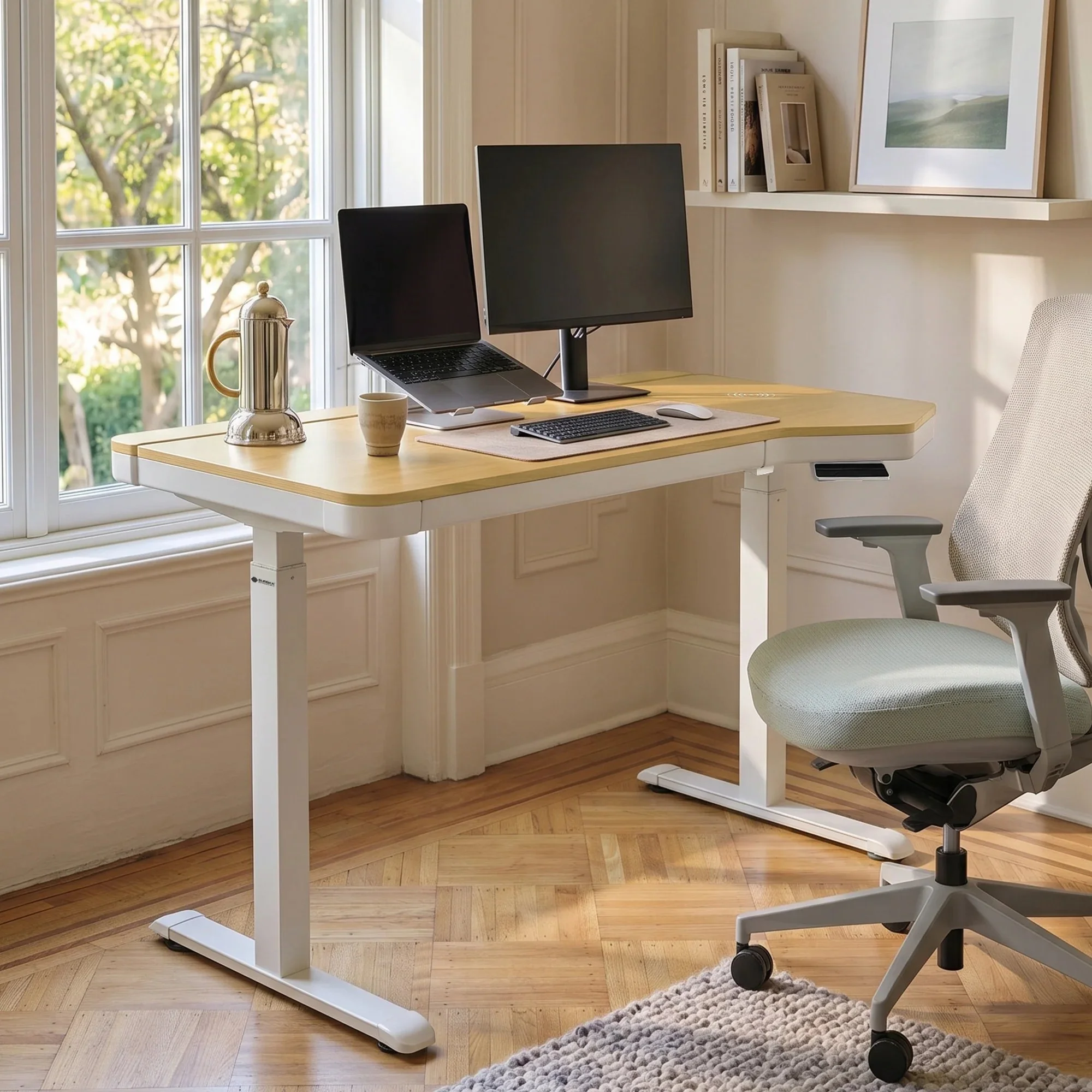
Learn how to convert image and document formats for interior design projects, renovation plans, mood boards, and home improvement inspiration.

Planning a home renovation often means collecting inspiration photos, furniture catalogs, floor plans, material samples, and design presentations from different sources. Unfortunately, these files may arrive in formats that are incompatible with your preferred design software. The online convertor from Convertio transforms images and documents into compatible file formats through cloud-based processing without requiring software installation. Choosing appropriate file formats can make organizing, editing, and sharing home design materials considerably easier.
Table of Contents
Why file formats matter in home design
Choosing the right image and document formats
Creating an organized interior design mood board
Preparing renovation documents for contractors
Converting files for printing and online sharing
Common file conversion mistakes to avoid
Why File Formats Matter in Home Design
Imagine planning a living room makeover and collecting dozens of furniture images, flooring samples, and paint color references. Some images come from websites, others from smartphone cameras, and several arrive as downloadable product catalogs.
Opening these files in a single application may become difficult when their formats are incompatible. Large files can also make presentations unnecessarily heavy, while excessive image compression can reduce the visibility of important material details.
File conversion helps establish consistency across project materials. Instead of managing numerous incompatible formats, homeowners can prepare files according to their intended purpose, whether that involves creating mood boards, sharing renovation ideas, or printing reference images.
Choosing the Right Image and Document Formats
Each file format has characteristics that make it suitable for particular design tasks. Selecting the wrong one can affect image clarity, transparency, compatibility, and storage requirements.
File FormatBest Used ForMain AdvantageJPGInterior photographsEfficient photo storagePNGFurniture cutouts and mood boardsSupports transparencyWebPOnline design portfoliosEfficient compressionSVGVector illustrations and diagramsScalable graphicsTIFFHigh-quality print materialsSupports detailed image storagePDFRenovation plans and presentationsConsistent document layout
According to Mozilla's image format guide, selecting an appropriate image format involves balancing compression, visual quality, compatibility, and features such as transparency.
Quick tip: Keep original high-resolution files in a separate folder. Converting a compressed image into a different format does not restore previously lost detail.
Creating an Organized Interior Design Mood Board
A mood board brings together furniture, colors, textures, lighting fixtures, and decorative accessories to establish a visual direction for a room.
However, collecting images from multiple sources can create inconsistencies. Some furniture photographs may contain transparent backgrounds, while others use formats that your editing application does not recognize.
A practical preparation workflow includes:
Collect furniture and material reference images.
Convert incompatible images into supported formats.
Preserve transparent backgrounds using PNG where necessary.
Resize oversized photographs to manageable dimensions.
Arrange the finished images according to color, texture, and function.
Maintaining consistent image formats simplifies editing and reduces unnecessary interruptions while building the layout.
Preparing Renovation Documents for Contractors
Renovation projects frequently involve exchanging technical drawings, measurements, quotations, material specifications, and design proposals.
Sending these documents in unfamiliar formats can create unnecessary communication problems. A contractor might receive a file that requires specialized software simply to view its contents.
PDF is particularly useful for sharing finalized reference documents because it helps preserve their intended layout. However, editable originals should remain available when adjustments are required.
Before sending renovation documents, verify that measurements are readable, pages appear in the correct order, and important annotations remain visible.
Important: File conversion should never replace the original technical drawing when precise dimensions or professional construction specifications are required.
Converting Files for Printing and Online Sharing
A photograph intended for a printed design presentation has different requirements from an image uploaded to an online portfolio.
For digital sharing, smaller files generally make uploading and downloading easier. JPG and WebP can be appropriate choices for photographs when their compression settings preserve sufficient visual detail.
Printed presentations require greater attention to image resolution and color reproduction. Flooring patterns, stone textures, fabric details, and wood grain should remain clearly visible.
Before printing, confirm the required image dimensions and file format with the printing provider. Avoid enlarging small, heavily compressed images because conversion alone cannot generate missing visual information.
Common File Conversion Mistakes to Avoid
Several mistakes can compromise the quality of home design materials:
Repeated compression: Repeatedly saving lossy images can reduce visual quality.
Losing transparency: Converting transparent PNG images to JPG removes transparency.
Deleting original files: Keeping only converted copies limits future editing options.
Ignoring privacy: Documents containing addresses, security layouts, or personal information require careful handling.
Skipping quality checks: Always open converted files before sharing or printing them.
An organized conversion process should make project files easier to use without sacrificing important information.
Build a More Efficient Home Design Workflow
Successful home design projects depend on clear visual communication. Organizing images and documents into suitable formats helps homeowners, interior designers, and contractors exchange ideas with fewer compatibility problems.
By preserving original files, selecting formats according to their purpose, and checking converted materials before use, homeowners can spend less time resolving technical issues and more time making meaningful design decisions.
Stay up to date with our latest ideas!