Solar Generator Buying Guide for First-Time Homeowners
Learn how to choose a solar generator as a first time homeowner with key tips on capacity, efficiency, features, and long term value.
Buying your first home changes how you think about power. A solar generator can protect food, internet, lights, and basic comfort when the grid fails, but only if you size it around real household needs.
First-time homeowners do not need to become electricians. They need a clear way to list essential loads, compare key specs, and decide whether plug-in backup or a larger home setup makes sense.
Start With the Loads That Matter
A backup plan should begin with the appliances you cannot lose. This keeps the decision grounded. If you start with product names first, you may buy too much capacity for small loads or too little output for important equipment.
Food and Cold Storage
Refrigerators and freezers usually sit near the top of the list. They cycle on and off, so runtime depends on use, room temperature, and how often doors open. Check the appliance label and leave room for startup demand.
Communication and Work
Internet equipment often uses modest power, but it matters during outages. A router, modem, laptop, and phone charger can keep work, weather alerts, and family contact running. These loads are easy to overlook because they are small.
Health and Safety
Medical devices, sump pumps, security systems, and garage access can be more important than comfort appliances. If any device protects health or property, write it down before entertainment, coffee, or cooking loads enter the plan.
Learn the Specs Before You Shop
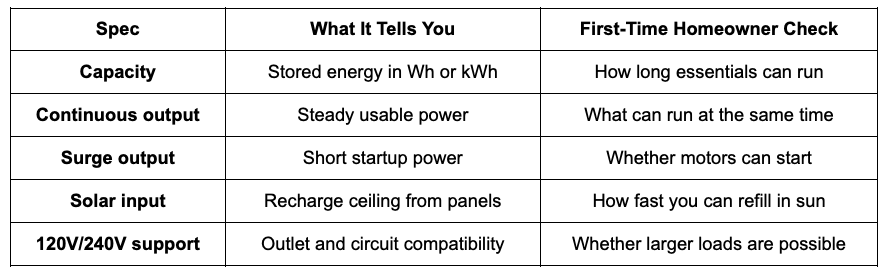
A solar generator is easier to compare when you know what the main numbers mean. Capacity, output, surge rating, solar input, and battery chemistry tell you how the system will behave during a real outage.
Capacity
Capacity is stored energy. It is usually shown in watt-hours or kilowatt-hours. More capacity means longer runtime, but only if your total load stays within the system’s output limit. Capacity does not tell the whole story.
Continuous Output
Continuous output tells you how much power the unit can deliver steadily. This matters when several devices run at once. If your refrigerator, router, lights, and a small appliance operate together, their combined load must stay under this rating.
Surge Output
Some appliances need extra power to start. Refrigerators, pumps, and compressors may draw more for a short moment than they use while running. A solar generator with enough surge headroom is less likely to trip under startup loads.
Solar Input
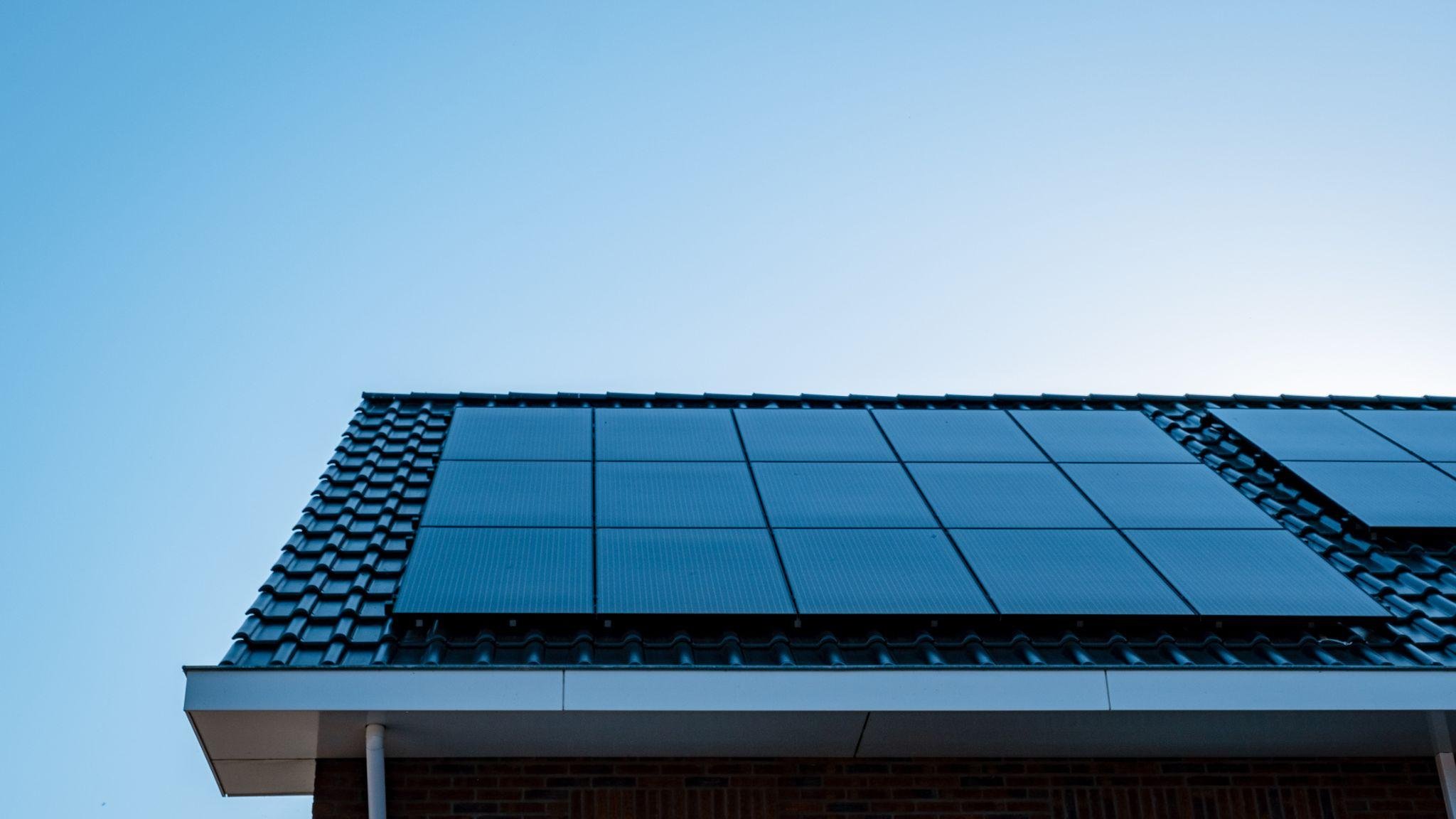
Solar input tells you how fast panels can recharge the battery under suitable conditions. Real output depends on sun, shade, angle, temperature, and cable setup. For storm planning, assume less than perfect panel performance.
Golden Rule for Sizing: Aim for enough solar wattage to recharge your battery's usable capacity within 4–6 hours of peak sunlight. If you cannot reach a full charge in a single day, your solar array is likely undersized for your battery bank. Always factor in potential cloud cover and seasonal variance, as actual solar production will rarely match peak manufacturer ratings.
Battery Chemistry
Many modern backup systems use lithium iron phosphate batteries, often called LFP or LiFePO4. This chemistry is common in home backup because it supports long cycle life and stable daily use when managed correctly.
Decide How You Will Use It at Home
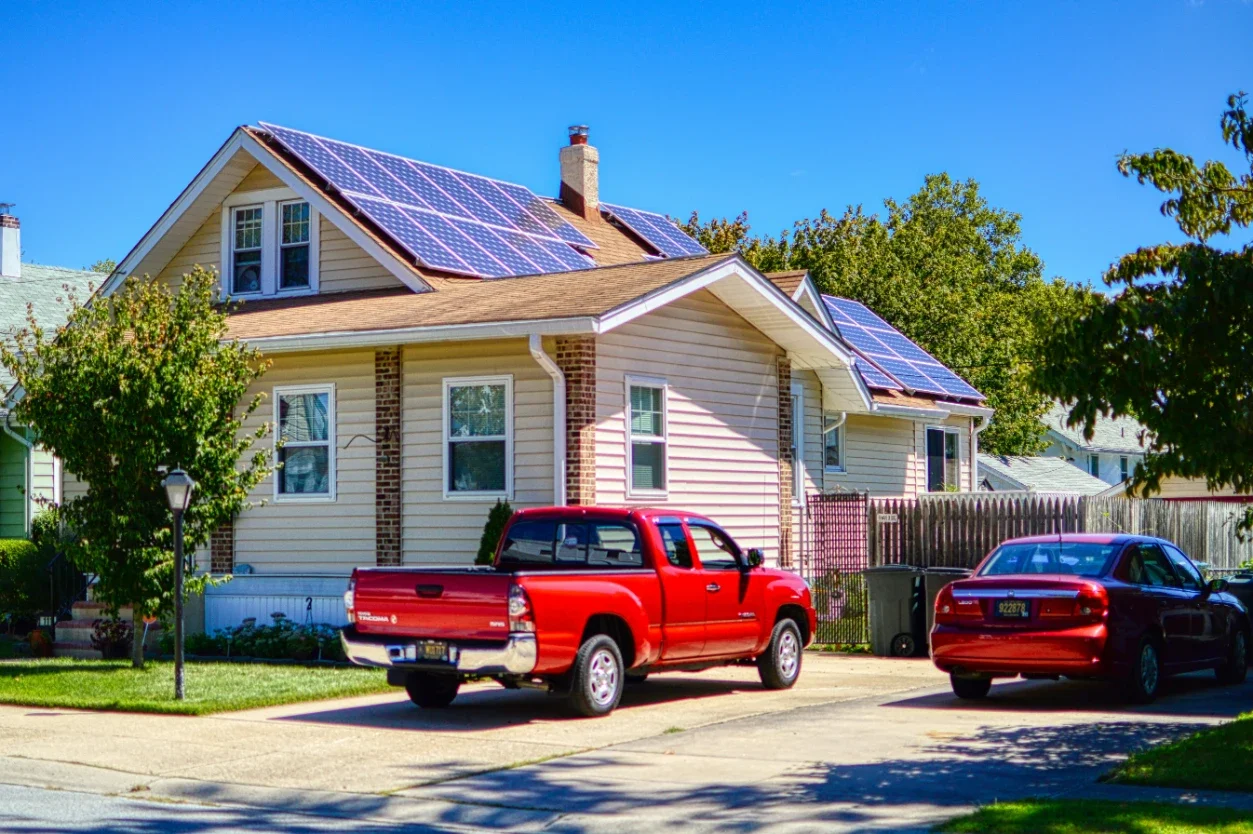
A new homeowner should think about where the unit will sit before buying. A solar generator may look portable online, but large backup systems still need storage space, cable reach, ventilation clearance, and a safe charging routine.
Plug-In Backup
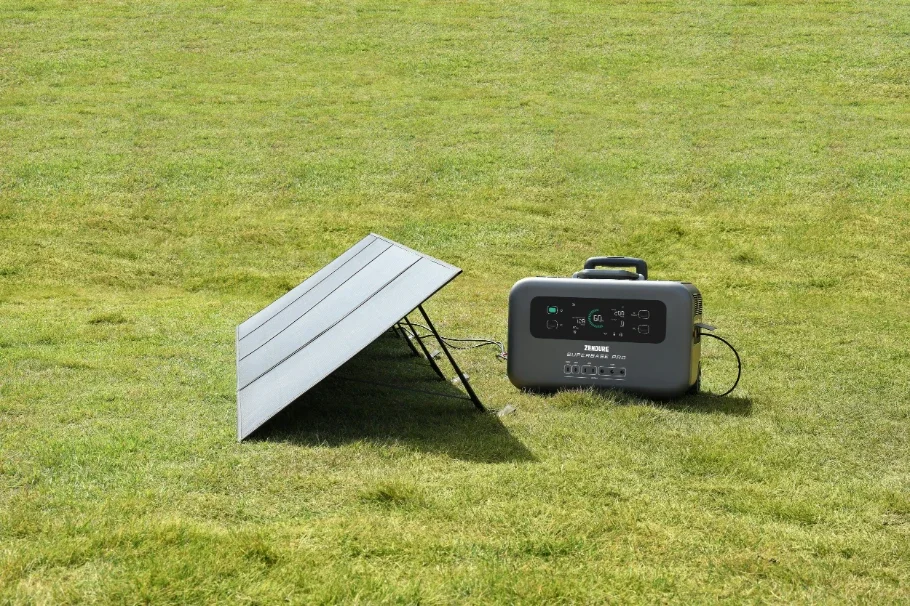
Plug-in backup is the simplest path. You connect devices directly to the power station using the outlets on the unit. This works well for refrigerators, routers, laptops, lights, and small appliances that can be reached safely with proper cords.
Home Circuit Backup
Home circuit backup is more involved. It may require a transfer switch, inlet box, smart panel, or other approved equipment. This path can be useful, but a qualified professional should handle installation and code questions.
Apartment or Townhome Use
Renters and townhome owners may not be able to modify panels. In that case, a plug-in solar generator can still support essentials. Confirm storage rules, charging access, and where panels could be placed during daylight.
Build a Budget Around the Whole Setup
The base unit is only part of the cost. A realistic budget may include solar panels, extension cables, extra batteries, transfer equipment, mounting gear, and professional installation. Compare the full setup, not only the sale price.
Panels and Cables
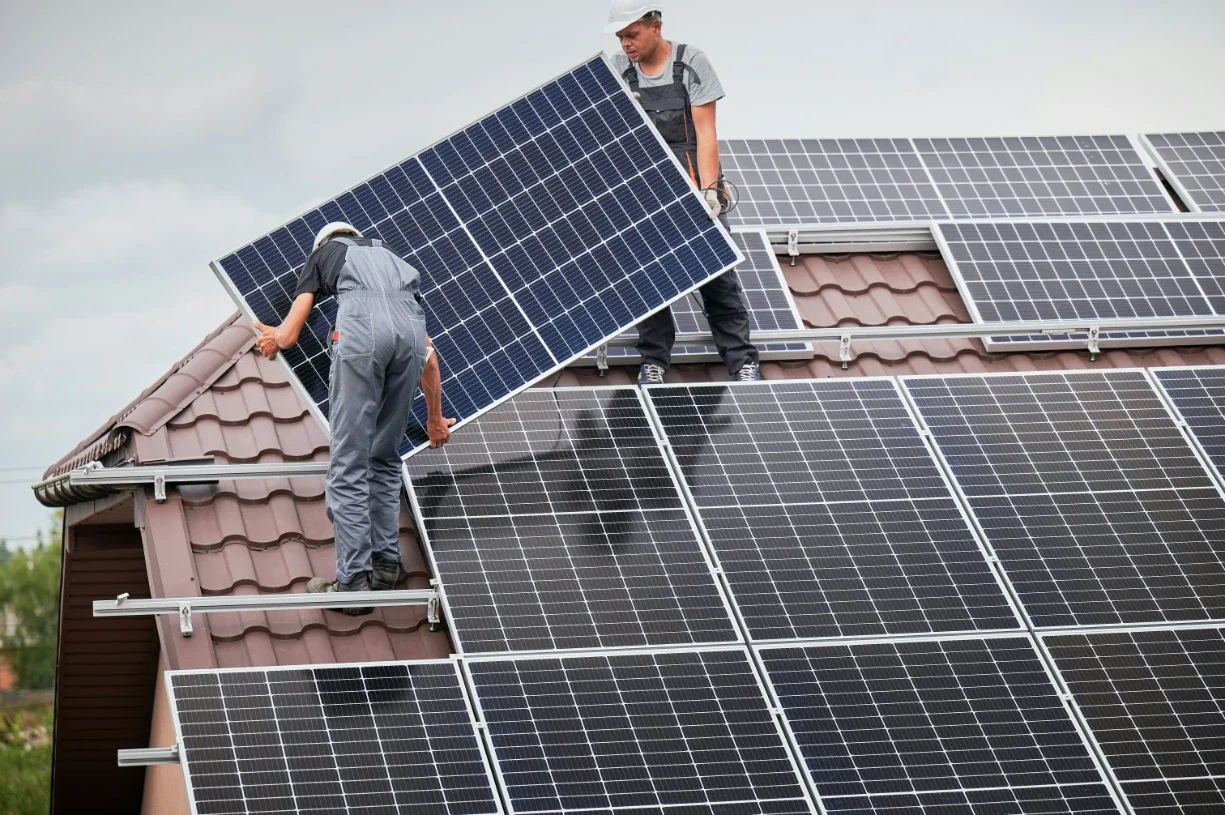
Panels matter if you expect more than one day of backup. Portable panels are flexible, but they need space and sun exposure. Cables, adapters, and input limits should match the unit before you count on solar charging.
Extra Batteries
Extra batteries can extend runtime without changing the main unit. They also add cost, weight, and storage needs. This upgrade makes sense when your load list is clear and you know the first battery is not enough.
Installation Costs
If you want selected circuits backed up, installation costs may be part of the project. Get a local estimate before choosing a system. A lower base price can look less attractive after required home connection work.
Price the power station by itself.
Add panels if multi-day use is likely.
Include professional installation for circuit backup.
Compare Backup Choices With a Safety Lens
First-time homeowners often compare a solar generator with gas generators. Both can be useful, but they solve different problems. Fuel generators can support heavy outdoor loads, while battery systems are quieter and do not produce exhaust while discharging.
Indoor-Safe Use
A solar generator can be used indoors when operated according to the manual because it does not burn fuel while powering devices. Gas generators are different. Safety agencies warn that fuel generators must stay outdoors because of carbon monoxide risk.
Load Discipline
No backup system removes the need to manage loads. High-watt heating and cooking devices drain batteries quickly. During an outage, use power for essentials first, then add comfort loads only when capacity and recharge plans allow it.
Keep heavy loads short.
Test essential devices before storm season.
Store the unit with enough charge for sudden outages.
Why EcoFlow Is a Smart Place to Start
EcoFlow gives first-time homeowners room to grow. DELTA 3 Plus covers lighter backup needs with 1 to 5kWh expandable capacity and 1,800W output, while DELTA Pro 3 starts at 4,096Wh and supports 4 to 48kWh expansion.
That range matters because a first home rarely has a perfect backup plan on day one. Starting with essentials, then adding capacity or home integration later, is often easier than guessing every future need at the first purchase.
Stay up to date with our latest ideas!