8 Best AI Landscape Design Tools in 2026 (Tested for Every Yard Type)
Compare the 8 best AI landscape design tools of 2026, tested across different yard types to help you plan outdoor spaces with confidence.

Hiring a landscape designer costs between $1,000 and $5,000 for an initial concept. Most homeowners skip it entirely and guess. AI changes that equation — a photo of your yard and 30 seconds is now enough to see five different design directions, side by side, before you move a single stone.
We tested eight tools across different yard sizes and use cases. Here's what actually works.
What to look for in an AI landscape design tool
Not every tool does the same thing. Some generate photorealistic renders from a photo. Others build 2D planting plans or help with AR previews on mobile. Before picking one, consider three things: does it work from your actual yard photo (not a generic template), does it output something actionable (a plant list, a contractor brief, a style comparison), and is the free tier genuinely usable?
The tools below cover all three categories.
The 8 best AI landscape design tools in 2026
1. LandscapeAI
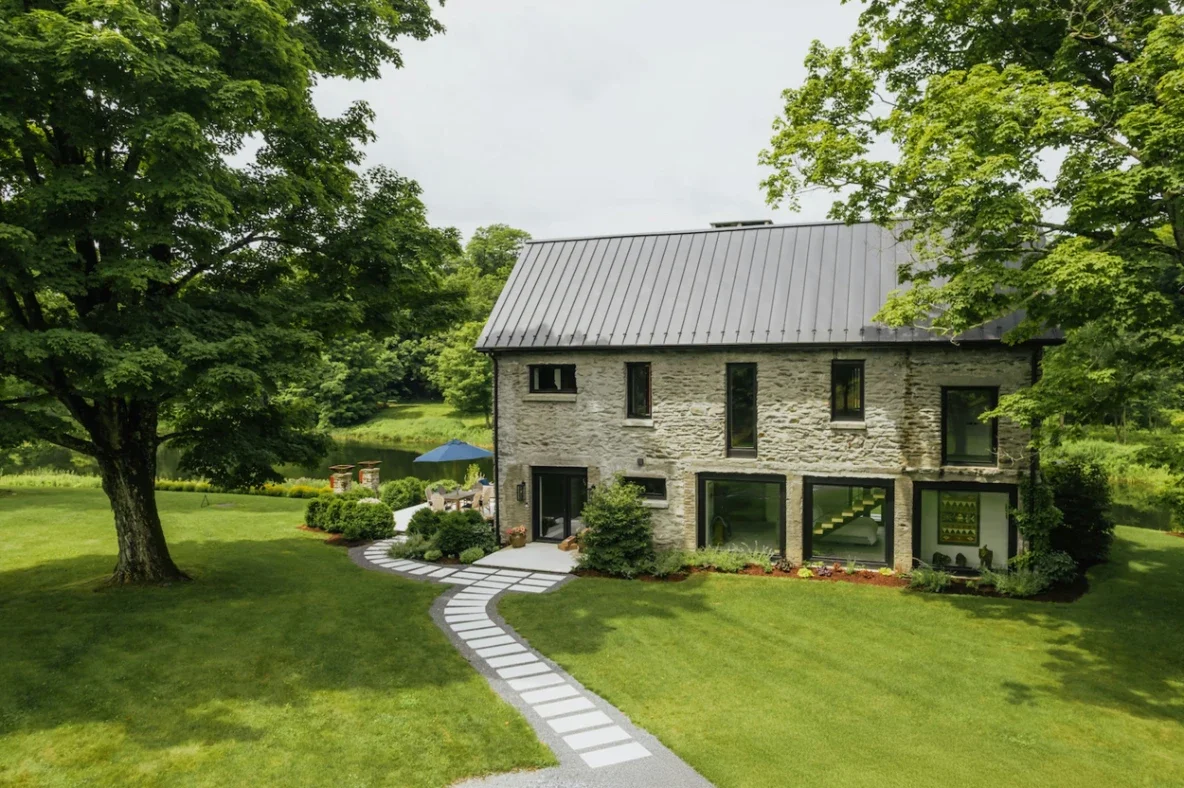
LandscapeAI starts from your real yard — your actual edges, structures, and proportions — rather than a templated placeholder. Upload a photo, pick one of eight style directions, and the tool generates a photorealistic concept in minutes.
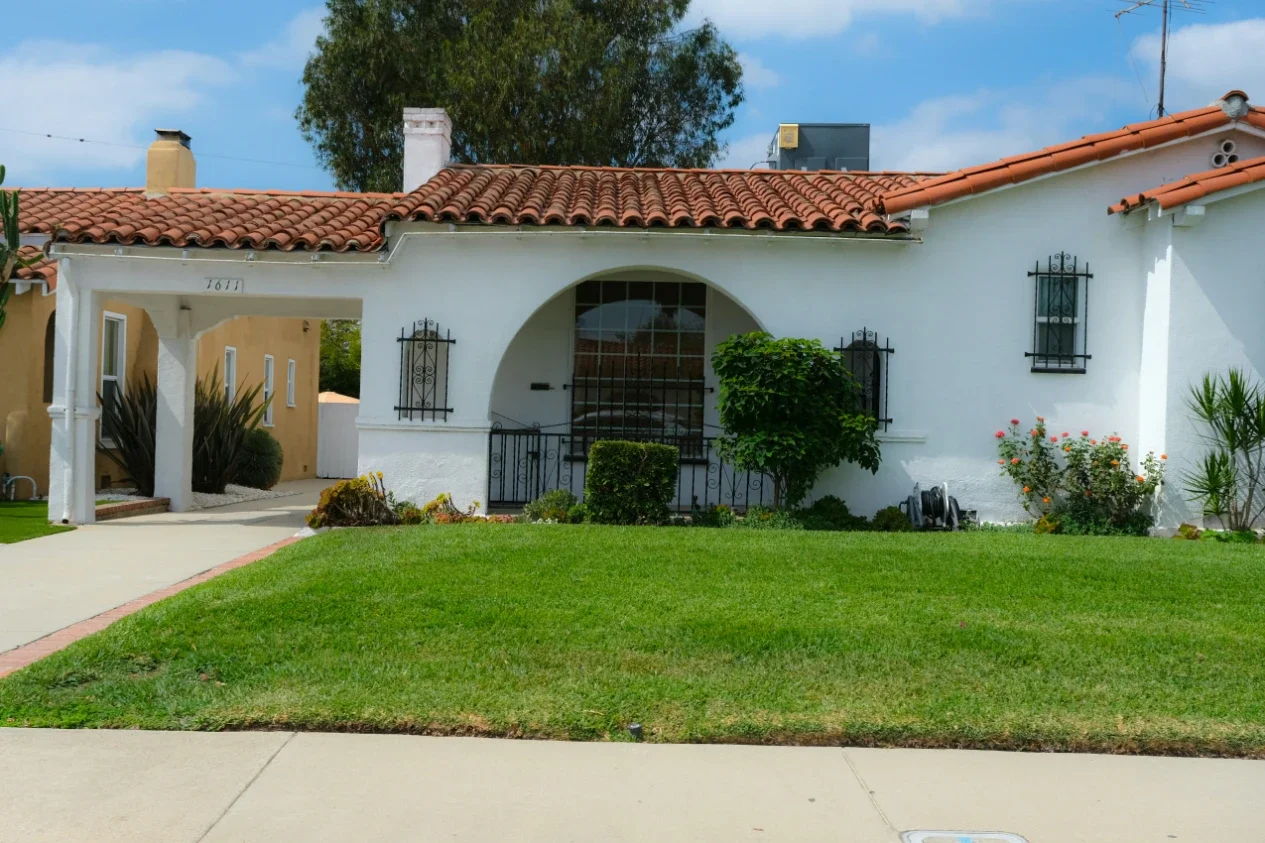
The eight styles cover most homeowner needs: Modern Minimalist, Mediterranean, Cottage Garden, Japanese Zen, Low-Maintenance, Tropical, Natural Landscape, and Family Backyard. Each one adapts to the geometry of the photo you provide, which means a Mediterranean design on a narrow side yard looks different from the same style on a wide open backyard.
The free tier requires no signup and gives you access to the core styles and standard image quality. Starter plans begin at $14.99/month with expanded generation limits and faster processing. The Pro plan at $29.99/month adds multi-project support and priority rendering — useful for landscapers managing several clients at once.
What sets it apart is the comparison workflow. You can run Modern Minimalist and Mediterranean on the same photo and look at them side by side before committing to either. For anyone planning to hire a contractor afterward, that reference image is worth considerably more than a verbal description.
Best for: Homeowners, DIY renovators, and landscaping professionals creating client briefs.
2. Paintit.ai
Paintit.ai covers both exterior and landscape design in a single platform. Upload photos from different angles of your yard, select from a library of landscape styles, and the AI generates layout ideas for gardens, patios, decks, and paths — with accompanying plant, material, and lighting recommendations.
The side-by-side comparison feature is strong. You can generate several variations and share the results directly with a contractor or HOA without exporting to another tool. The platform works across space sizes, from a small balcony to a large backyard, and produces results fast enough for real-time style iteration.
Paintit.ai also offers AI exterior design for facades, which makes it a practical all-in-one tool if you're planning both a yard renovation and an exterior repaint or resurfacing at the same time.
Free tier: Yes — core AI concept generator and layout tools at no cost. Premium plans add higher resolution previews and expanded customization.
Best for: Homeowners who want landscape and exterior design in one workflow, and those sharing designs with contractors.
3. Remodel AI
Remodel AI focuses on speed. Upload a yard photo, pick a style, and the tool returns a photorealistic redesign in around 10 seconds. It covers 10 garden styles on the free tier, including Japanese, Mediterranean, English Cottage, and Desert — with no credit card required and no watermarks.
The output quality is solid for quick visualization, though the tool doesn't produce a planting list or contractor brief. It works best as a first-pass ideation step before moving to a more detailed planning tool.
Best for: Quick visual exploration before committing to a direction.
4. Yardcast
Yardcast converts a property photo into three realistic landscape redesign concepts in 40–60 seconds. You upload an exterior image, mark the area you want redesigned, specify your goals, and the tool returns AI-generated previews showing changes to planting beds, walkways, lighting, patios, and mulch — while keeping the house structure intact.
The workflow is notably guided: you don't just upload and wait. Masking the editable zone and selecting a design goal produces more accurate results than open-ended generation. Styles range from Modern and Classic to regional Desert Southwest and layered natural designs.
Pricing is a one-time $29.99 design pack — three curb appeal directions, plant and material guidance, budget estimates, and a contractor-ready summary. No subscription. A free preview is available before any payment.
Best for: Front yard and curb appeal projects, homeowners preparing for contractor conversations.
5. Hadaa
Hadaa operates as two separate products: Garden Autopilot (from a photo) and Sketch Autopilot (from a hand-drawn sketch). A single $9 one-time payment returns 22 photorealistic renders, a USDA zone-verified planting guide PDF, a color-coded contractor blueprint, and a bill of quantities.
No subscription, no recurring charge. That structure makes Hadaa the most cost-effective option for a one-time project. The output depth is higher than most competitors — the contractor blueprint alone can save several back-and-forth conversations with a landscaping team.
Best for: Homeowners doing a single project who want a complete design package without a monthly commitment.
6. iScape
iScape is the strongest tool for mobile AR. Open the app, point the camera at your yard, and place plants, trees, hardscape elements, and lighting in augmented reality at scale. You see additions at their real-world size in your actual space before anything is purchased or planted.
The professional version includes a plant database with mature size and care requirements for each species. Landscapers use it for on-site client presentations — showing a finished yard concept while standing in the yard is significantly more persuasive than a printed render.
Best for: Professionals doing on-site client presentations, and mobile-first users who want AR previews.
7. Neighborbrite
Neighborbrite offers unlimited free designs with no credit limits, no watermarks, and no credit card. Upload a photo, choose from 16+ styles, and get a photorealistic render in seconds. The tool also adjusts plant suggestions based on your location and climate.
There's no planting list or contractor brief in the output. But for early-stage ideation — when you're not sure what direction you want — unlimited free generations remove all friction from the exploration process.
Best for: Early ideation, style exploration, and anyone not ready to commit to a paid tool.
8. Planner 5D
Planner 5D takes a different approach: a drag-and-drop 2D and 3D planning interface rather than photo-to-render AI. You build a yard layout from scratch, placing elements from a library of plants, furniture, structures, and surfaces. The AI assists with suggestions rather than generating a full render from a photo.
The tool is more hands-on and takes longer to produce a result. In return, you get more precise spatial control over every element. For homeowners planning a significant structural project — adding a deck, a pool, or a covered outdoor kitchen — that precision is worth the extra time.
Best for: Detailed structural planning where spatial accuracy matters more than quick visualization.
How to choose the right tool for your yard
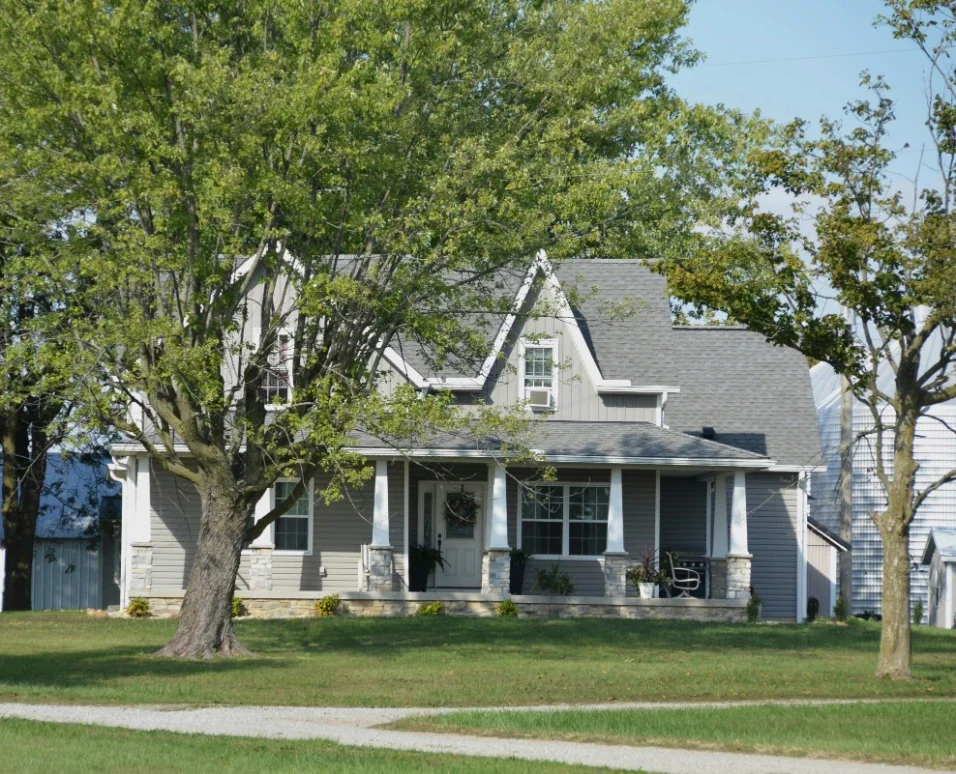
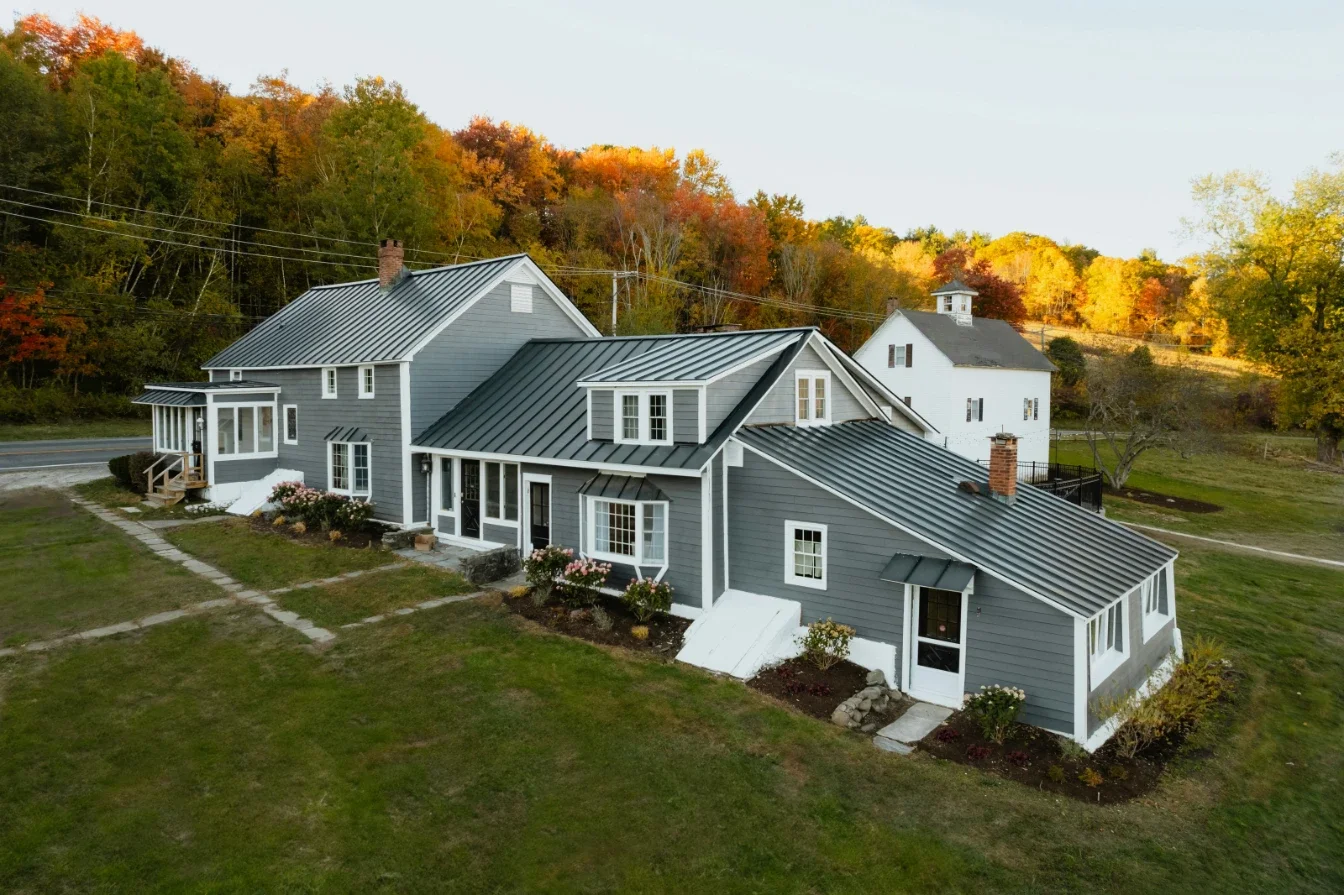
Start with a photo-to-render tool if you want to see your actual yard redesigned quickly. LandscapeAI, Paintit.ai, Remodel AI, and Gardenly all work this way.
Add Hadaa if you need a complete project package — renders, plant list, contractor brief — for a one-time cost.
Use iScape if you're a professional presenting concepts on-site or want to see plants at real scale in AR before buying.
Start with Neighborbrite if you're still exploring styles and want zero financial commitment.
Choose Planner 5D if you're planning a structural addition that requires precise spatial layout.
Most homeowners end up using two tools: one for fast visual exploration early on, and a second for detailed planning once the direction is set.
FAQ
Do any of these tools work without a photo?
Hadaa's Sketch Autopilot works from a hand-drawn sketch. Planner 5D lets you build a layout from scratch. All others require a yard photo for best results.
Which tools are genuinely free to start?
LandscapeAI, Paintit.ai, Remodel AI, Neighborbrite, and Planner 5D all offer usable free tiers without a credit card. Hadaa charges a one-time $9 fee per project.
Can I share designs with a contractor directly?
Paintit.ai and Hadaa both support direct export and sharing. LandscapeAI generates images suitable for use as contractor reference material. iScape supports client-facing presentations on mobile.
Stay up to date with our latest ideas!