How to Arrange a Living Room for Both Good Wi-Fi Coverage and Better Decor
Learn how to arrange a living room for better Wi-Fi coverage and decor by balancing router placement, furniture layout, signal flow, style, and functionality.
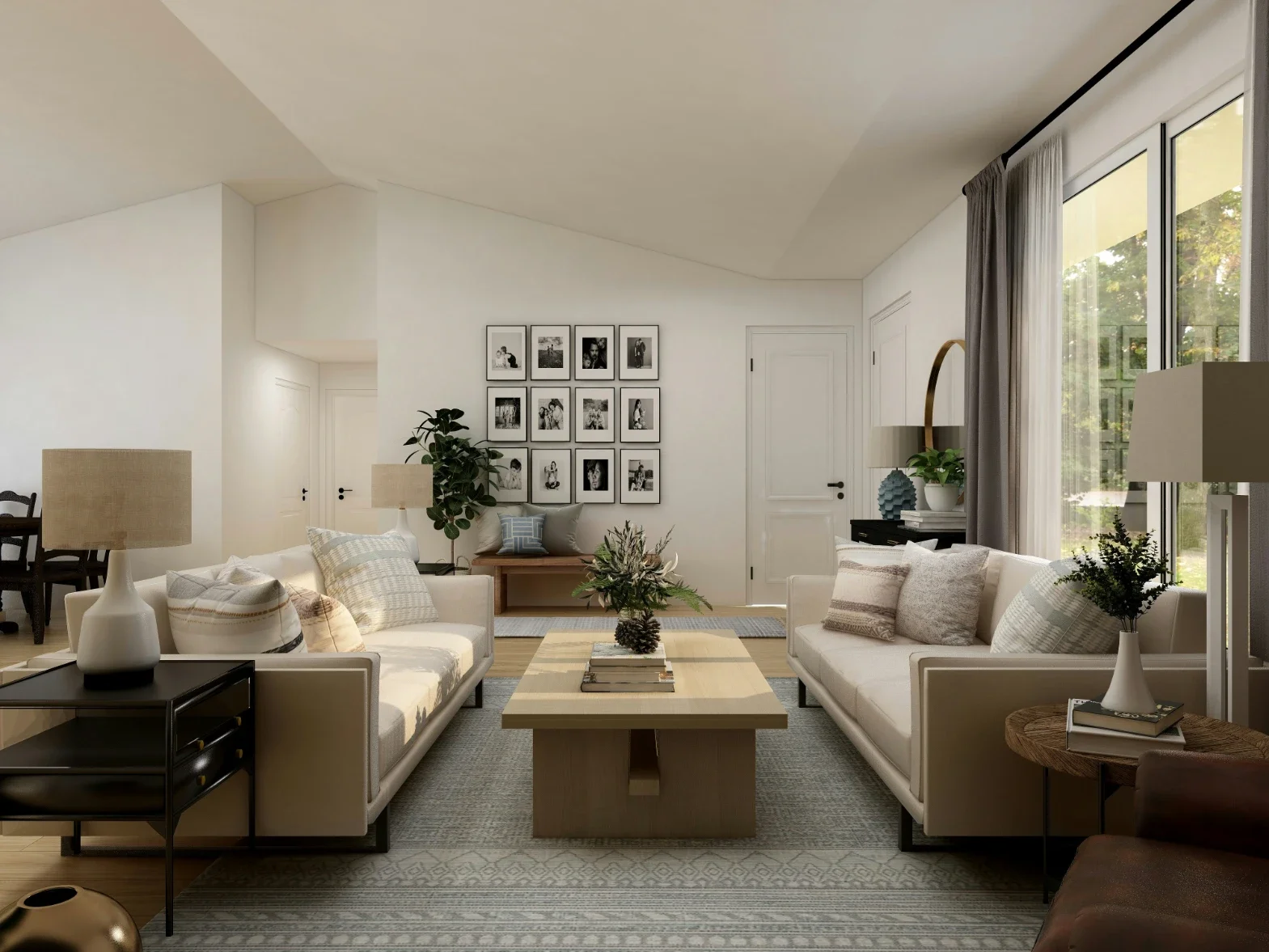
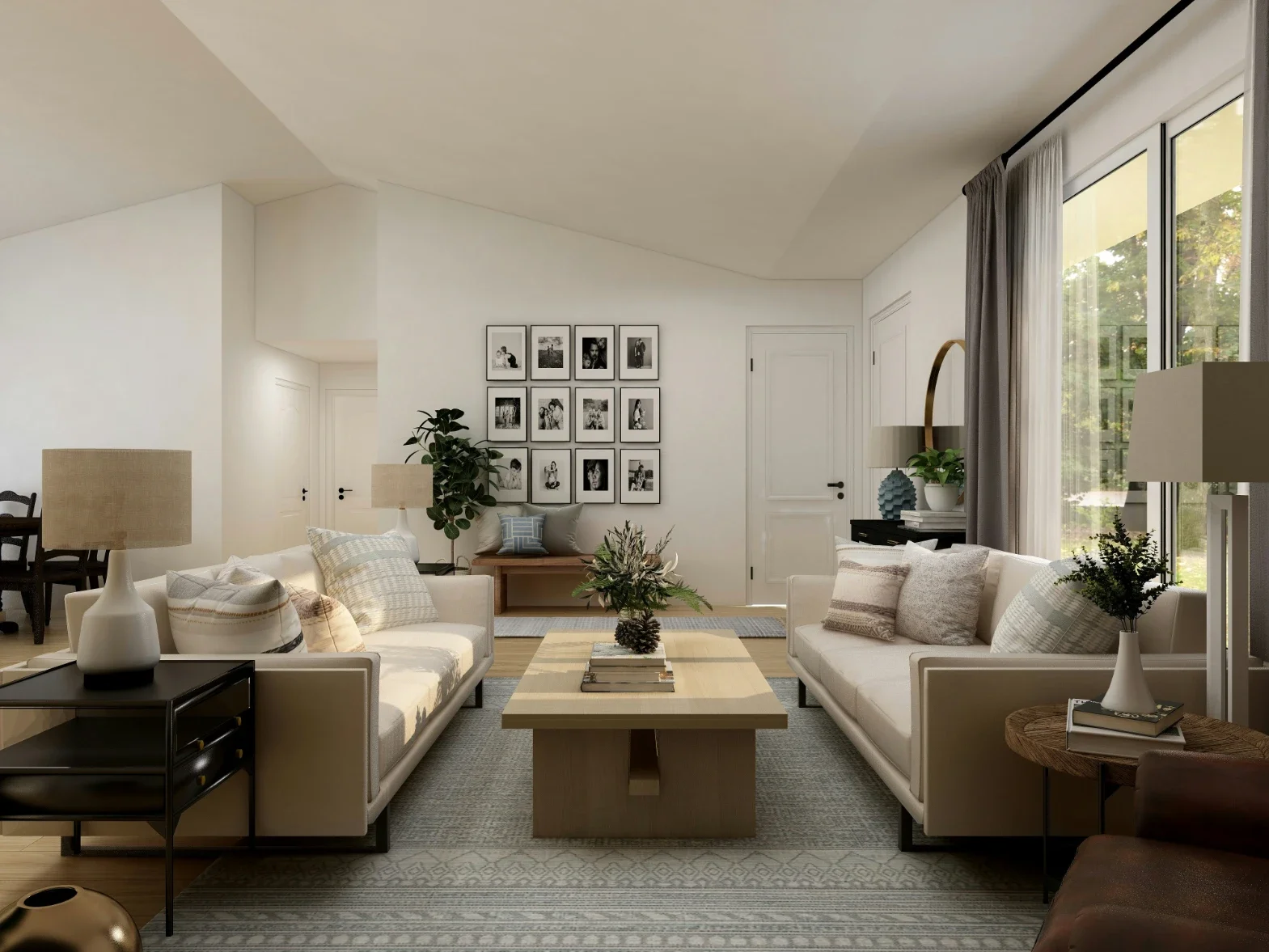
A functional living room is comfortable, visually pleasing and compatible with modern technology. Wall decorations, electronics and small accessories can change how a wireless signal moves through a space. Placing a router in a technically ideal spot does not always result in an attractive room. Residents can support internet reliability plus maintain an inviting design through careful planning. Connectivity is an essential part of a room layout rather than a secondary concern.
Evaluate Household Internet Needs
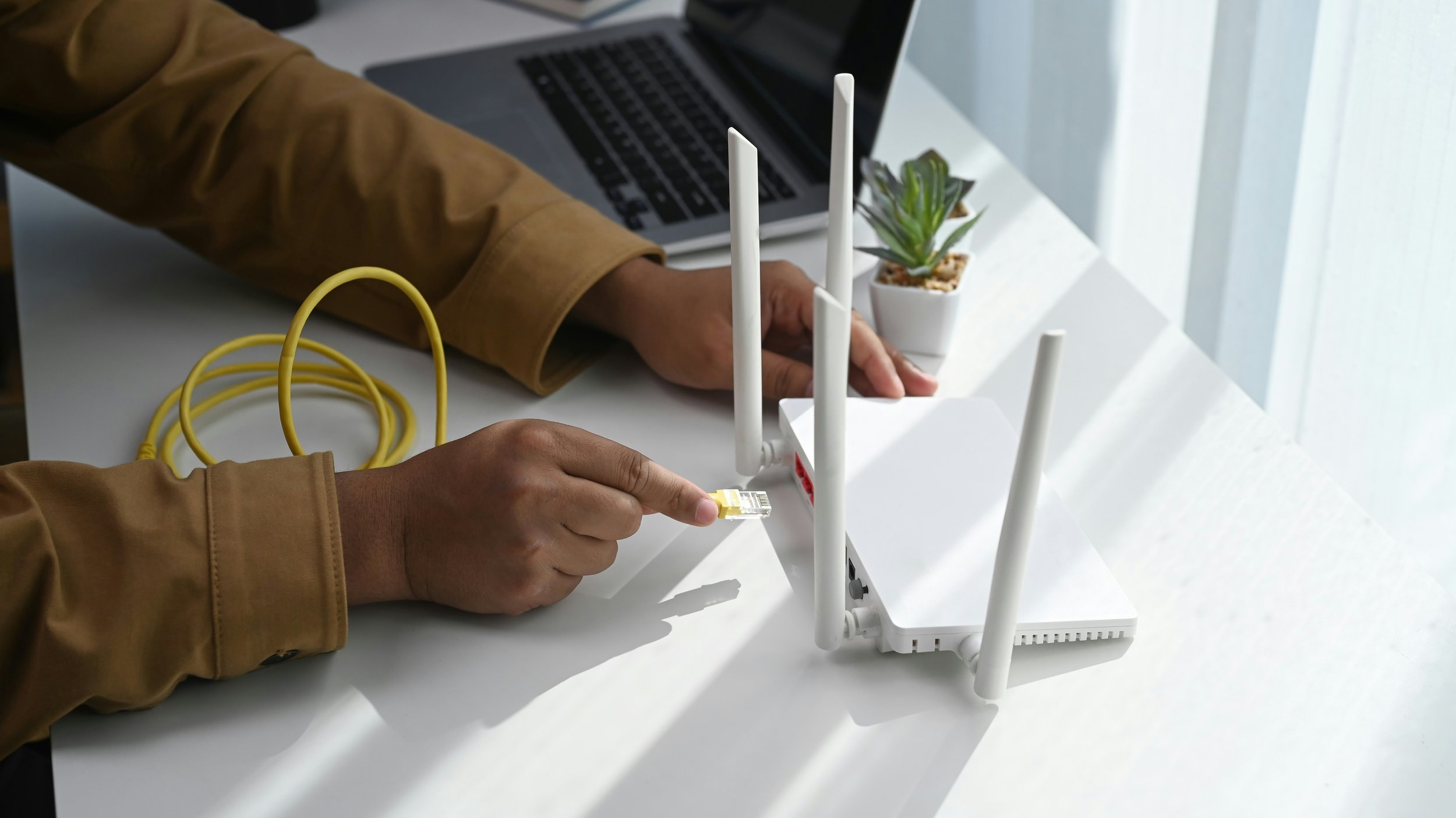
Occupants can position living room furniture to support daily home internet use. Individuals who watch high definition video, join video calls, play online games or use multiple smart devices need consistent signal coverage. Placing common electronics near the wireless router reduces areas where the signal is weak. Stationary hardware, like televisions or desktop computers, is most reliable when connected with Ethernet cables - this method keeps the room orderly and maintains fast connection speeds.
Choose The Right Router Location
The router is most effective in an open and central position within the area it serves. Placing this device behind a television, inside a cabinet or against large furniture restricts the signal. A low shelf filled with books and boxes is less effective than an open table or a flat surface. An elevated but also exposed router communicates better with other devices and makes cable management easier.
A visible router does not have to spoil the appearance of a room. Select furniture that supports the equipment without hiding it, like an open console or a media unit with ventilation. If the router has external antennas, position these according to the manufacturer's instructions - this method allows the equipment to function well while remaining an intentional part of the technology setup.
Keep Furniture From Blocking Signals
Large furniture influences how wireless signals travel - Sofas, bookcases and cabinets are physical obstacles between the router as well as other devices. A heavy bookcase between a router and a seating area can weaken coverage depending on its materials. Leaving open space around the router helps maintain an even connection.
Furniture arrangements should account for where residents use devices. If streaming or video calls occur on the sofa, the router requires a clear path toward that spot. The room does not need to center entirely on the router. Consider the signal path when placing heavy items that are difficult to move later.
Plan The Entertainment Area Carefully
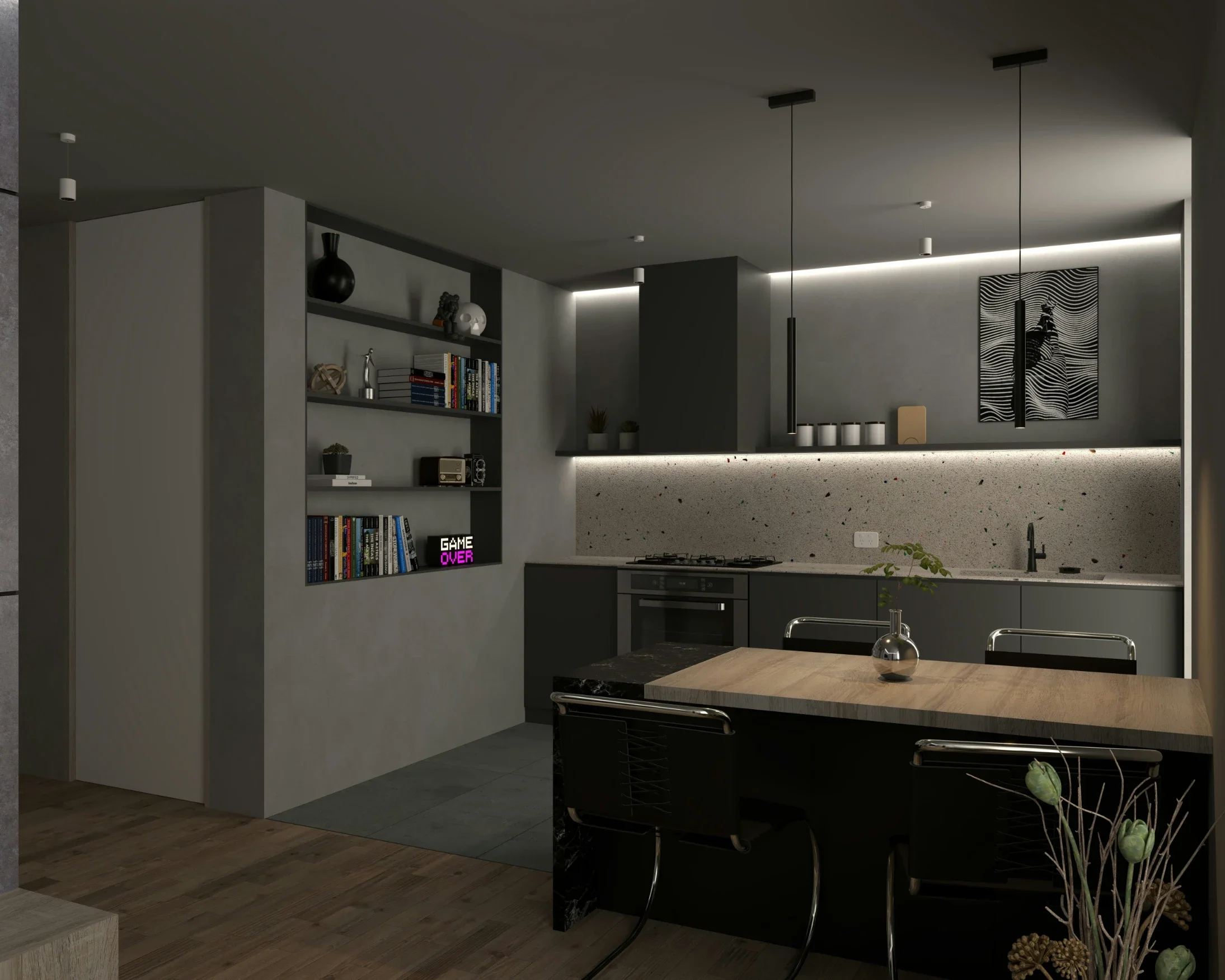
The television area contains many electronics, making it important for both connectivity and decor. Smart televisions, game consoles or sound systems create groups of cables and hardware. Organized devices make a room look tidy and help identify technical problems. Avoid placing the router directly behind the television or crowded among other electronics.
A media console with air holes next to cable holes is a practical solution. Equipment needs space for airflow and cables are better when they are neat rather than tangled. Using a wired Ethernet connection for a television or gaming console reduces the number of devices that rely on Wi-Fi - this leaves more network capacity for phones, tablets and laptops.
Use Decor Without Creating Obstacles
Decorations complement a layout when residents consider connectivity. Large mirrors, metal objects plus dense furniture influence wireless performance if they sit between the router and a device - these items are still usable but they should not form a continuous barrier around the router.
Art, plants, lamps and cushions allow for a personal style without blocking signals. Decorative boxes can hide clutter but enclosed cabinets are not suitable for networking equipment. The goal is to hide cables but also organize accessories while letting the router operate in an open environment.
Manage Cables With The Room Layout
Cable management makes a room look organized - Power cords and wires can make a space appear messy. Identify the location of wall outlets before moving furniture - this helps determine where the entertainment center and lamps go so that long cables do not cross walking paths.
Position furniture to keep wires close to walls - Cable sleeves as well as clips lower visual clutter. Do not press cables too tightly or place equipment in hot areas. Neat cables support the room's appearance and make hardware changes easier in the future.
Consider Additional Equipment
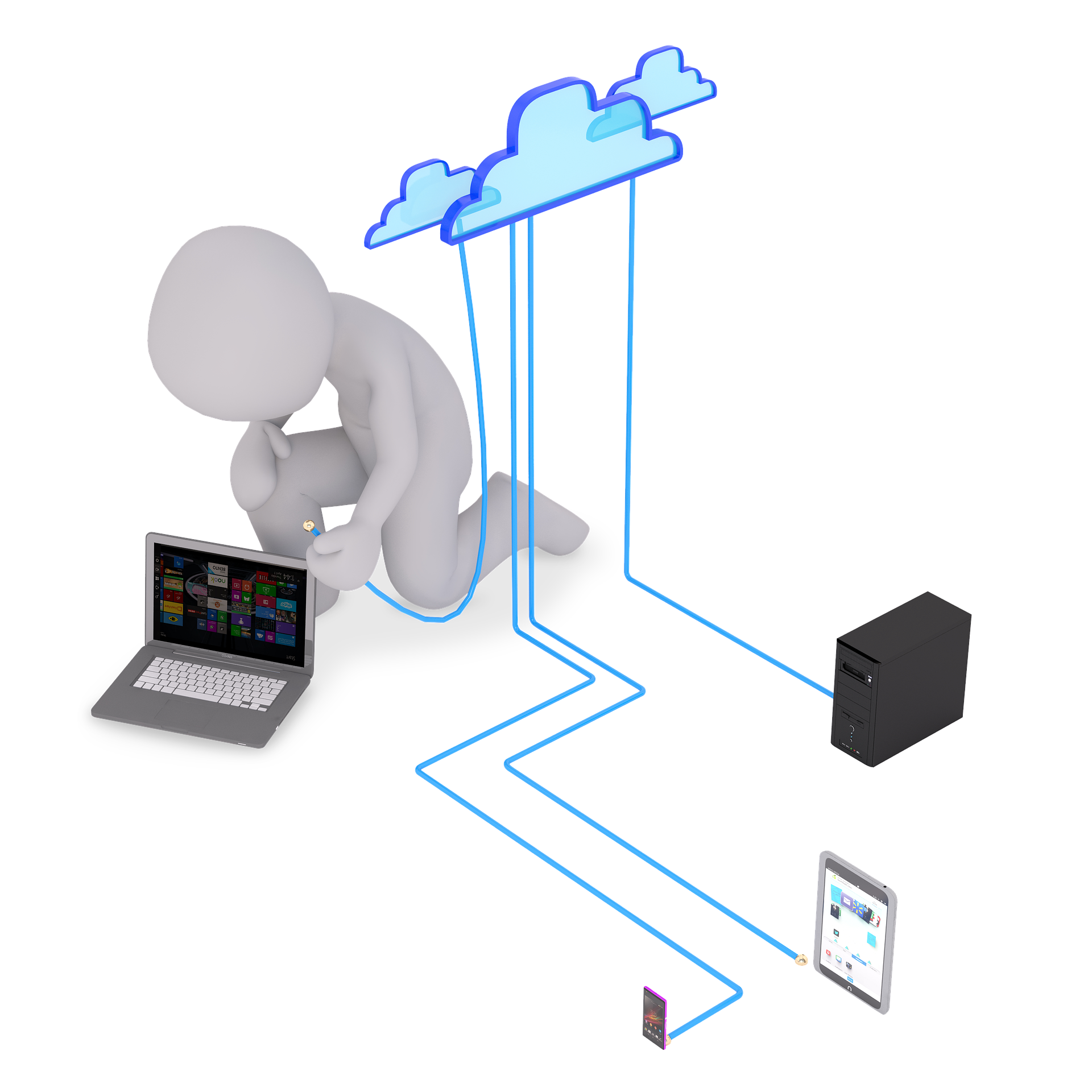
A single router is sometimes insufficient for large homes - If a router is in a good spot but distant rooms have weak signals, a mesh system or an access point is effective - these tools extend coverage so the main router can stay in a practical location.
Placement is important for extra equipment - A mesh node requires a strong connection to the main network to function. Open furniture can hold these devices if they are not hidden behind thick materials. When residents compare internet providers London Ontario, they can check if their equipment is appropriate for the size of the home.
Arrange Seating Around Connectivity
Seating should support both comfort and digital access - Placing a sofa against a wall is common in small rooms but a little space creates a better path for the signal. Side tables are useful spots for phones or tablets.
Consider daily habits when planning - A person working on a laptop needs a strong signal in their specific corner. A layout that reflects how residents actually use the space is more effective than a layout based only on visual balance.
Test The Layout Before Finalizing It
Testing wireless performance is helpful before finishing a room. Check the connection on a phone or laptop while walking through the area. Residents should look at corners and seats far from the router. If the signal drops after moving a large object, the furniture is likely blocking the path.
Small adjustments are easier to make during a test - Moving a router to a higher shelf or shifting a bookcase can solve a problem. Once the connection is steady, the furniture and decor are ready - this process ensures the room is intentional next to functional.
Conclusion
A living room is capable of having strong Wi-Fi and beautiful decor. Keeping the router in an open, high spot and organizing cables improves the utility of the space. Carefully selected furniture ensures that technology does not overwhelm the design. By planning for connectivity, residents create a comfortable room for both relaxation plus digital activities.
Stay up to date with our latest ideas!