Why Your Smart Home Deserves Its Own Wi-Fi Network (And It's Easier Than You Think to Set One Up)
Learn why your smart home deserves its own Wi Fi network and how a separate setup improves security, performance, and device reliability with minimal effort.
Ever had your movie buffer right at the good part because someone in the other room asked Alexa to turn on the lights? Yeah. That's not a coincidence.
Here's the thing. Most people run their entire household on a single Wi-Fi network. Phones, laptops, tablets, smart speakers, security cameras, robot vacuums, smart plugs, thermostats. All of it fighting for bandwidth on the same connection. And for a while, that works fine. Until it doesn't.
The Problem With One Network to Rule Them All
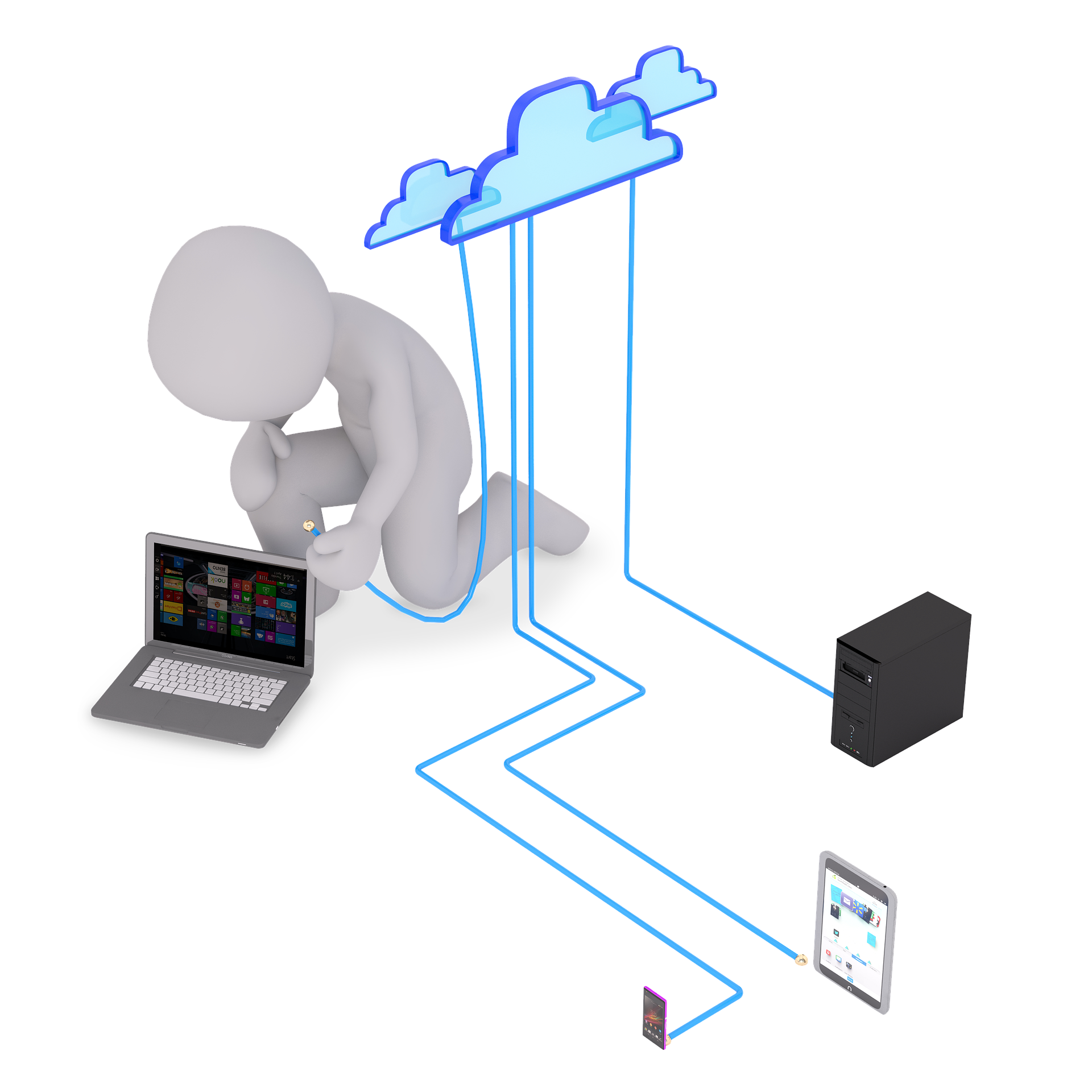
Smart home devices are chatty. They're constantly pinging your router, sending little packets of data back and forth, checking in, updating, syncing. Individually, it's nothing. But when you've got fifteen or twenty of these things all doing it at once? Your network starts to feel it.
And it's not just about speed. There's a security angle too. A lot of smart devices have pretty basic security built in. If one gets compromised on the same network as your laptop, well, that's a headway nobody wants to give a hacker.
So what's the fix?
A Separate Network Just for Your Smart Stuff
Most modern routers actually let you set up a guest network or a secondary network. Turns out, this is perfect for smart home devices. You keep your personal devices on the main network and shunt all the smart gear onto the second one. Simple as that.
The benefits are kind of obvious once you think about it. Your streaming and browsing won't compete with your smart devices for bandwidth. If a device gets hacked, it's isolated from your personal files and data. And you can manage and monitor your smart devices more easily when they're grouped together.
Pretty solid upgrade for something that takes about ten minutes to set up, right?
How to Actually Do It
This part's a bit tricky depending on your router, but the general steps are the same.
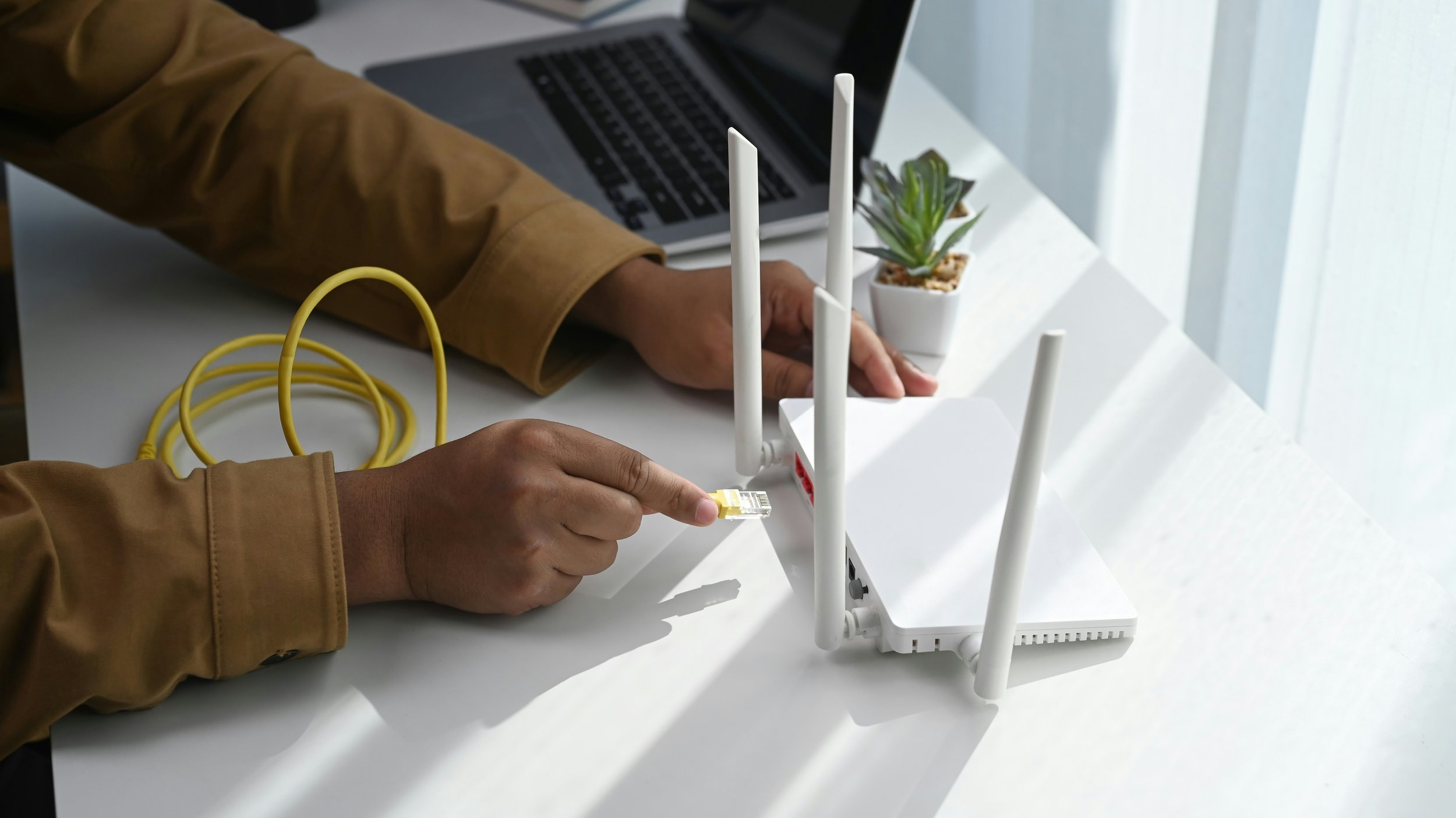
Log into your router's admin panel. This is usually something like 192.168.1.1 in your browser. Check your router's manual if you're not sure. From there, look for an option to create a guest network or a secondary SSID. Give it a name you'll remember, something like "HomeDevices" works. Set a strong password. Then just start connecting your smart devices to that new network instead of your main one.
One thing worth noting is that some smart home hubs and controllers handle this better than others. A system like PIXIE Plus, for example, is designed to manage multiple smart devices efficiently, which makes organising everything across networks a whole lot smoother. Having a solid hub that plays nicely with your setup makes the whole process less of a headache.
A Few Extra Tips That Help
Keep your router's firmware updated. Manufacturers patch security holes regularly and those updates matter more than people realise.
If your router supports it, consider setting up device isolation on the smart network. That way, even the devices on the same secondary network can't talk to each other unless they need to.
And if you're running a lot of devices, a mesh router system might be worth looking into. They tend to handle multiple networks and lots of connections better than a single standalone router.
It's One of Those Small Changes That Makes a Big Difference
You don't need to be a tech expert to pull this off. Most of the setup is just clicking through a few menus on your router. But the payoff in terms of speed, security, and general peace of mind? Totally worth the effort.
Your smart home is only as reliable as the network it runs on. Give it a dedicated one, and you'll notice the difference almost immediately. Fewer dropouts. Faster responses. And no more buffering during the best part of the movie.
Stay up to date with our latest ideas!