What to Check Before Adding a Smart Lock to Your Front Door
Learn what to check before adding a smart lock to your front door, including compatibility, security features, installation, and connectivity options.

Smart locks for front door use can solve real annoyances, from lost keys to temporary guest codes. They sit at the most important entry point in the home, so the upgrade has to hold up as a lock, not just as a gadget. Keyless entry helps once the deadbolt moves cleanly, the household knows how access codes work, and the lock still offers a backup path when batteries run low. This guide walks through lifestyle fit, door compatibility, connectivity, guest access, and long-term security habits before you replace the old deadbolt.
Table of Contents
Keyless entry should match your real routine
Door fit matters before smart features do
Smart locks for front door setups need the right connection
Access control should stay simple enough to manage
Backup plans and model fit decide long-term trust
Conclusion
Keyless entry should match your real routine
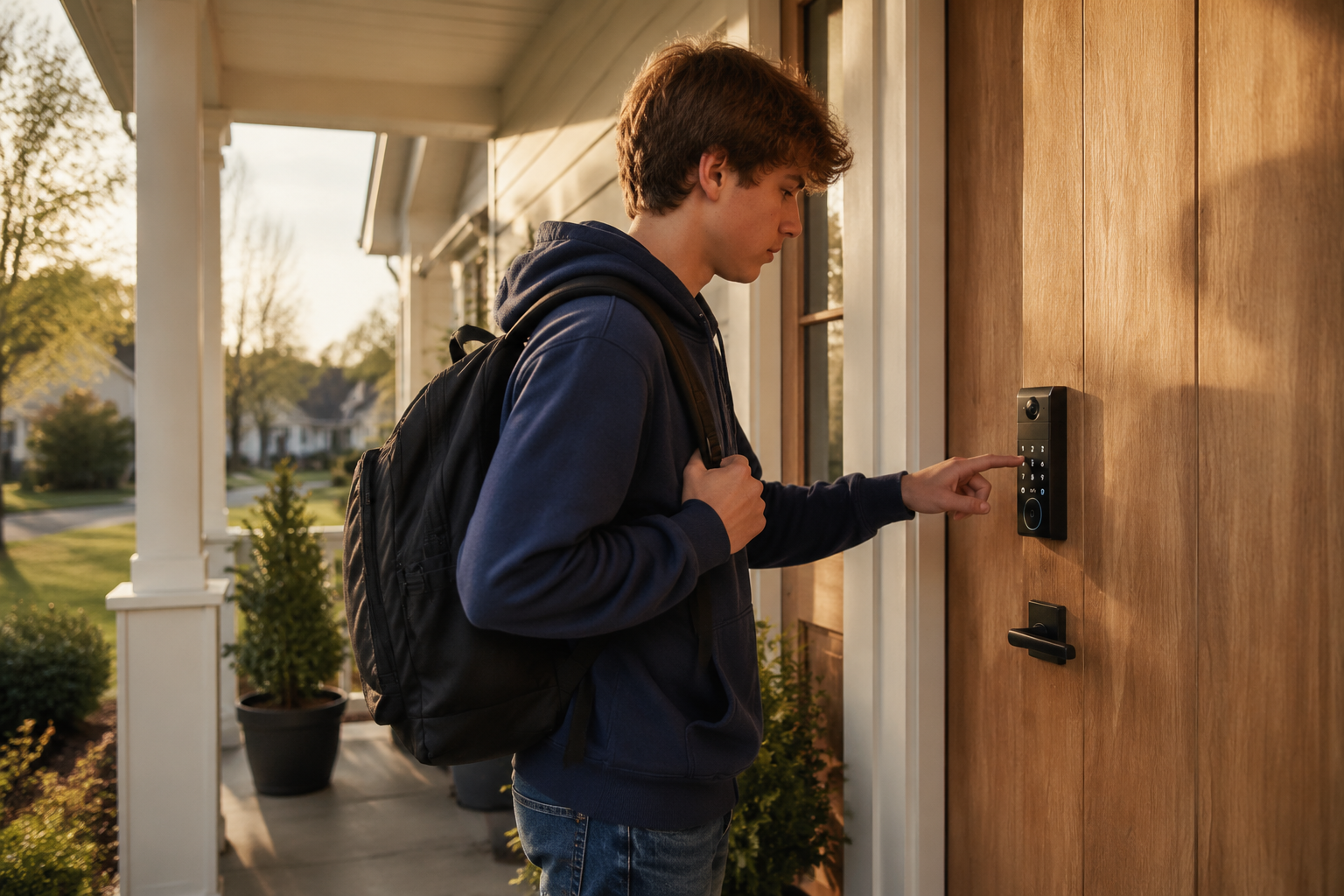
A smart lock is most useful when it removes a repeated point of friction. If just one person uses the front door with a key on a ring, the upgrade may feel pleasant but not urgent. If the same door is used by children after school, visiting relatives, a cleaner, a dog walker, and someone carrying groceries, the math changes quickly.
The everyday test is simple. Think about last month, not an imagined perfect smart home. How often did someone misplace a key, wait outside, need a spare, or text to ask whether the door was locked? If those moments happen often, keyless entry is solving an existing problem.
A smart lock tends to make sense when
Guests need temporary access and you do not want to copy keys
Family members arrive at different times and all need reliable daily access
Short-term rental guests need timed access without leaving spare keys outside
You often leave in a rush and want lock status visible remotely
The front door is part of a wider security setup with cameras or a doorbell
It may not be the right first upgrade in a few cases.
The door frame is old or misaligned and the deadbolt already needs extra force
The apartment or condo rules ban lock changes or require approved exterior hardware
The household is sensitive to new tech and is unlikely to manage access codes, battery alerts, or backup entry calmly
A smart lock can reduce friction, but it should not be asked to fix a bad door or a routine nobody wants to maintain.
Door fit matters before smart features do
Most smart deadbolt problems on front doors start as mechanical problems. A motor can turn a deadbolt, but it cannot lean a shoulder into a swollen door or lift a sagging slab into place. If your current lock needs extra force, fix that first.
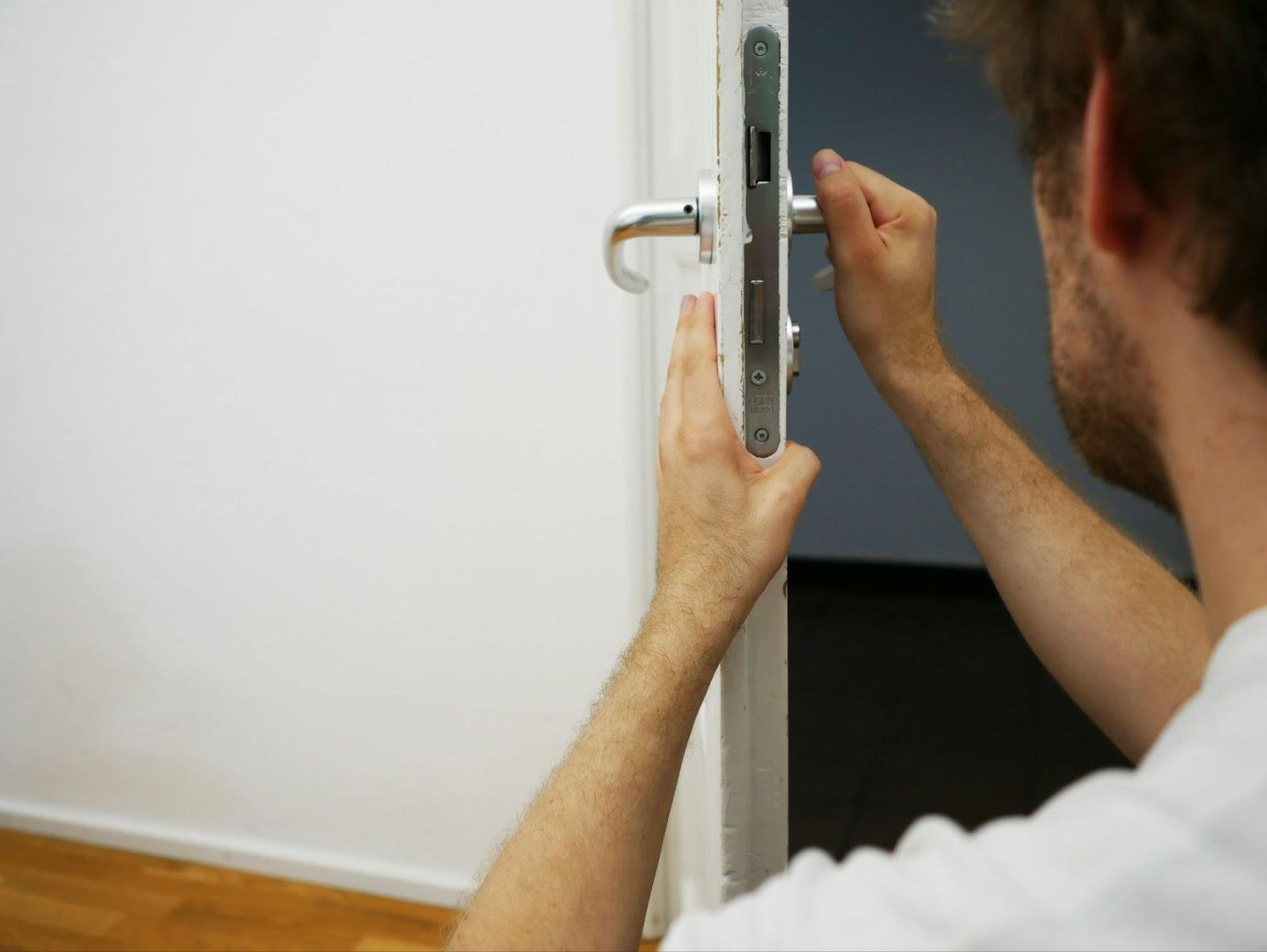
Stand inside with the door open and turn the thumb latch. It should move smoothly. Close the door and try again without pushing or pulling the handle. If the bolt drags against the strike plate, a smart lock may stall, misreport status, or drain batteries faster than expected.
Physical dimensions matter too. Many smart locks are made for standard US deadbolt prep, but older homes, custom doors, narrow glass panel entries, and mortise locks can be different. Measure before buying.
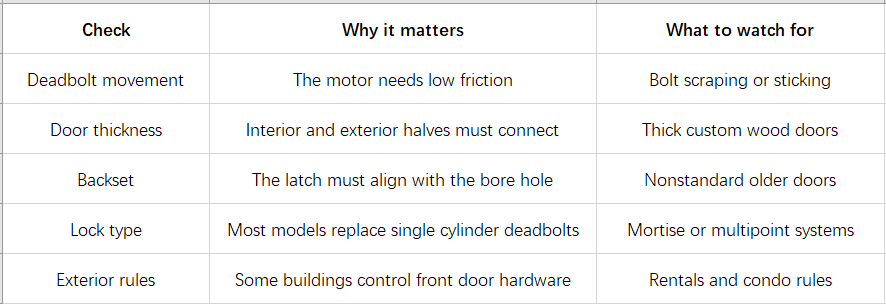
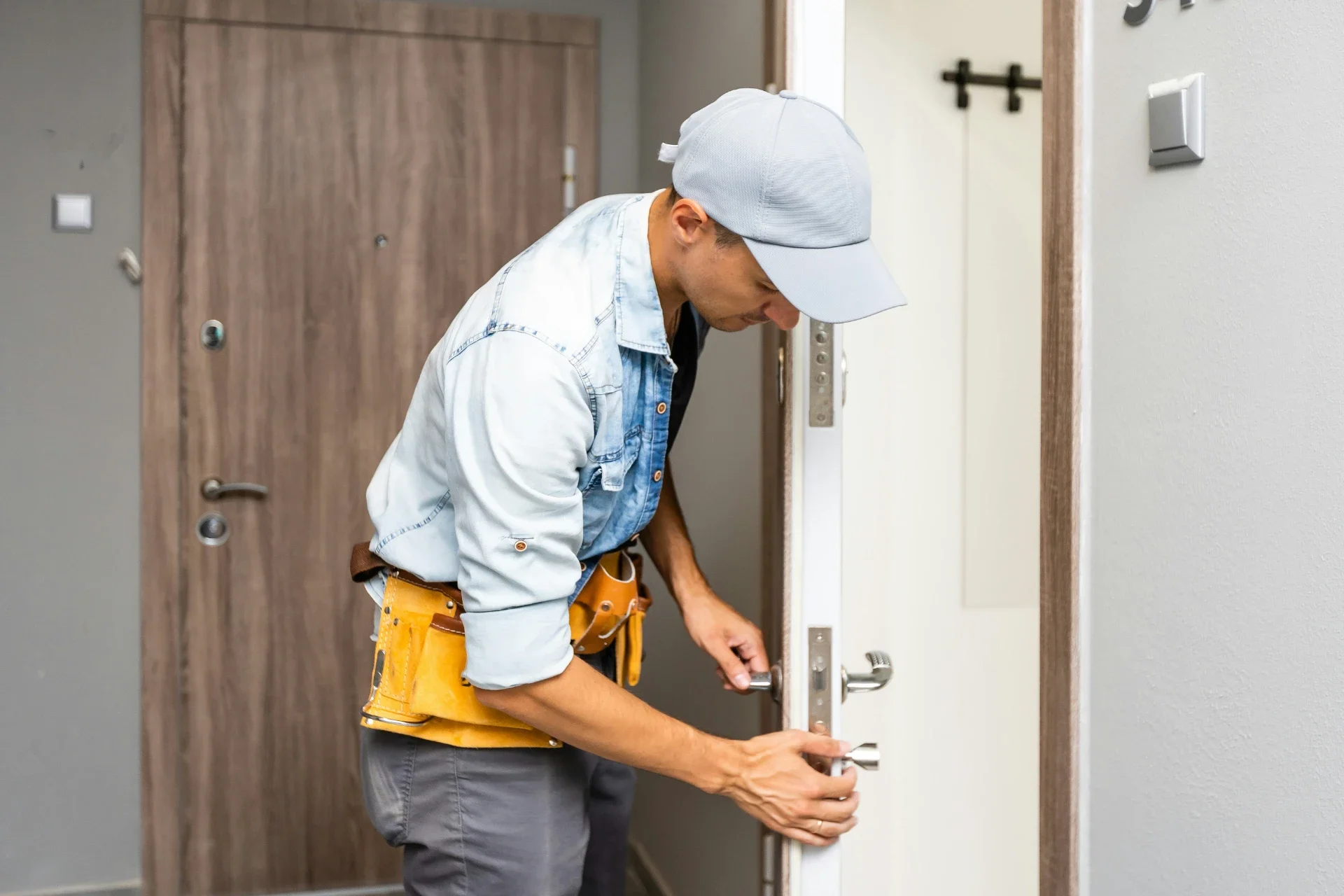
If any of those checks look uncertain, read the installation guide before ordering or ask a locksmith to look at the door. That small pause can save an afternoon of half-installed hardware.
Smart locks for front door setups need the right connection
Connectivity is where many buyers overbuy or underbuy. A lock can feel smart in several different ways. Some people need nothing more than a keypad and local control. Others want to unlock the door for a guest while they are across town, see event history, or connect the lock with a video doorbell.
Bluetooth-based locks usually use less power, but remote control may require a bridge. Built-in WiFi gives remote control without a separate bridge, though battery life depends more on signal strength, usage, and how often the lock communicates. Matter, HomeKit, and HomeBase support are different decisions. They decide whether the lock joins a wider smart home setup, works with Apple Home, or connects more deeply with eufy cameras and storage.
If this lock is for your main entry, ask three practical questions.
Do you need remote control
Remote access matters if visitors arrive when nobody is home, if children forget codes, or if you want to check lock status after leaving. If everyone enters with a keypad and the home is usually occupied, local access may be enough.
Is the WiFi signal strong at the door
Front doors are often far from the router. Brick, metal doors, and exterior walls can weaken the signal. If the lock depends on WiFi, test the phone signal near the closed door before blaming the lock later.
Which ecosystem does the lock need to join
Different smart lock models do not support the same ecosystem mix. Some are better for simple keypad or fingerprint access. Some add video features. Some support Matter, Apple Home through Matter, or HomeBase™ 3. Check the exact model page in the eufy smart lock before buying if you already use HomeKit, want Matter control, or plan to connect the lock with an eufy HomeBase and cameras.
Access control should stay simple enough to manage
Digital access is convenient, and most households use one shared code for everyone who lives there. That is usually the simplest setup. The trouble starts when codes for guests, cleaners, or short-term visitors stay active after the visit ends, or when nobody can remember which codes still work.
Temporary access is where smart locks often earn their keep. A cleaner does not need a permanent code if the visit happens every Friday morning. A relative staying for the weekend does not need access after Monday. A neighbor watering plants during a trip can use a short-term code and then lose access automatically.
Keep the system simple and clear.
Keep one shared family code if that matches how your household already works
Give guests and recurring services their own codes so you can remove access without changing the family PIN
Delete old codes when a visit or service arrangement ends
Avoid obvious PINs such as birthdays, street numbers, or repeated digits
Review event history when the app supports it, especially after travel
Security habits need to stay practical too. Use a strong PIN that is not tied to an address, birthday, phone number, or repeated pattern, and change it on a set schedule or any time a guest code has been shared too widely. If the lock uses biometric entry, check where that data is stored before buying. For example, eufy says FamiLock S3 Max stores palm vein data securely on the device. For WiFi or BLE access, look for encrypted connection and pairing details in the model page, manual, or support materials rather than assuming every wireless lock handles communication the same way.
Have one intrusion plan that everyone understands. If there is a forced entry, a suspicious unlock record, or an alert that does not match the household routine, safety comes before troubleshooting the lock. Leave if needed, call emergency services, save the event history or camera clips if available, then change active PINs and remove temporary users after the immediate risk is handled.
Backup plans and model fit decide long-term trust
The best front-door smart lock setup still needs a failure plan. Batteries run low. Phones die. WiFi drops. Someone may forget a code after a long flight. None of that should leave the household guessing on the porch.
Look for a backup method that fits how your family behaves. Some people want a physical keyway. Others prefer an emergency power port. Many homes benefit from both, especially if the door is the only easy entry.
If the household needs entry control and porch visibility in the same device, the eufy FamiLock S3 Max is worth a closer look before you commit. A rear lock video screen lets a child or older adult see who is at the door without opening an app or waiting for a phone alert. Palm vein recognition supports up to 50 people, which helps when more than two or three household members use the door daily. The dual battery system runs for up to five months, with four AAA batteries as backup if the main pack drains before the next charge.
Before buying, confirm the door falls within the 35 to 55 mm thickness range. A storm door in front may block the view, and a round latch recess may require a round drive-in faceplate from eufy Support. If you rely on HomeBase or Matter, check the current model page. FamiLock S3 Max uses HomeBase™ 3 for eufy ecosystem features, while Matter enables lock control through Apple Home, Google Home, and Alexa. Matter also needs HomeBase™ 3 for simultaneous use, and camera streams are not available over Matter.

Conclusion
A smart lock belongs on the front door once the mechanical basics check out. The door closes cleanly, the deadbolt moves without extra force, and the lock fits the existing hardware. Match the model to your household routine, keep codes and backup entry simple, and confirm ecosystem support before you buy. The right upgrade makes entry easier without making the front door harder to manage.
Stay up to date with our latest ideas!